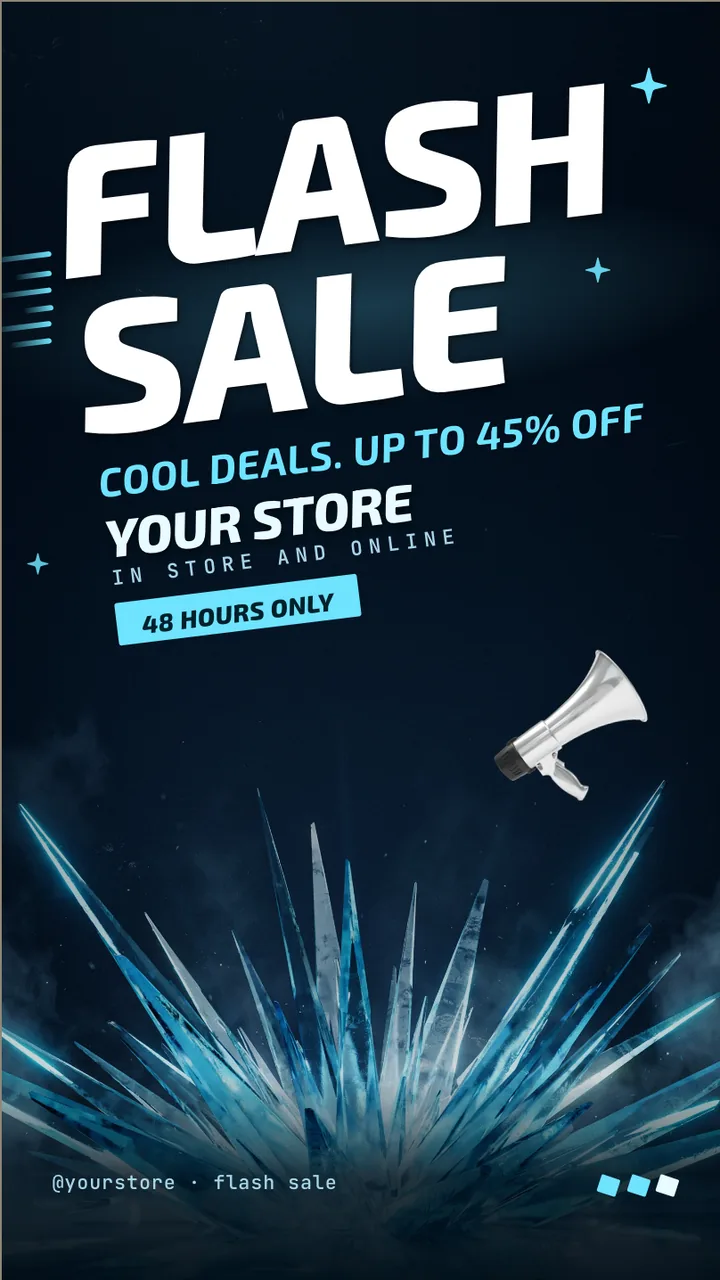
Ice blue flash sale screen · Portrait for a store running a winter sale: slide 1 of 3, the sale headline and top discount
Official Retail & promo 9:16

Ice blue flash sale screen · Portrait Free retail & promo digital signage template

A sporting goods store stands a TV on its end by a department: the sale, three tiers named by sport, and the end time.

Sporting goods store digital signage for any TV, free to remix. A portrait sale board for a sporting goods store: three tiers, 48 hours.

By
ChannelOS
Slides
3
Likes
0
  • winter sale
  • sporting goods store
  • flash sale
  • sale poster
  • limited time offer
  • storewide sale
  • retail
  • digital signage
  • winter
  • cool deals
Use this template, free
  1. 1 Create a free account and this template opens in your own workspace.
  2. 2 Change every word, price and photo in the editor, on a phone or a computer.
  3. 3 On the TV, open play.channelos.tv, pair it from your phone with the code it shows, then publish the board to it.

Every slide in this template

3 slides, rendered exactly as they air on a TV.

Every word on these slides is text you can change
  1. Slide 1

    • FLASH
    • SALE
    • Cool deals. Up to 45% off
    • YOUR STORE
    • IN STORE AND ONLINE
    • 48 hours only
    • @yourstore · flash sale
  2. Slide 2

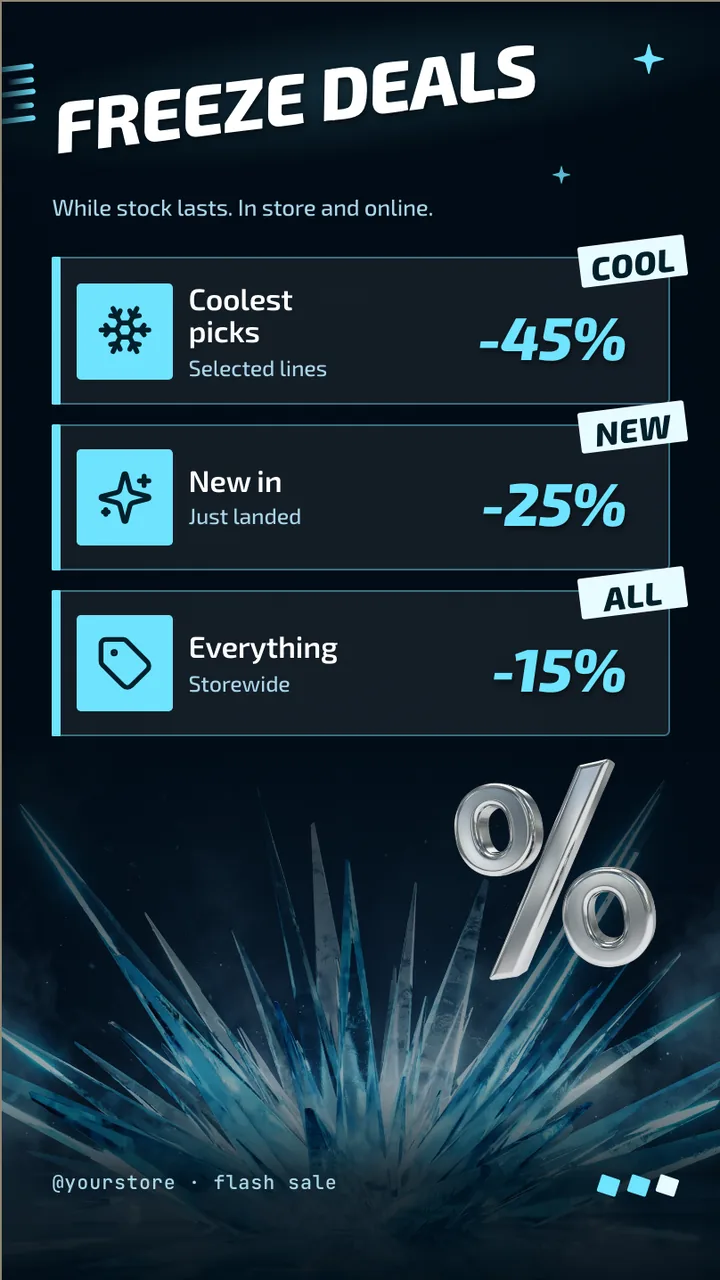
    • Freeze deals
    • While stock lasts. In store and online.
    • Coolest picks
    • Selected lines
    • -45%
    • Cool
    • New in
    • Just landed
    • -25%
    • New
    • Everything
    • Storewide
    • -15%
    • All
    • @yourstore · flash sale
  3. Slide 3

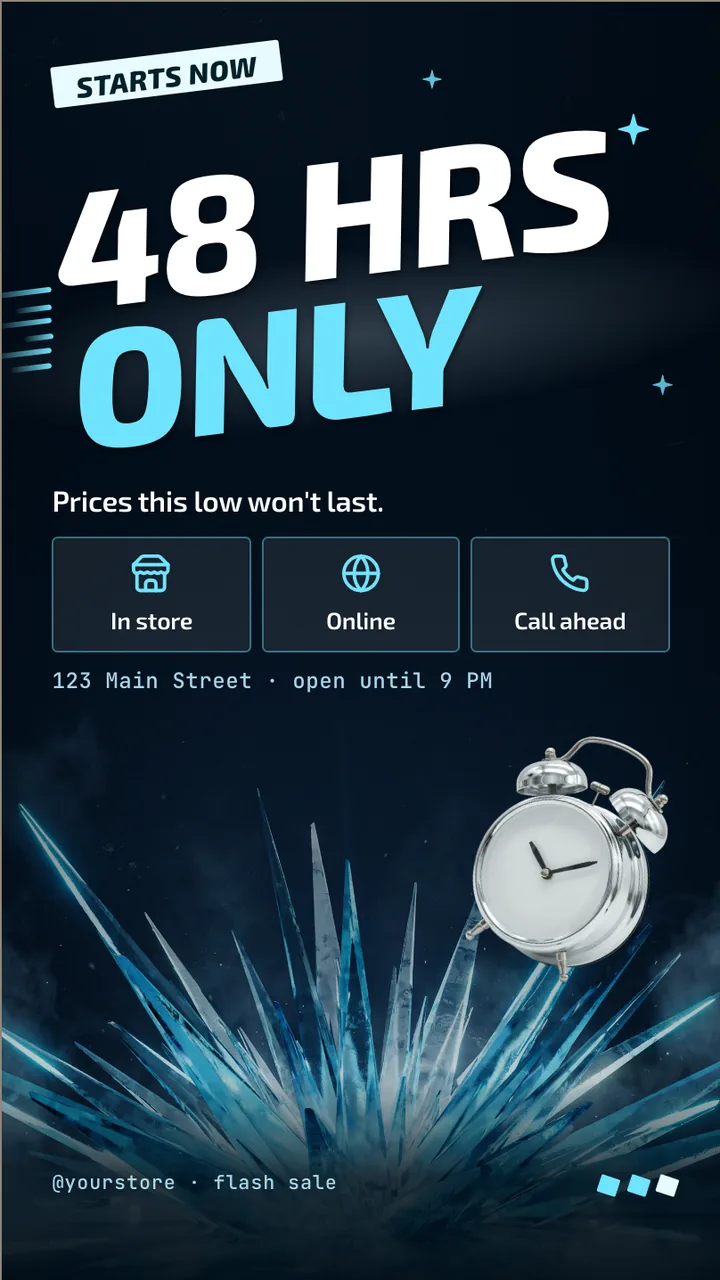
    • Starts now
    • 48 HRS
    • ONLY
    • Prices this low won't last.
    • In store
    • Online
    • Call ahead
    • 123 Main Street · open until 9 PM
    • @yourstore · flash sale

What is sporting goods store digital signage?

Sporting goods store digital signage is a screen by a department or the entrance that shows seasonal deals, new gear and events. This portrait board runs a 48 hour sale in three slides: the headline discount, three tiers you can name by sport or department, and the closing slide.

This board runs on

Any screen with a modern browser. There is no media player box to buy and nothing to install: you open a link on the TV, pair it once, and change what it shows from your phone.

It is authored at 9:16, so stand the TV on its end and the board fills it.

Questions people actually ask

How should a sporting goods store split its sale tiers?
By where the customer is standing. A screen in footwear should say footwear, and one at the entrance can list the store's biggest tiers. Rename the three tiers on this board to departments or sports, such as running, team sports and outdoor, and keep each line to a few words.
Where does a portrait TV fit in a sports store?
At the end of an aisle, on a pillar or beside the fitting area, where a poster would go. A TV on its end reads at standing height and takes no floor space. Keep it clear of tall racks so the tier lines at the bottom of the screen stay visible.
Can staff update prices during the day?
Yes. Prices and percentages are ordinary text in the editor, which runs on a phone. Change a line, publish, and the screen follows. Paid plans include more than one seat, so a store manager can make changes too.
How do I mount a TV in portrait for this board?
Hang the TV on its end, then choose the matching quarter turn in the screen's settings in ChannelOS so the board is upright. The board is designed for portrait, so nothing is squeezed. Check the TV's manual for portrait support and leave room for the cables at the bottom.

More retail & promo templates

Make this one yours.

Remix it into your workspace, change what you like, and put it on a TV. Your first screen is free. Free screens show a small "Made with ChannelOS" badge in one corner. Any paid plan removes it.

Sell it instead of buying it. The ChannelOS partner program pays 20% of what each business you refer pays us for their first 12 months, then 10% for as long as they stay. Free to join, nothing to stock.

See the partner program →