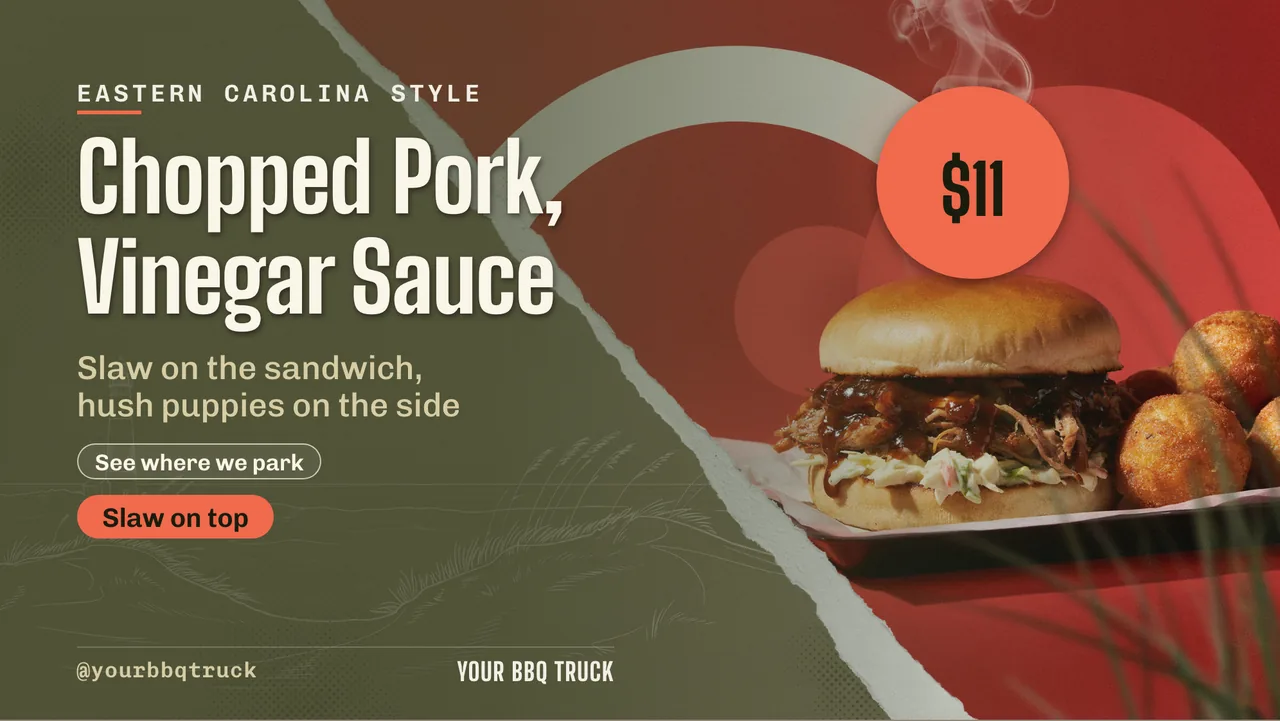
Digital Menu Boards for Food Trucks: One Screen, One Phone, No Player Box
Digital menu boards for food trucks on the screen in your serving window — no player box. AI drafts the board, and you pull a sold-out item from your phone at the kerb.

Digital menu boards for food trucks have to survive things a restaurant board never faces: a generator that dies mid-service, a car park with one bar of signal, direct sun on the panel at noon, a serving window barely wider than the screen, and a menu that changes because the fish ran out at half past one. With ChannelOS the board runs in the browser already built into the screen, so there is no player box to power or mount, and the person changing it is you, on your phone, standing at the hatch.
Three things do the work: the screen is the player, AI drafts the board, and an edit is derived by the screen in real time — no re-publish, no walk back to a laptop.
What makes digital menu boards for food trucks different
A restaurant board is a fixed installation with mains power, a solid Wi-Fi router and a wall to hang on. A truck has none of that guaranteed. Every design decision follows from four constraints, and it is worth naming them plainly before talking about software at all.
Power is finite. Everything on the truck shares an inverter, a leisure battery or a hookup, and the fryer wins. A small screen and a browser stick draw a fraction of what the kitchen does, but they still have to come on and stay on without being babysat.
Connectivity is borrowed. There is rarely a router. There is a phone hotspot, or a data SIM in a small travel router, and both are fine until you park behind a building.
Daylight is the enemy. Half your trading happens outdoors, and no software setting overcomes a dim panel in direct sun.
One person runs everything. There is no marketing department. The person who changes the board is also taking the order.
That last one is the real reason printed A-boards persist on trucks: a chalkboard is instant. Any digital board that needs a laptop, a re-export and a sync step loses to a marker pen. So the bar is not “can it show a menu” — it is “can I change it in ten seconds with greasy hands and one hand free”.
Do I need a media player box on a food truck?
No, and on a truck this matters more than it does in a dining room. ChannelOS runs as a web page in the screen’s own browser — Android TV, Google TV, webOS, Fire TV, a Chromebox, or a laptop in kiosk mode — so the “signage hardware” is the screen you already bolted into the window, plus at most a cheap HDMI stick.
You open the player link on the screen, scan the code from your phone, and it is paired. There is no player device to provision, and no per-device licence tracking a box that lives in a hot, vibrating cupboard behind the panel. That last point is not theoretical: a media player box in a truck gets shaken down a kerb every day, cooked next to a griddle, and unplugged hard every time the power drops. Removing it removes a thing that breaks. The general case is covered in no media player required, and signage without an Android player covers the awkward hardware.
The honest limit. A browser-based screen wants a working connection. A player box with local storage keeps playing what it last downloaded when the signal goes, and a truck is exactly the vehicle — literally — that finds dead zones. If you regularly trade at a festival field or an industrial estate with no bars, a traditional player-based platform is genuinely the better tool and we would rather say so. Most trucks park where their customers are using data on their own phones, so a tether or a data SIM does the job.
Sunlight, glare and a screen people can actually read
This is a hardware problem wearing a design problem’s clothes, and both halves need solving.
The hardware half: shade the panel. Recess the screen into the serving window under the awning line rather than hanging it proud in the sun, angle it slightly downwards so it reflects the ground and not the sky, and buy the brightest panel you can rather than the biggest. A consumer TV in full midday sun will wash out no matter whose software is on it.
The design half is where the editor earns its place. Build for contrast, not for beauty at arm’s length on a laptop:
- Type heavy and large. Someone reads your board while queueing, from a metre or two, often at an angle.
- No photograph behind words. Put the dish photo in its own block. One-tap background removal lifts a plated dish off its original backdrop so it sits on a solid colour instead of a busy scene, which is the single biggest readability win on a small panel.
- Solid panels behind prices. Light text on a dark block survives glare far better than dark text on a light one.
- Fewer items per slide, more slides. A menu board is a sequence, not a poster — six to ten items in big type, cycling, beats thirty items nobody can read.
- A QR widget for the long version. The full allergen list, the catering menu and your socials live behind a QR that regenerates when you change the URL, so the screen stays a headline.
The restaurant menu board deep-dive covers layout in more detail, and most of it transfers — just cut the item count roughly in half for a window screen.
How to build a digital menu board for a food truck
The fastest start is the free food-truck menu board maker — one of fourteen cuisine facets in the menu board maker, alongside burgers, bbq, mexican, thai, dessert and the rest. You get a finished board built for that menu’s shape rather than a blank canvas.
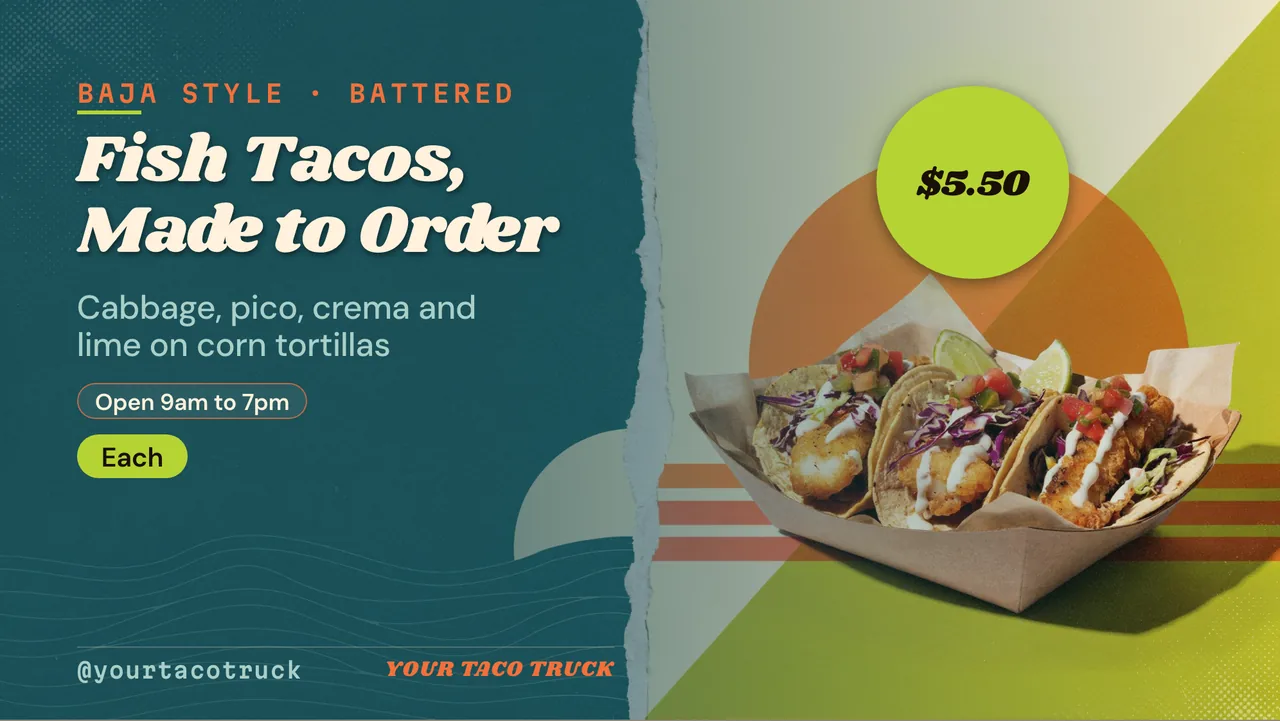
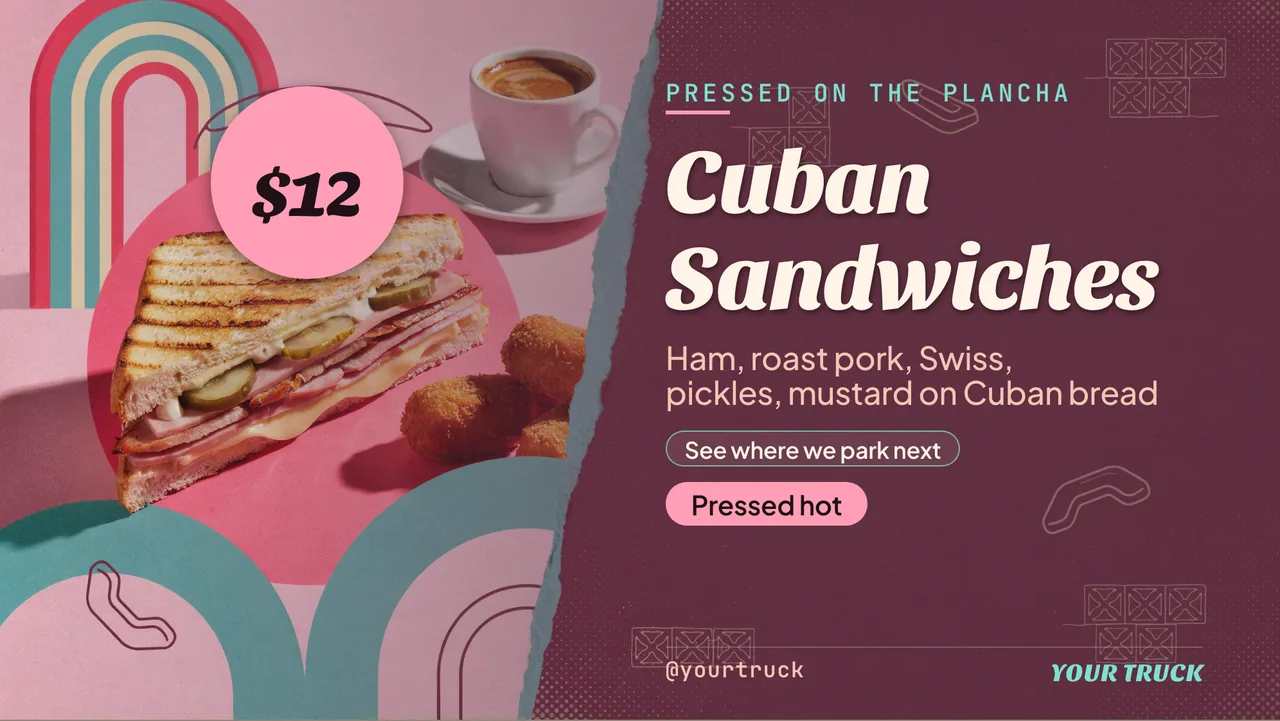
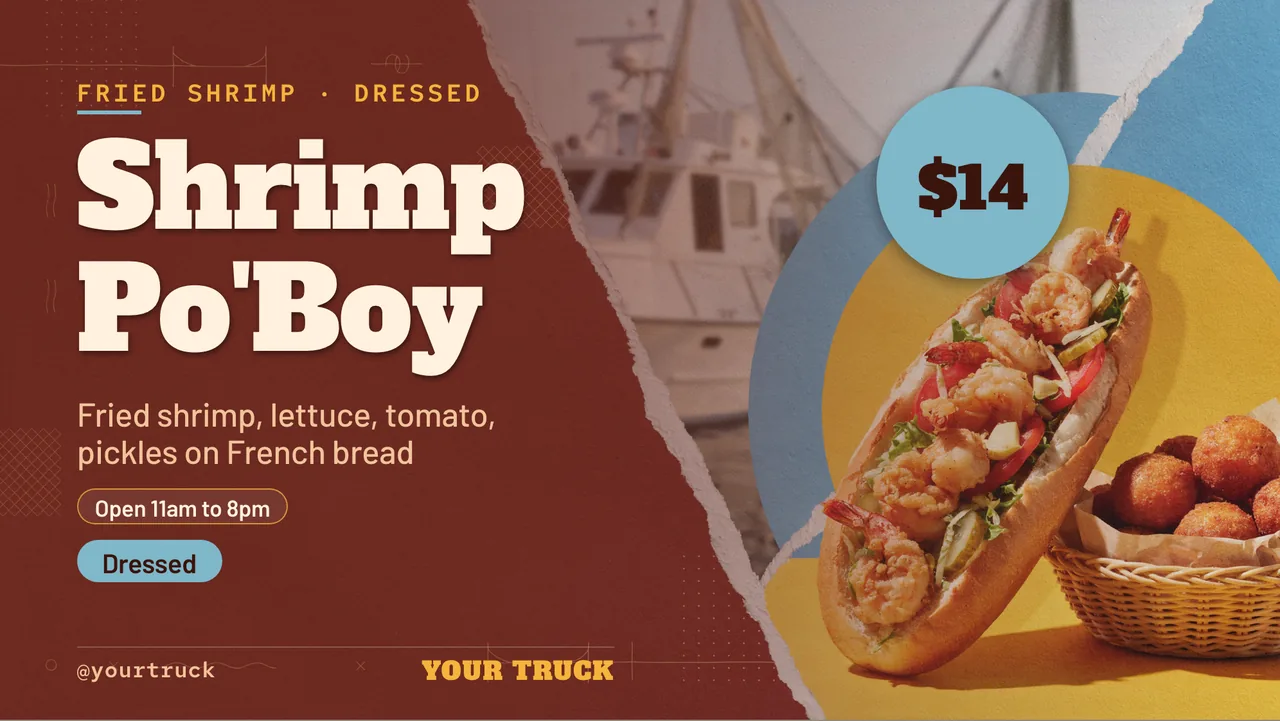
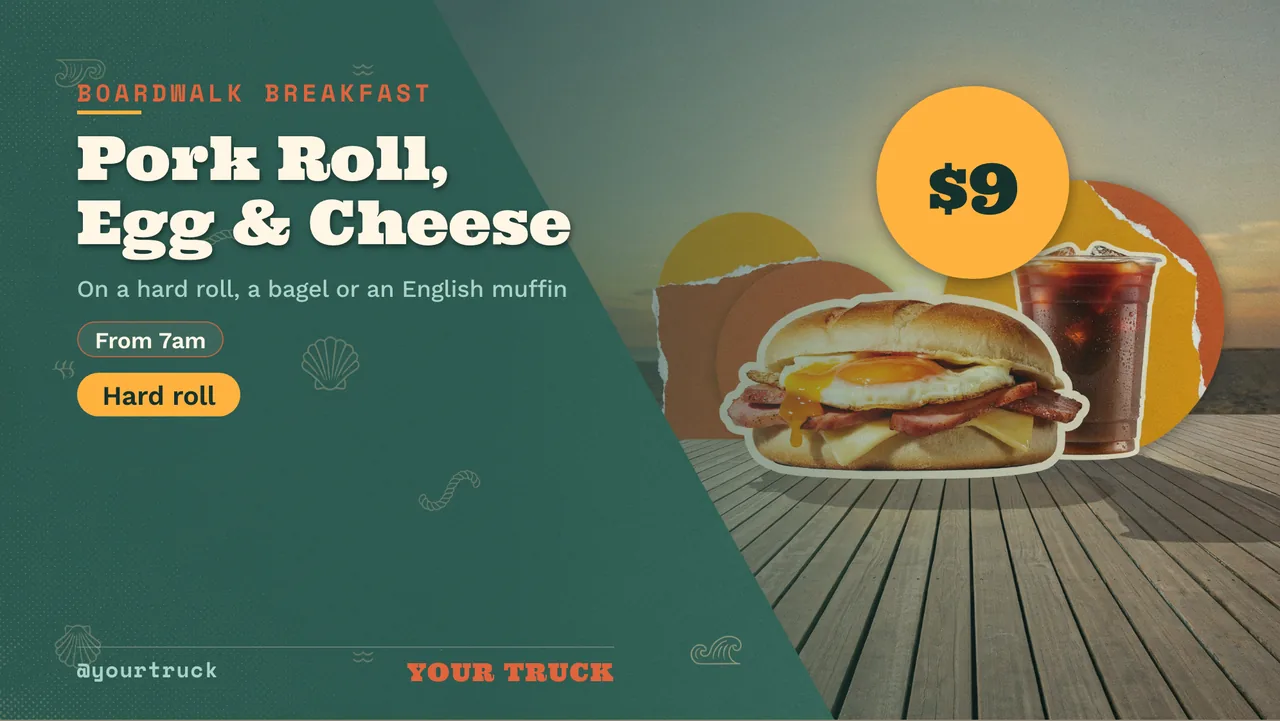
If your menu already exists as a PDF, a printed board photo or a page on your site, hand it over instead: AI reads text, headings and prices out of a PDF or an image, or reads a webpage URL for context, and drafts a complete, on-brand, multi-slide show from it. The result is a real editable show — every item, price and photo is its own selectable element — not a flat picture of a menu. One sentence works too: describe the truck and today’s list and let it draft the first version.
From there the editor is Canva-style: free Pexels photos and video, tables for combo deals and meal-deal pricing, groups so a dish and its caption move together, live widgets — a clock, weather for the terrace queue, a ticker line along the bottom, a QR to your order page. Brand kits keep two trucks looking like one business. If you would rather remix something finished, the templates gallery is the other running start.
Changing the menu from your phone at the kerb
This is the part that decides whether a digital board survives a season on a truck.
Sold out at 13:30. Open the show on your phone, edit that one line, done — every screen showing it corrects itself in seconds, because what a screen displays is derived from the show and the schedule in real time. There is no publish button to remember and no sync to wait for.
Sold out and you have both hands full. Fire a live takeover instead: a cut-in that overrides whatever is playing on that channel immediately, then drops away and lets the normal menu resume. Nothing gets permanently edited to say a temporary thing, which matters when the temporary thing is “no fish today”.
A different pitch, a different menu. A channel is a named feed with a real daily timeline, so a truck that does a weekday lunch pitch and a Friday-night event run can carry both: dayparting by hour and weekday switches the board on its own clock, and go-live-now covers the days you pull up somewhere unplanned. Two trucks means two channels — or one channel if they should always show the same thing.
More than one truck, or a truck plus a unit. The live board shows every paired screen as a real rendered preview with its status pulsing, plus one-tap controls — play, pause, blank, mute, next, hold. From the driver’s seat you can see whether the second truck’s screen is actually alive.
A second truck is a copy, not a rebuild. Shows and channels export as portable files (.show.channelos.tv and .channel.channelos.tv) and import into another workspace, so truck two starts from truck one’s finished boards and changes only the prices that differ.
What it costs, and when to choose something else
Your first screen is free forever; after that it is per screen per month, with current rates on the pricing page. There is no per-device player licence and no player box in the bill of materials, so a second truck costs a screen, a stick, and a subscription line.
Choose a traditional player-based platform instead if you genuinely trade without signal, if you need proof-of-play reporting because you are selling sponsor slots on the board, or if you want hardware-level control such as remote reboot and scheduled panel power. Those platforms are mature and they do that work well.
Choose ChannelOS if the thing standing between you and a current board is not hardware but time — because the board is somebody’s fifth job, changes daily, and has to be fixable from a phone at the hatch while the queue builds. Pair a screen in about two minutes and see whether it survives your Saturday.
Frequently asked questions
- What do I need to run a digital menu board on a food truck?
- A screen that can open a web page, power for it, and a working internet connection. That means a smart TV or monitor plus a cheap browser stick, running off your inverter or shore power, tethered to a phone hotspot or a data SIM in a small travel router. With ChannelOS there is no media player box to buy — you open the player link on the screen and scan the pairing code from your phone.
- How do I change a food truck menu board when something sells out?
- Open the show on your phone and edit the item, or fire a live takeover to cut a 'sold out' slide in over the top of everything on that screen. Screens derive what they show from the schedule in real time, so there is no publish-and-wait step — the board is corrected in seconds, and dropping the takeover returns the normal menu.
- Will a digital menu board be readable in sunlight?
- That is a hardware and siting question more than a software one. Recessed the screen into the serving window or under an awning so it is shaded, use a bright panel, and design for contrast: heavy type, a dark background with light text or a solid colour panel behind every price, and no photograph sitting underneath words. No signage platform can make a dim screen readable in direct midday sun.
- Do digital menu boards for food trucks work without internet?
- ChannelOS is browser-based, so it wants a working connection — usually a phone hotspot or a data SIM. If you regularly trade somewhere with no mobile signal at all, a traditional platform with a player box that stores media locally rides out a dead zone better, and that is the honest reason to choose one. For most trucks parked where customers can use their own phones, a tether is enough.
- What size screen works best in a food truck window?
- Smaller than you would use indoors — customers stand a metre or two away, not across a dining room. One screen carrying six to ten items in large type beats a big grid nobody reads while queueing. Put the full menu behind a QR widget on the board and keep the screen itself for today's list, prices and what has run out.
- How much does a food truck digital menu board cost to run?
- Your first screen with ChannelOS is free forever, then it is priced per screen per month — see the pricing page for current rates. Free screens show a ChannelOS banner along the bottom of the screen, and any paid plan removes it. There is no per-device player licence and no media player box to buy, so the hardware is a screen and, at most, a browser stick you can move between trucks.
Your screen is two minutes away.
Open the player on a TV, scan the code, publish a show. Your first screen is free.
Free screens show a ChannelOS banner along the bottom of the screen, and any paid plan removes it.