Smash burger counter menu board · Landscape, a free restaurant & menu digital signage template
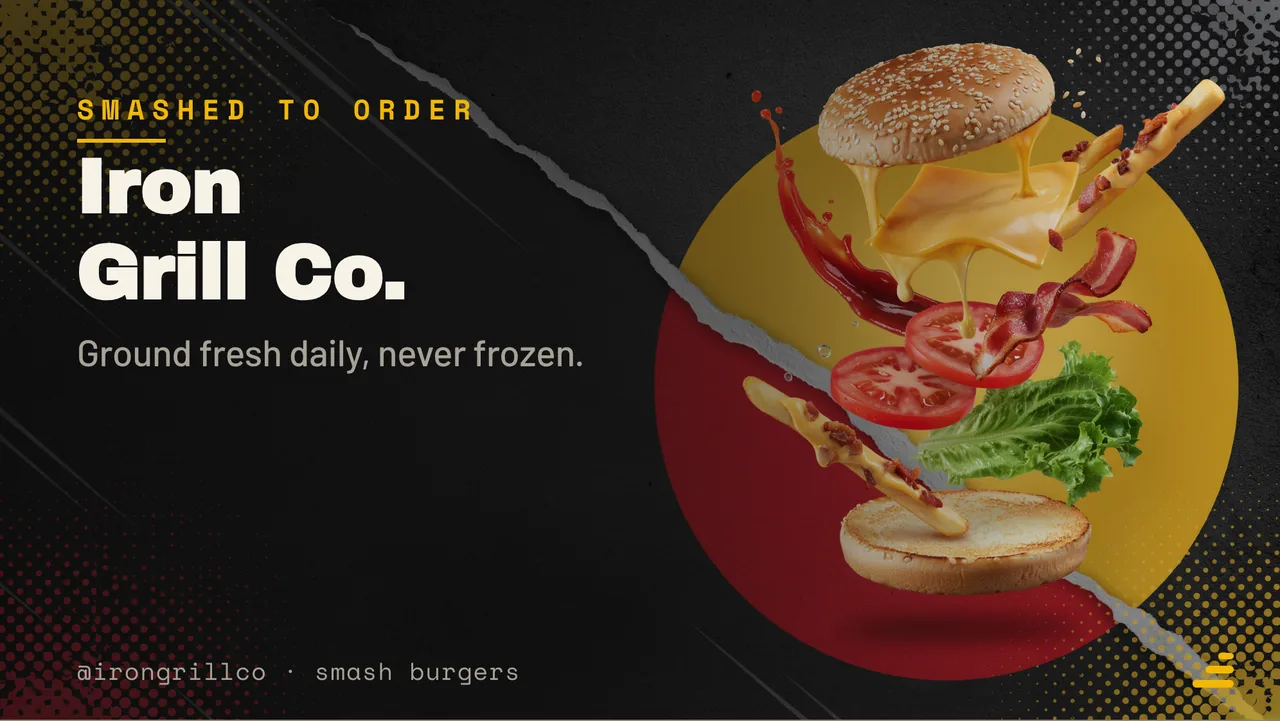
Smashed to order
Iron Grill Co.
Ground fresh daily, never frozen.
@irongrillco · smash burgers
Community Restaurant & menu 16:9

Smash burger counter menu board · Landscape Free restaurant & menu digital signage template

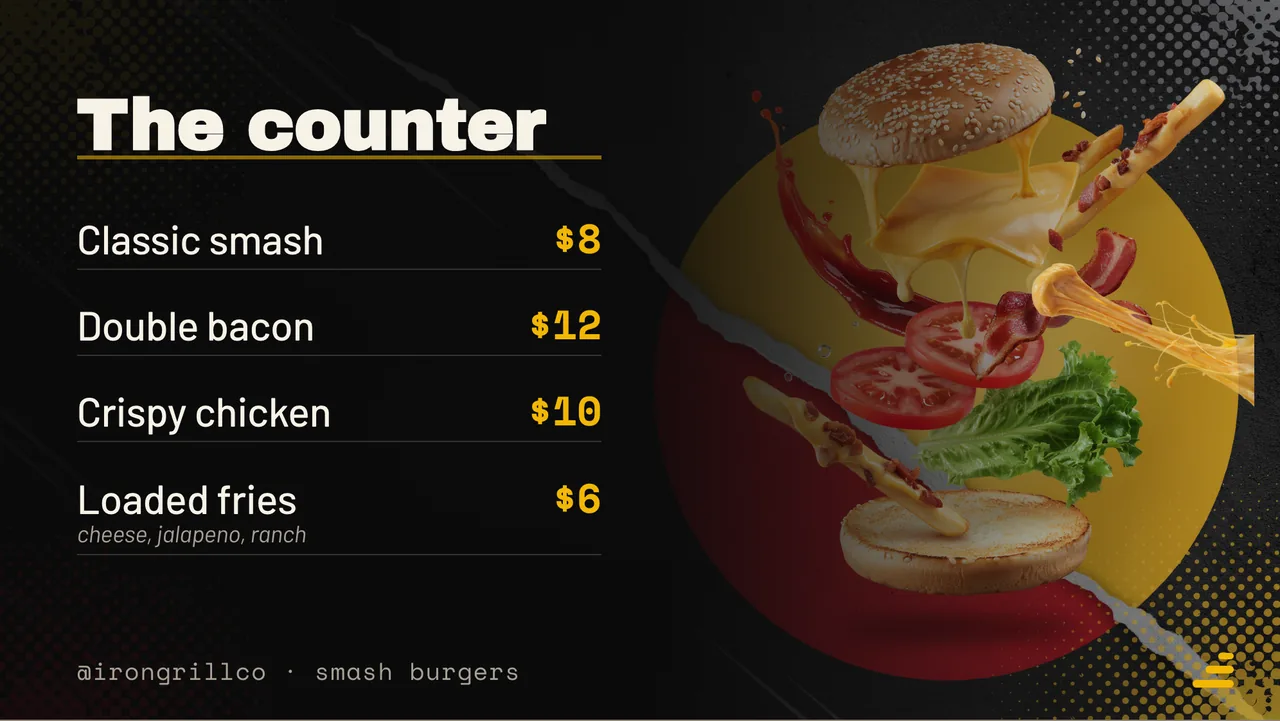
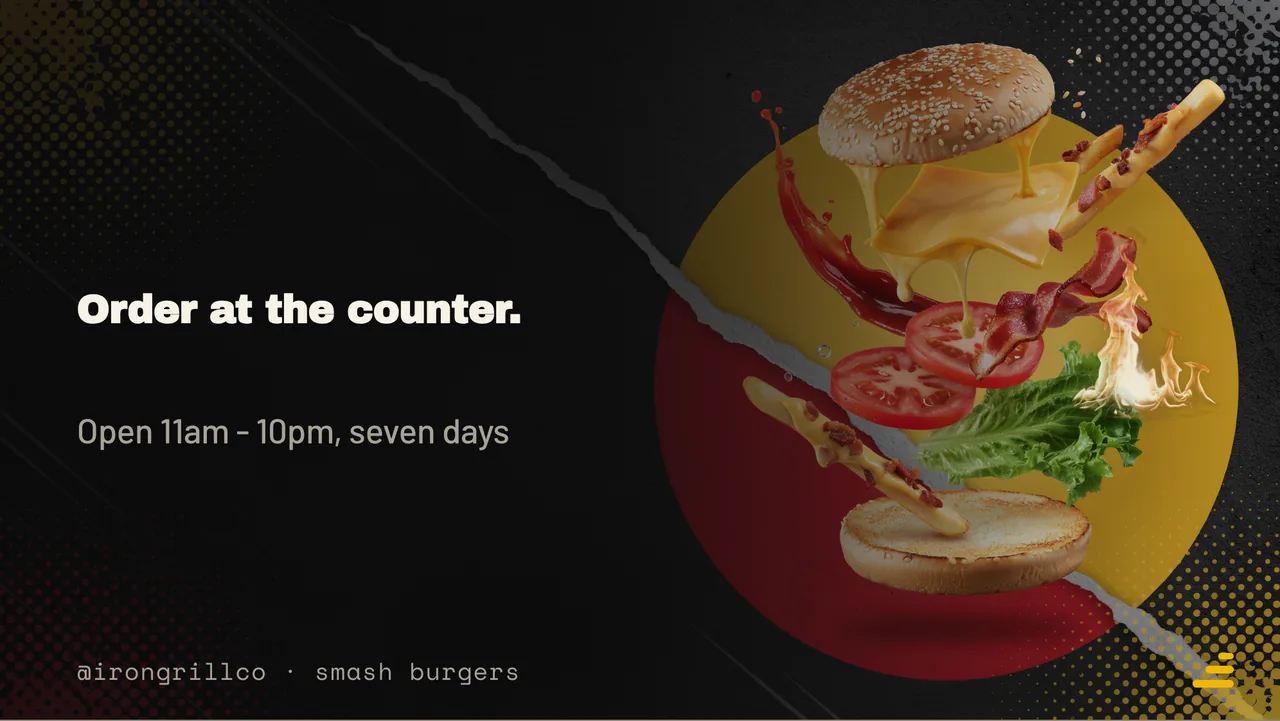
A burger counter runs this on a wall mounted TV: the venue, the priced list, one offer and the hours.

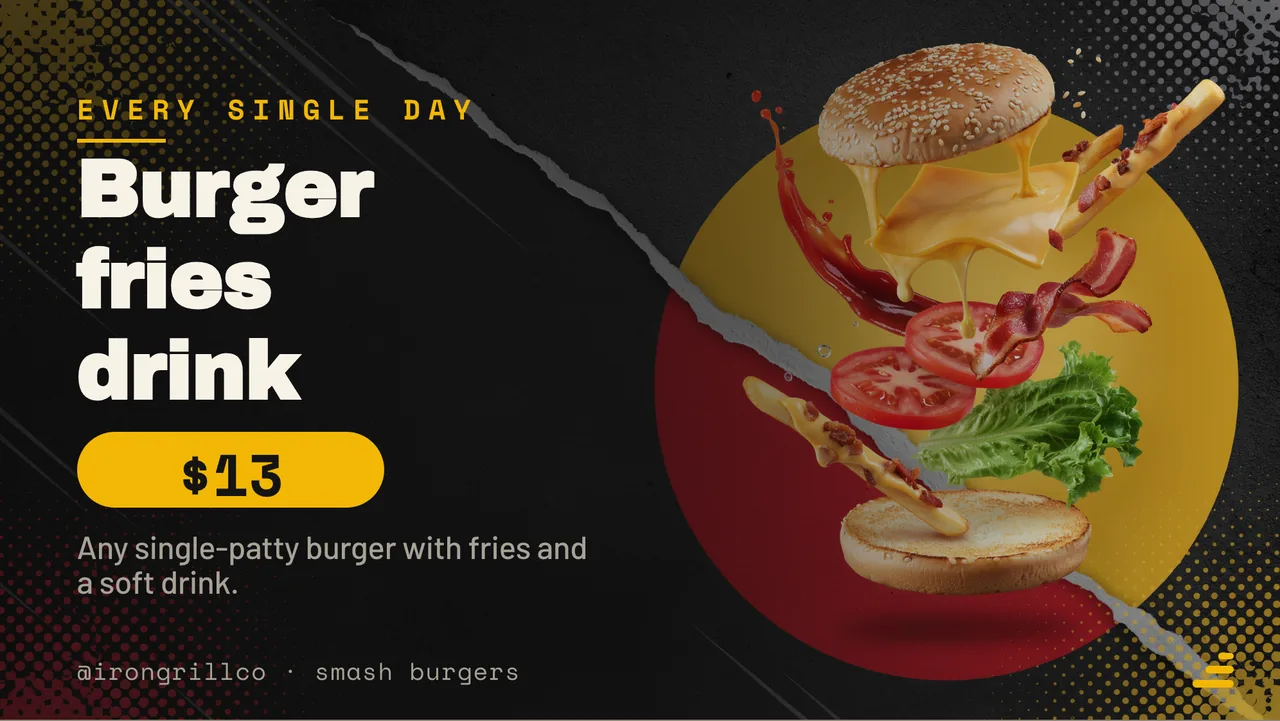
A free burger menu board for any TV. Smash, double bacon, crispy chicken and loaded fries, priced, with a meal deal. Free to remix and edit in a browser.

By
ChannelOS
Slides
4
Likes
0
  • burger
  • fastfood
  • menu
  • foodtruck
  • menu board
  • digital signage
  • restaurant
  • landscape
Use this template — free

Remix copies it into your workspace · edit · air it on any screen

Every slide in this template

4 slides, rendered exactly as they air on a TV.

What is a burger menu board?

A burger menu board is the screen above a counter listing burgers and prices. On a TV it loops the shop's name, the burger list with prices, one meal deal, and opening hours, so the board changes at the speed the kitchen does.

This board runs on

Any screen with a modern browser. There is no media player box to buy and nothing to install: you open a link on the TV, pair it once, and change what it shows from your phone.

It is authored at 16:9, so stand the TV the usual way and the board fills it.

Questions people actually ask

How many items should a fast food board list?
Four to six, and put the sides on the same screen only if they are part of the decision. A counter board is read in the four seconds between joining a queue and reaching the till, which is roughly six lines at a glance. Everything else belongs on a printed menu or a second slide in the loop. If you sell twenty burgers, the board's job is not to list them, it is to sell the three you want ordered and to price the rest honestly.
Should prices include tax on the board?
Show the price a customer pays at the till, whatever that includes where you trade. A board showing a pre tax number and a till showing another is the single fastest way to make a queue argue, and it is the complaint most often made about digital price displays. If you are obliged to show a tax breakdown, put it in small type under the price rather than making the customer do the arithmetic.
How bright does a counter screen need to be?
Bright enough to beat whatever light lands on it. Under warm indoor lighting a normal TV is fine; behind a window or under a shop front with daylight coming in sideways, a domestic panel washes out and the type goes grey. Look at the screen from where the queue stands at the brightest hour of the day, not from behind the counter at night. Dark backgrounds with light text survive glare better than the reverse.
Can staff change it, or does it need a designer?
Whoever is on shift changes it from a phone. That is the whole point of the board being a screen: the person who knows the fryer is down is the person who marks the loaded fries sold out. Design decisions like the colours and the fonts are set once by whoever owns the shop, and after that nobody needs to open a design tool to change a price.

More restaurant & menu templates

Make this one yours.

Remix it into your workspace, change what you like, and put it on a TV. Your first screen is free.

Sell it instead of buying it. The ChannelOS partner program pays 20% of what each business you refer pays us for their first 12 months, then 10% for as long as they stay. Free to join, nothing to stock.

See the partner program →