For waiting rooms
Hours, services, who is in today and the notices your receptionist repeats, on a schedule, in the television's own browser. No player box, no install, and the first screen is free forever.
No card · no box to buy · pairs in about two minutes
The short answer
A waiting room TV is a scheduled slideshow, not a queue board. ChannelOS runs one from a web page in the television's own browser, so a smart TV, a cheap HDMI stick or a laptop in kiosk mode is the whole hardware bill. You put up the things a practice repeats all day (opening hours, the services list, who is in today by role, health information you already hand out on paper, and seasonal notices such as a flu clinic or a holiday closure), then schedule them across the day and leave it alone. What it cannot do is show a live token number or a called patient, because it reads no external system at all. If that is the job, buy a queue display that talks to your practice software instead.
Content
The questions the front desk answers all day, and nothing about an individual patient. That single test settles almost every argument about what belongs on the screen: if it is already said out loud at reception or handed over on a leaflet, it can go up. If it names a person waiting in the room, it cannot.
The question the front desk answers most often, on the wall behind them. Weekday hours, weekend hours, the lunchtime close, and the date you are shut for a holiday.
A rota slide by name and speciality: general medicine, physiotherapy, the visiting consultant on a Thursday. Roles and services only. Never a patient.
The list people ask reception for in a low voice. A consultation, a scale and polish, a blood test, a home visit. Prices change on the slide, not on a laminated card.
The leaflets on the table, on a rotation. Vaccination reminders, aftercare, what to do before a fasting test. Same words, one place to update them.
The flu clinic in November, the closure for a public holiday, a change of entrance while the corridor is painted. Put a start and an end date on it and forget it.
Which floor, which door, what to bring, where to pay, whether to phone ahead. The standing instructions somebody repeats twenty times a day.
You do not have to draw any of it from scratch. The healthcare and clinic templates are waiting room boards you can remix and edit down to your own hours and services, and the rest of the templates gallery is there when the practice also runs a pharmacy counter or a reception desk that sells something. Describe the board in a sentence and AI drafts the slides, then every heading, line and price is a selectable element you can change yourself.
Who should not buy this
No. If the job is a live token number, a called patient, a counter position or a wait time pulled out of your practice management system, ChannelOS cannot do it. We have no integration seam of any kind: no hospital management system connector, no POS connector, no calendar feed, not even a calendar file parser. Nothing in our API reads an external system. A doctor list on our screen is a slide somebody typed, and it is stale the first time a locum swaps in.
You want a live queue number read out of your practice software, and we cannot read from any system at all. We are a scheduled slideshow, so the number on our screen would be whatever someone last typed. Buy a queue display that talks to your PMS or POS.
There is a second refusal that has nothing to do with what we have built yet. Putting patient names or appointment times on a wall in a public room is a live privacy exposure under India's DPDP Act 2023, Brazil's LGPD and the HIPAA Privacy Rule in the United States. We give you no redaction control, no audit log and no way to prove afterwards what was displayed. We are not going to be the vendor that lets a practice find that out. The same goes for treatment claims, procedure price promises and before and after photographs, which are a problem under Indian medical advertising rules and land on your registration rather than ours.
| What you want | What to buy |
|---|---|
| A live token number, called from the desk or read out of your practice software | A queue display that talks to your PMS or POS. Buy the queue system first, and buy its screen with it. |
| Patient names, appointment times or case detail on the wall | Nothing from us. That is a privacy exposure under the DPDP Act, the LGPD and HIPAA, and we give you no redaction control and no audit log. |
| A screen that keeps playing through a power cut with no connection | A signage player with local storage, from a company that sells the hardware. Ask them what the cache actually holds. |
| Treatment claims, procedure price promises or before and after photographs | Nothing from us. Indian medical advertising rules land that problem on your registration, not on ours, and we will not help publish one. |
| A rotating slideshow of hours, services, rotas and notices, on the TV already there | ChannelOS. First screen free forever, no box, and you edit it from your phone. |
We would rather lose the sale here than after you have mounted a screen. Everything below is the job we can actually do, which is the slideshow half of the room.
Hardware
No. ChannelOS is a web page, so anything in the building that can open one can be the screen: an Android TV, a Google TV, a webOS or Fire TV set, a cheap HDMI stick if the television is old, or a spare laptop in kiosk mode on the HDMI port. There is nothing to sideload, no per device licence and no appliance in the quote.
Pair · about two minutes
A screen that is already playing keeps playing if the wifi drops, but it needs the connection back to come up again after a power cut, because nothing is cached on the television itself. If a screen has to survive a long outage entirely on its own, buy a player from a company that sells one and ask them about local storage. That is a real reason to pay for hardware. Ours is not one of them.
The first screen is free forever, which covers the reception television itself. A second room, a second site or a pharmacy counter is billed per screen per month, and the current rates are on the pricing page. Scheduling is the paid line. Building the boards is free, and having the screen swap them at nine o'clock on its own starts on the Solo plan, with channels, live takeover and one-tap background removal.
The day
You place each board on the hours it should air, on a channel, and the screen follows its own clock from then on. A channel is a named feed with a real daily timeline, so the morning board comes down by itself, the closing notice goes up by itself, and the screen is dark outside opening hours without anybody walking over to it. Scheduling by hour and weekday is a paid feature, from the Solo plan up.
One for the hours and services, one for the rota, one for the current notice. Remix a healthcare template or describe it in a sentence and edit what comes back.
Drop each board on the hours it should air, and give the seasonal one a start and an end date so it lifts itself off the plan when it is done.
Pair the TV once and point it at that channel. A second room or a second branch tunes into the same channel and stays in step with no extra work.
The questions that come up at the desk rather than in the office, about token numbers, what belongs on a clinic screen and what a practice may advertise, are on the answers page.
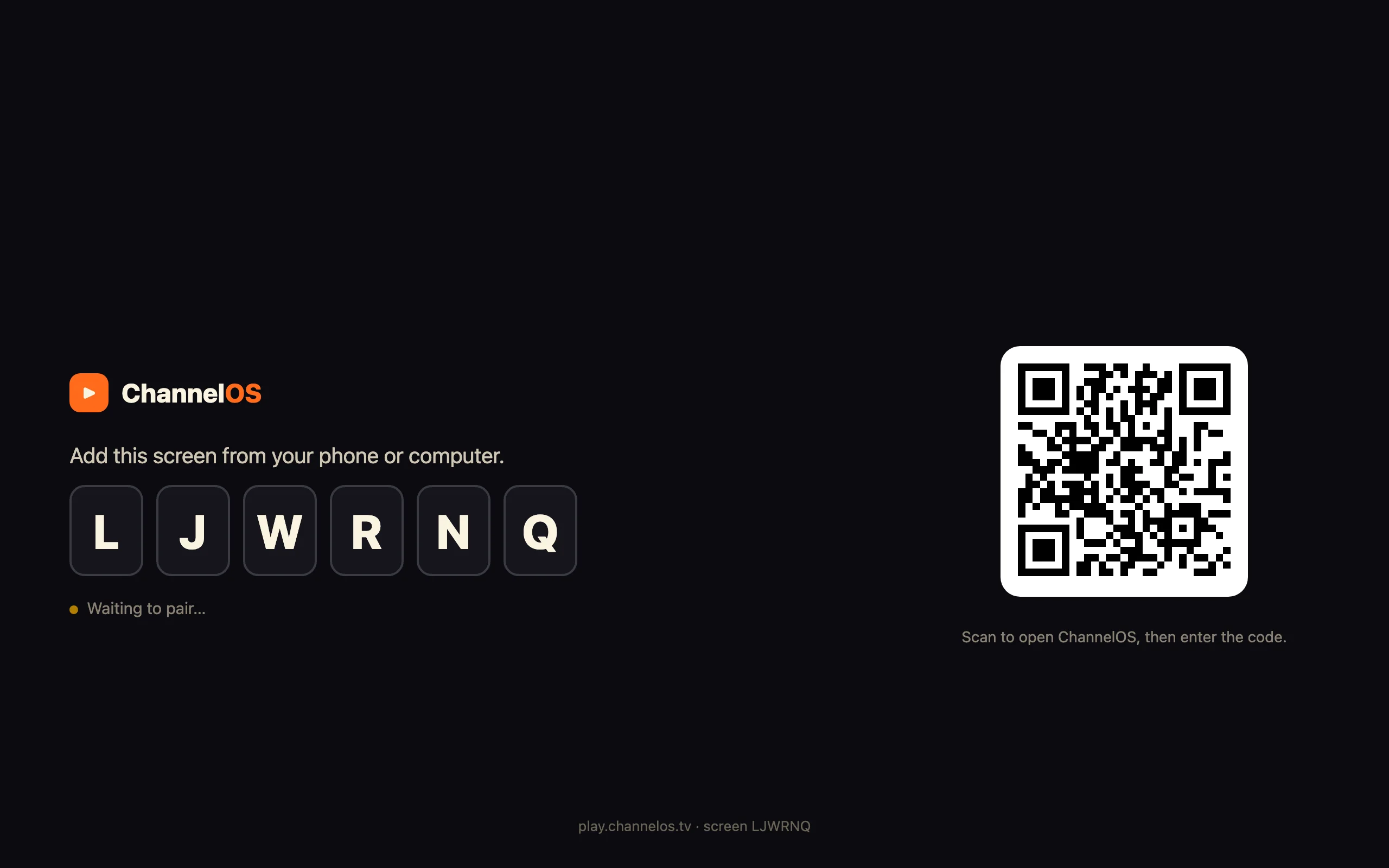
Open the player on the screen, scan the code from your phone, and the first board is up. First screen free forever.
Sell it instead of buying it. The ChannelOS partner program pays 20% of what each business you refer pays us for their first 12 months, then 10% for as long as they stay. Free to join, nothing to stock.
See the partner program →