Retail

Digital signage for retail, on the screens you already have.

Digital signage for retail usually stalls in the same place — someone has to buy a player box for every screen first. ChannelOS runs in the browser already built into your TVs: pair a window display in about two minutes, change a price once, and every store shows it.

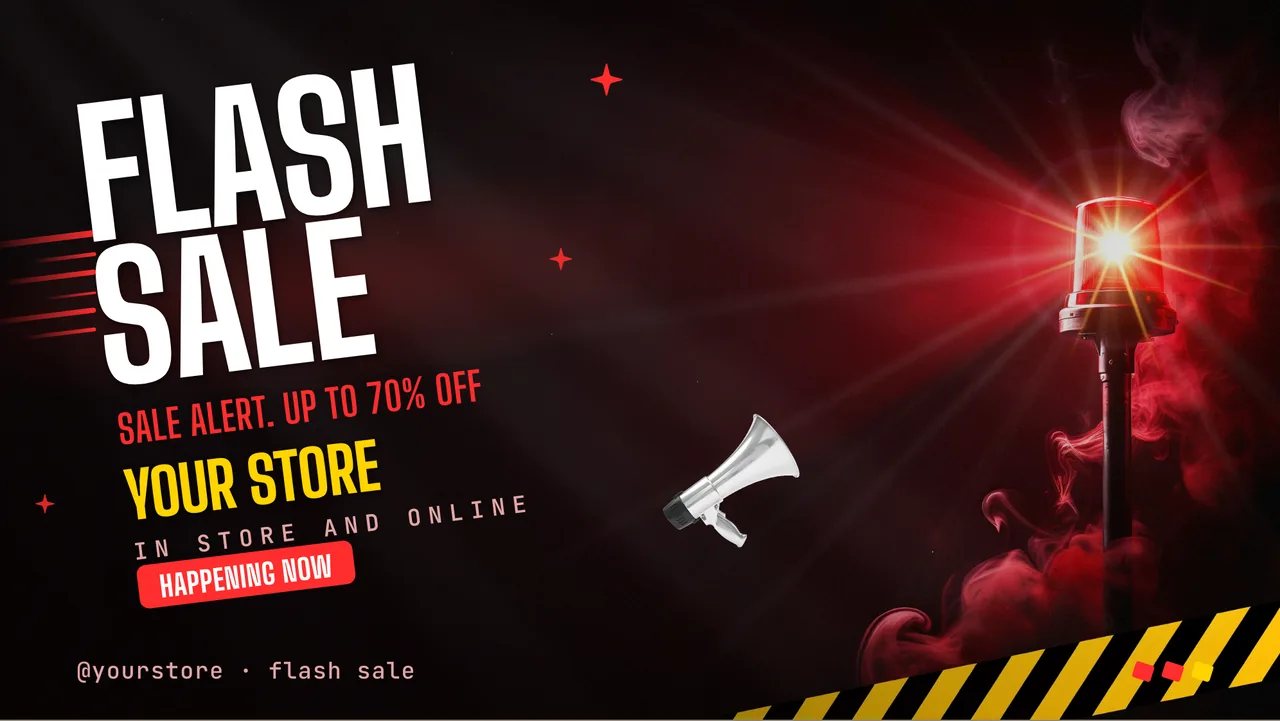
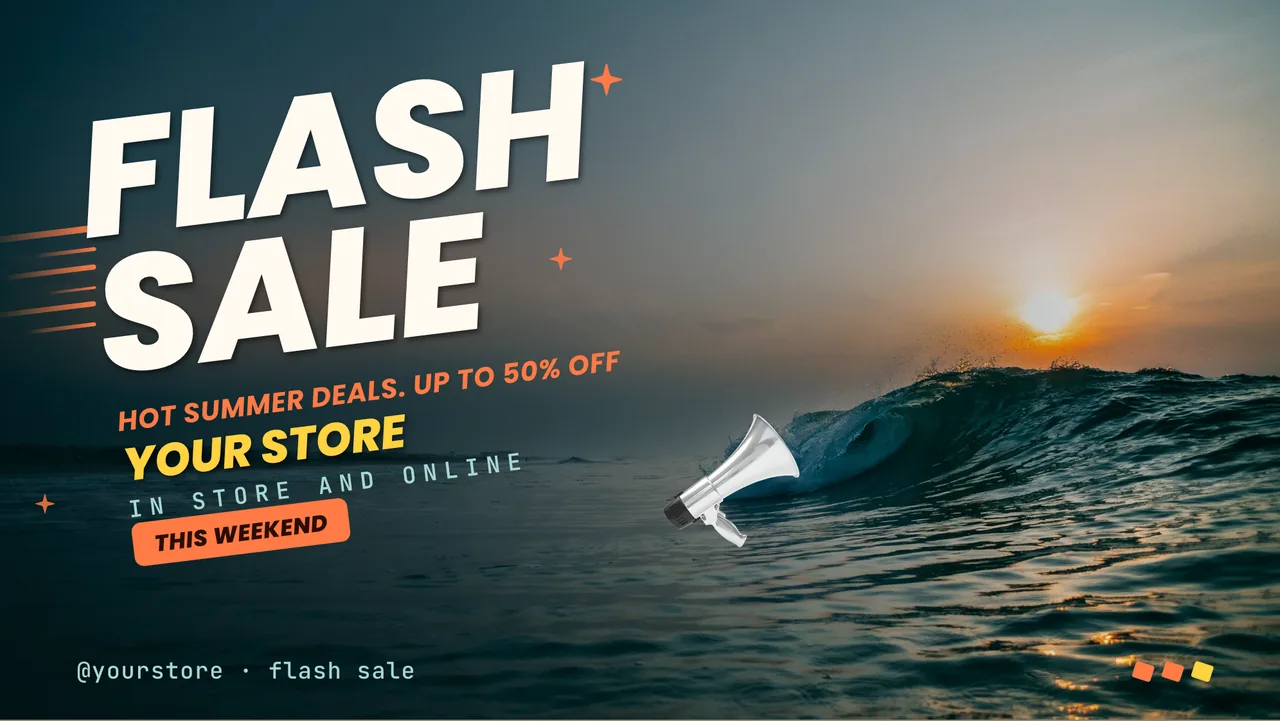
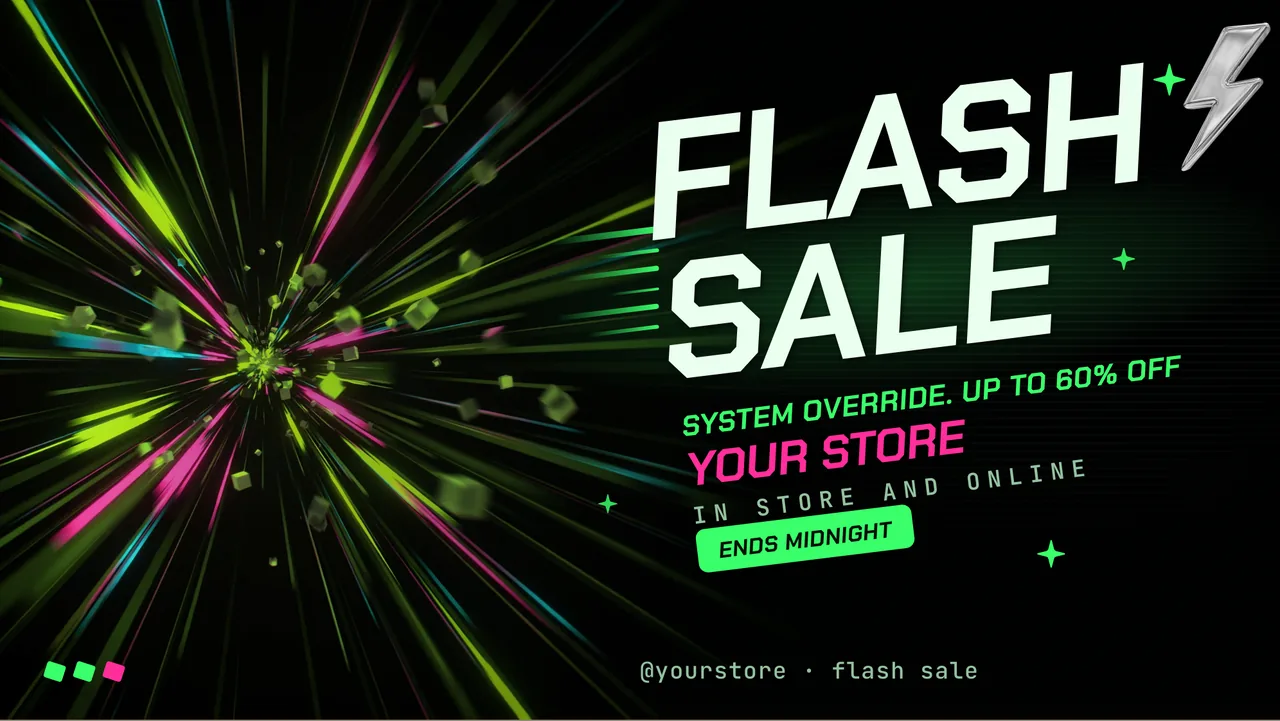
What it looks like in the shop.

Real screens, drawn by the same renderer a paired TV runs. Nothing here is a mock-up.

These are our own sample venues, not customers. We have not put words in anyone's mouth: the boards are real product output, the businesses are made up, and we will say so until there are real ones here to name. Type your own menu and watch this happen →

People run ChannelOS screens in cafés and restaurants, gyms and studios, clinics and waiting rooms, schools and colleges, events, hotels and shops. One TV or one standee is enough to start.

Two screens, two shapes, one place to change them. A TV on the wall, a standee by the counter. Each one is its own channel.

A café board on a TV, showing cutting chai, coffee and hot bitesA dental clinic waiting-room board on a TV, telling patients to check in at the front deskA gym board on a TV, showing the studio name and its personal-training lineA school board on a TV, showing that enrolment is open for the coming yearA festival board on a TV, showing three stages, two nights, the dates and the gate timeA boutique hotel welcome board on a TV
Tapri
Pouring today
Kadak Chai
₹20
Filter Coffee · ₹40
Bun Maska · ₹30
Counter open till 11 pm

For cafés · The drink list, with today's prices. Change one at the counter and the board changes.

Sign up with Google

One screen free for ever: 50 AI credits a month, no card.

In the shop

The window and the shop floor.

Two screens do most of the work in a store: the one facing the pavement and the one facing the till. Both change more often than a print run allows.

Window displays

The window changes as often as the offer does.

A printed window poster is a decision you make once and then live with for a month. A screen in the window is a page you edit from behind the counter. Because the TV runs the show in its own browser, the whole install is a URL typed into the TV remote and a code scanned from your phone — no box on the sill, no cable run, no engineer visit.
  • Open play.channelos.tv on the window TV and pair it by scanning the code with your phone
  • Describe the offer in one sentence — AI drafts a complete, on-brand, editable show, not a single slide
  • Point it at your existing PDF price list, product photos or a product page URL and it reads them for context
  • First screen free forever, so the window can go live before anyone signs off a budget

A ChannelOS show playing full-screen on a paired TV, as a shop-window display would run it

In-store promos · Price changes

A price change is an edit, not a reprint.

Most in-store screens die the day the first price goes stale, because fixing it means going back to whoever made the artwork. Here the price list is a table you edit in the browser, and the offer graphic is a slide you restyle in a click. If your store has a food counter, the same editor builds the board for it — there's a free menu board maker you can try without an account.
  • A Canva-style editor — drag, resize, rotate, group, keyboard shortcuts
  • Free Pexels photo and video built in, plus one-tap background removal for a clean product cut-out
  • Live widgets: clock, weather, a QR code to the product page, a ticker, a menu block
  • Tables for a real price list, so a rate change is one cell, not a new artwork
channelos.tv/app/shows/·/edit

The ChannelOS slide editor with a promo slide selected and its properties open

Across every store

One board, every branch.

The second store is where most screen setups start to hurt. Grouping stores onto a channel is what stops a price correction becoming six phone calls.

Push one change to every store

Edit once, and it airs everywhere.

The board is the room where every screen is visible at once: what each one is playing, whether it's actually online, and what it's about to play next. Because a screen resolves its own content from the channel and the clock, correcting a price in the editor is the whole job — nothing has to be pushed store by store. More on the model in managing many screens with channels.
  • What a screen shows is derived from the schedule in real time — there is no publish-and-wait sync step
  • Group branches onto one channel and a single edit reaches all of them at the same moment
  • Run a live takeover for something urgent — a recall, a closure — then let the schedule resume
  • Go live now puts a show on a screen this second, without touching the week's plan
channelos.tv/app/board
The ChannelOS live board showing every paired store screen at once with per-screen controls

Seasonal scheduling

The sale starts and ends itself.

Seasonal retail is a calendar problem before it's a design problem. Set the sale to run Friday 17:00 through Sunday close and every screen tuned to that channel follows it, including the store that forgot. Regular trading hours come back on their own, so nobody has to be in the shop on Monday morning to undo the weekend.
  • A channel is a named feed with a real daily timeline, not a playlist that loops forever
  • Daypart by hour and by weekday — a morning board, a lunchtime board, a late-night board
  • Programme the Christmas run once, in advance, and it switches itself in and back out
  • Export a channel and import it into another store's workspace when a format works
channelos.tv/app/channels
A ChannelOS channel timeline with shows scheduled across the trading day

The screens you already have

What digital signage for retail actually runs on.

If the screen has a browser, it's already a player. That's the whole hardware requirement — no stick to buy, no per-device license.

Where the player-box tools still win

Being straight about it: Yodeck's Raspberry Pi image caches content locally and keeps playing through a network drop, which a browser tab will not do indefinitely. OptiSigns has a far larger catalogue of third-party app integrations than we do. ScreenCloud has the deeper user-role and multi-team controls a national chain will eventually ask for. If offline resilience across hundreds of sites is the deciding factor, buy the box — that's the right call.

What you get instead here is that nothing has to be bought, provisioned or licensed before a screen lights up, and a dead TV is replaced by pairing another one in minutes. More on that trade-off in why no media player is required, and the full walk-through in digital signage for retail on the screens you already have.

Retail screen questions, answered.

What is digital signage for retail?
Digital signage for retail is any screen in or around a store — a window display, a queue-line board, a counter promo — that shows offers, prices and product information on a schedule instead of on printed posters. With ChannelOS the screen runs as a web page in the TV's own browser, so a shop-window display goes live in about two minutes with no extra hardware behind it.
Do I need a media player behind every store screen?
No. ChannelOS runs in the browser built into the TV — Android TV, Google TV, webOS, Fire TV, a Chromebox or a laptop in kiosk mode — so there is no player box to buy and no per-device license. There is an Android TV app too if you prefer one, and it costs no hardware either. You pair a screen by opening play.channelos.tv on the TV and scanning the code with your phone.
How do I change a price on every store's screens at once?
Edit the show once. What a screen is showing is derived from the schedule in real time, so a corrected price reaches every screen tuned to that channel at the same moment — there is no publish step to remember and no per-screen sync to wait for. For something urgent you can run a live takeover across every screen and then let the schedule resume.
Can a sale start and end on its own?
Yes. A channel is a named feed with a real daily timeline, and you daypart it by hour and by weekday. Programme the sale show to run Friday evening through Sunday close once, and every store's screen switches to it and back on its own — nobody has to be in the shop to start or stop it.
What happens if the shop's internet drops?
ChannelOS is a web page, so a long outage will eventually stop a screen the way it would stop any browser tab. A dedicated player box with local storage handles that case better, and that is a real trade-off worth knowing before you choose. In exchange you buy no hardware, license nothing per device, and can pair a replacement TV in minutes rather than reprovisioning a box.
How much does digital signage for retail cost with ChannelOS?
The first screen is free forever, and screens after that are priced per screen per month — no hardware, no per-device license and no setup fee. Because the TV is the player, adding a store usually means pairing a display you already own rather than buying one. Current per-screen rates are on the ChannelOS pricing page.

Starting from a design instead of a blank slide? Browse the template gallery →

Still deciding what to put in the window at all? Read the shopfront answers →

Put the first store screen up today.

Open the player on a TV you already own, scan the code, and describe what the window should say. The first screen is free forever.

Sell it instead of buying it. The ChannelOS partner program pays 20% of what each business you refer pays us for their first 12 months, then 10% for as long as they stay. Free to join, nothing to stock.

See the partner program →