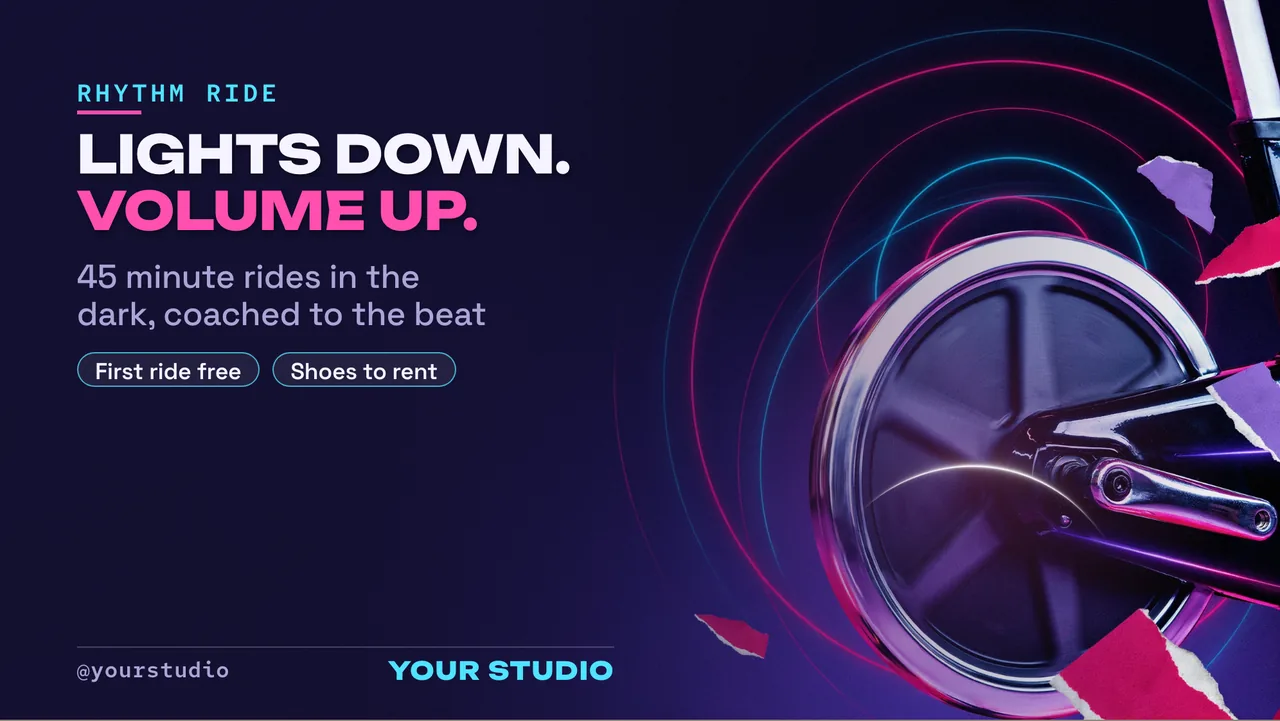
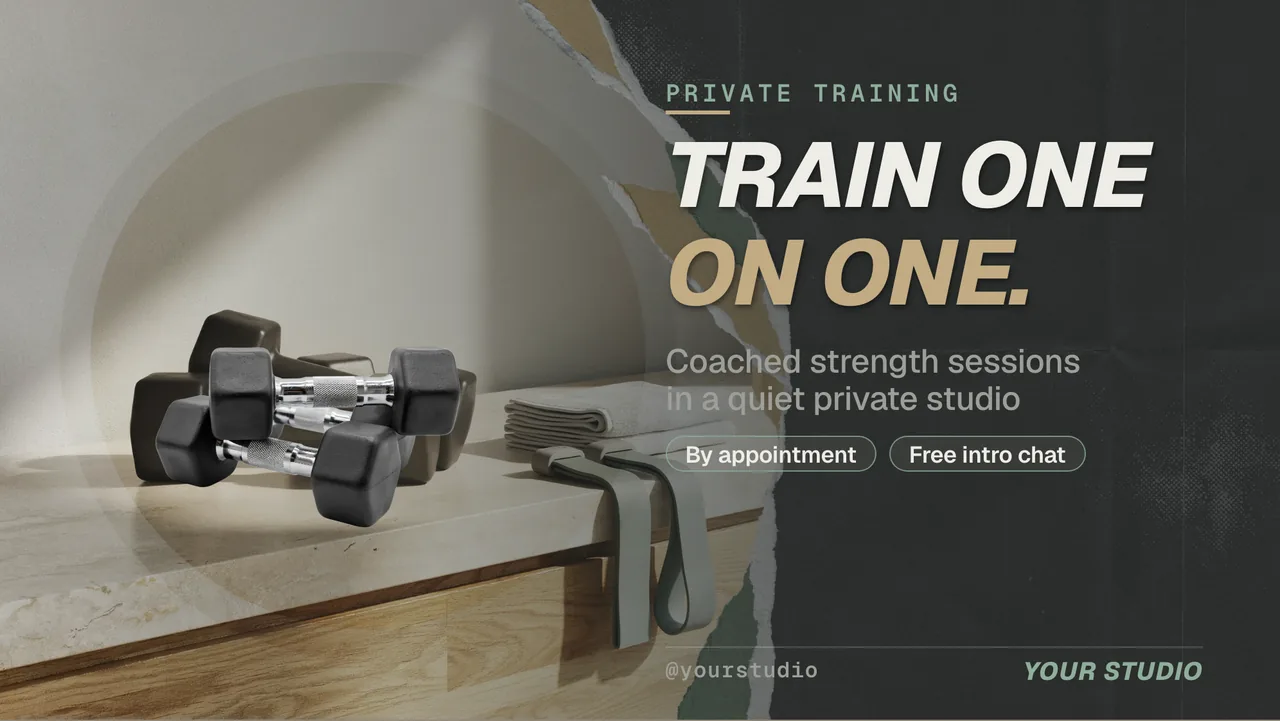
Digital Signage for Gym Screens: Timetables That Change With the Day
Digital signage for gym floors, studios and receptions on the TVs you already own — no player box. AI drafts the boards, and a weekly channel swaps Monday's timetable for Saturday's on its own.

Digital signage for gym floors, studios and receptions is the easiest of all the signage jobs to get right, because a gym’s content already has a shape: the timetable repeats every week. Classes sit at fixed hours on fixed weekdays, the weekend looks different from the weekday, and the offer at the front desk changes once a month. That is precisely the shape of a schedule — which means the screens can run themselves once you have set them up.
Three things make it work: AI drafts the boards, a weekly channel decides what is on screen, and the TV is the player, so there is no hardware to buy.
What digital signage for gym members actually replaces
Walk into most gyms and the information is on paper: a laminated timetable by the studio door, a whiteboard with today’s changes scrawled on it, an A4 sheet about the referral offer taped to reception, and a printed trainer sheet that still has someone on it who left in March.
None of those are wrong because they are paper. They are wrong because they are manual. A screen fixes that in a specific way: what it shows is derived from the schedule in real time, so there is no publish-and-wait step. You edit the 18:30 spin slot once and every screen showing that board is correct within seconds — the studio door, the reception TV, the one above the water fountain.
Why it matters: the failure mode of gym information isn’t design, it’s staleness. A member who was told the wrong start time once stops trusting the board entirely.
Your class timetable is the exact shape of a channel
A channel in ChannelOS is a named feed with a real daily timeline. You drop shows onto it with time windows, and it understands both the hour and the weekday. A workable setup for a single-site gym:
- 06:00–09:30 — the morning board: today’s early classes, plus a live clock so members can see whether they are late for the 07:00.
- 09:30–16:00 — the daytime board: PT availability, the trainer spotlight, the current membership offer.
- 16:00–21:30 — the evening board: the evening class list, studio-by-studio, biggest text on the next two classes.
- Saturday and Sunday — a different set entirely, because the weekend timetable is a different timetable.
You build those boards once and set the windows once. After that the wall runs itself: nobody swaps a slide at 4pm, because 4pm does the swapping. If your gym has more than one screen, the reception TV and the studio screens can sit on the same channel and change together, while the screen in the free-weights area sits on its own channel showing something else. The mechanics of that are in managing many screens with channels.
The genuinely useful part is what happens when a class moves permanently. You change it in one show, and every screen on that channel is right — including next Tuesday’s, because the schedule repeats.
Why it matters: a gym timetable is a weekly repeating pattern. Anything that makes you re-enter it weekly is fighting the shape of your own business.
Trainer spotlights, offers and the boards nobody wants to build
Gym screens go stale not because the software is hard, but because building a trainer spotlight or a January offer board is a design job, and nobody at a gym is the designer.
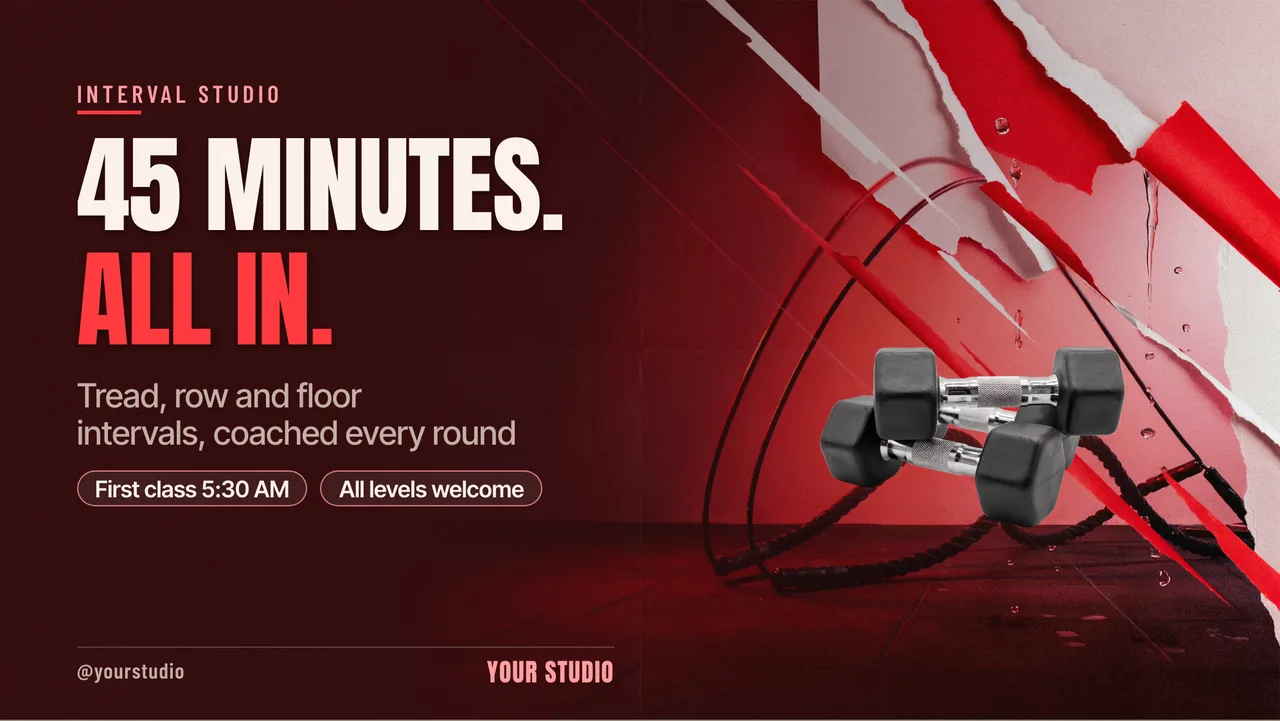
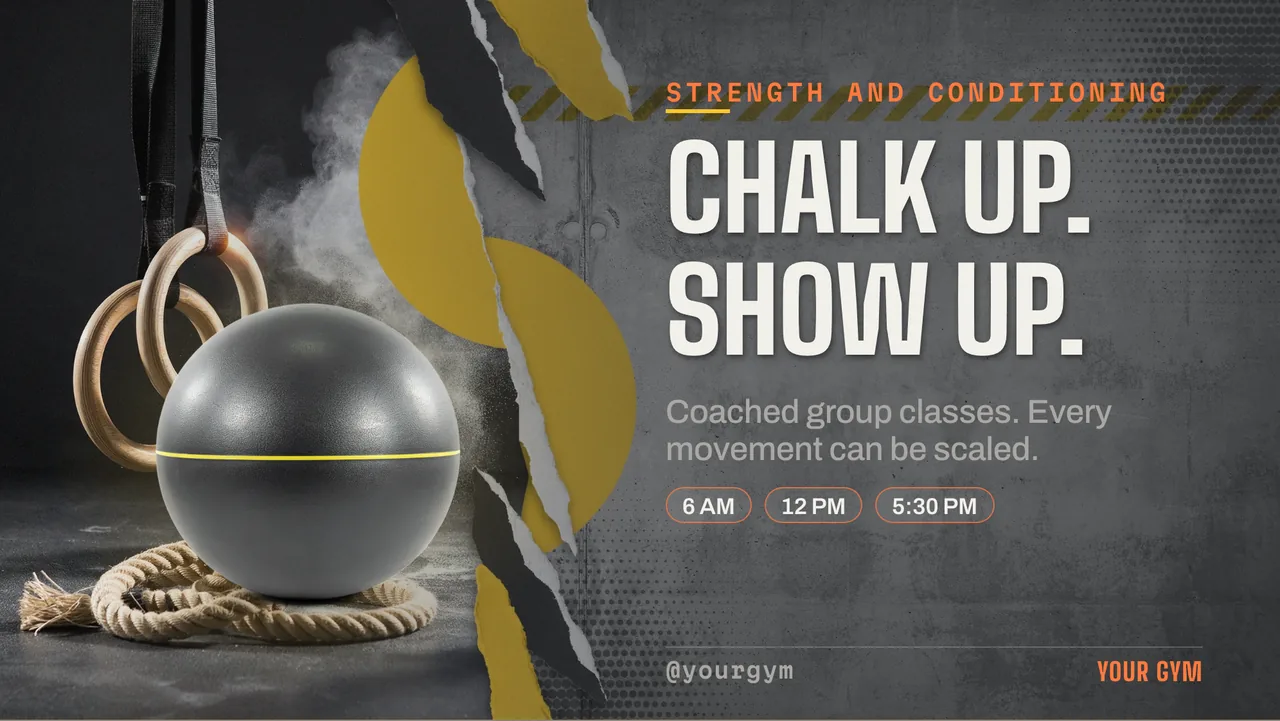
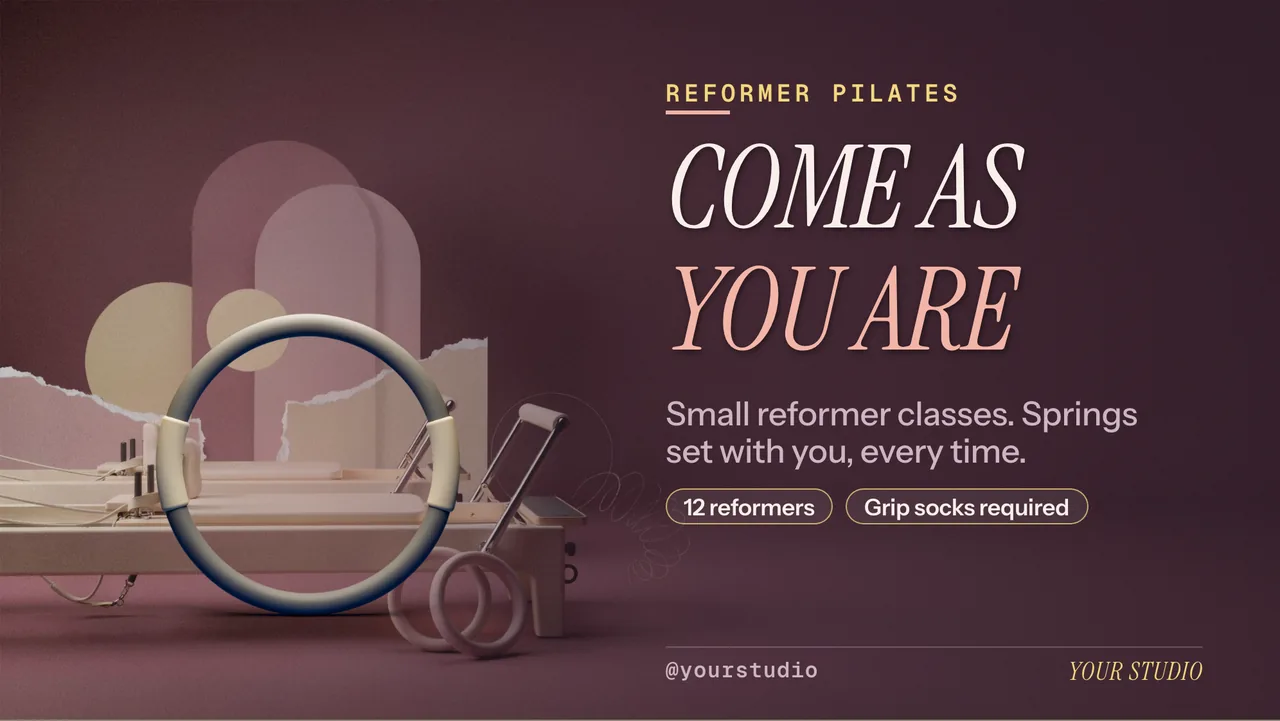
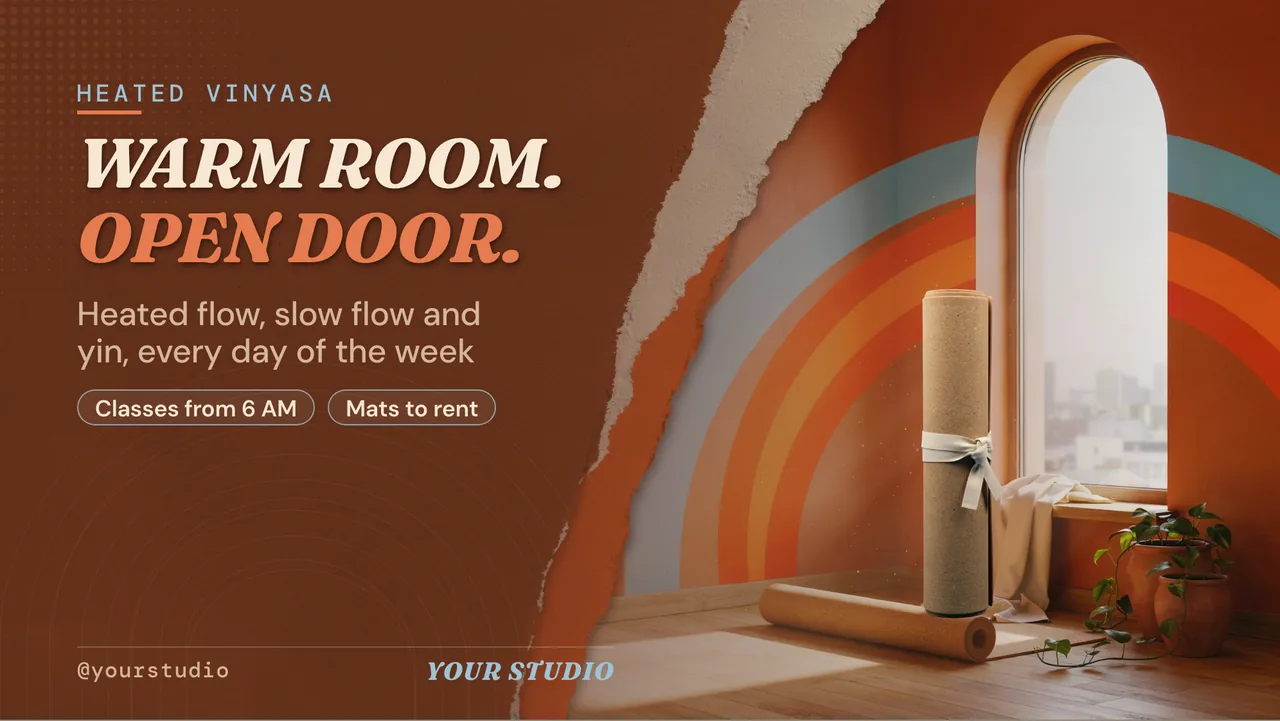
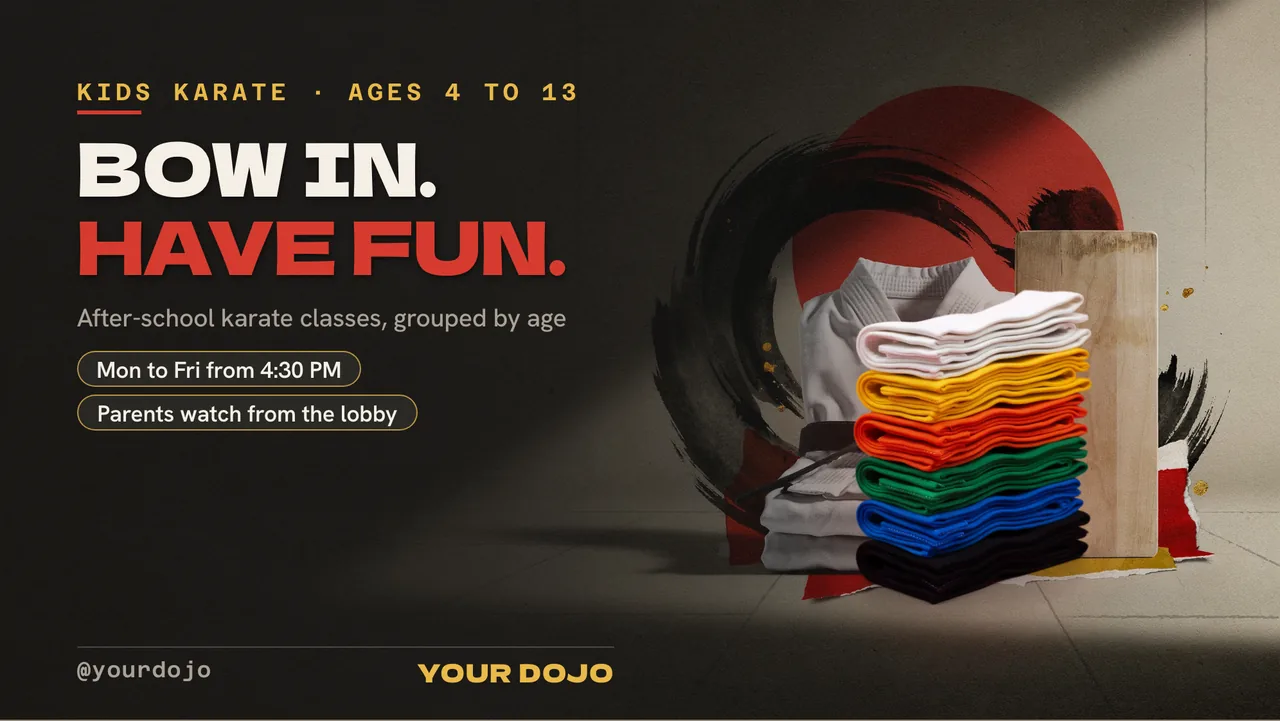
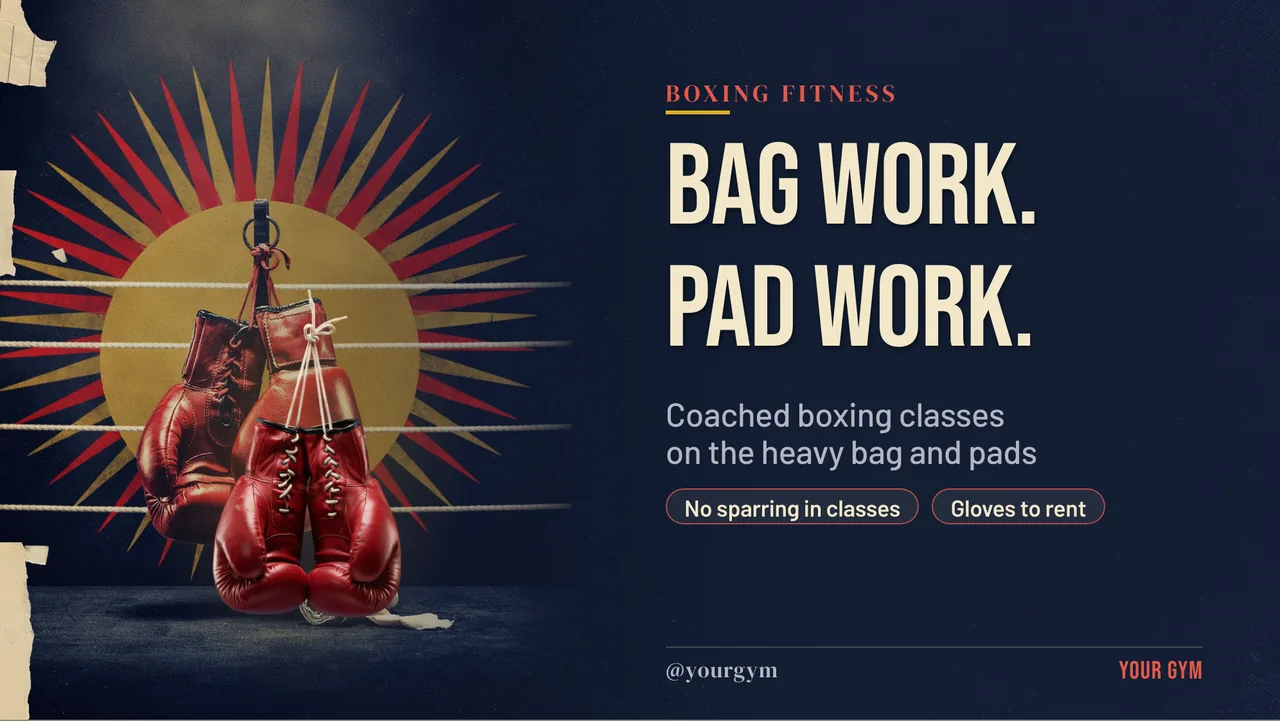
ChannelOS starts from a sentence. Describe what you want — “a five-slide board for a boutique gym: this week’s class timetable, a spotlight on our strength coach, and our new member offer, dark background with orange accents” — and AI drafts the whole multi-slide show, on brand and fully editable. It can also read a document you already have: hand it your timetable PDF, a photo of your printed schedule, or the URL of the timetable page on your website, and it works from that rather than making you retype it.
What comes back is a real editable show, not a flat image. Every class name, time and trainer photo is a selectable element in a Canva-style editor:
- Trainer photos that look deliberate. One-tap background removal lifts a coach off whatever wall they were photographed against so they sit on your brand colour instead of a beige corridor.
- Timetables as tables. A class list is columns — time, class, studio, coach — so it belongs in a table element, which you draw on the slide, resize by dragging the dividers and edit cell by cell. A five-column timetable in a text box is a formatting fight.
- Free stock, one brand. The Pexels library is built in — images and video, so a slow gym-floor loop costs nothing — and a brand kit applies your fonts and colours once, so the Saturday board and the offer board look like the same gym.
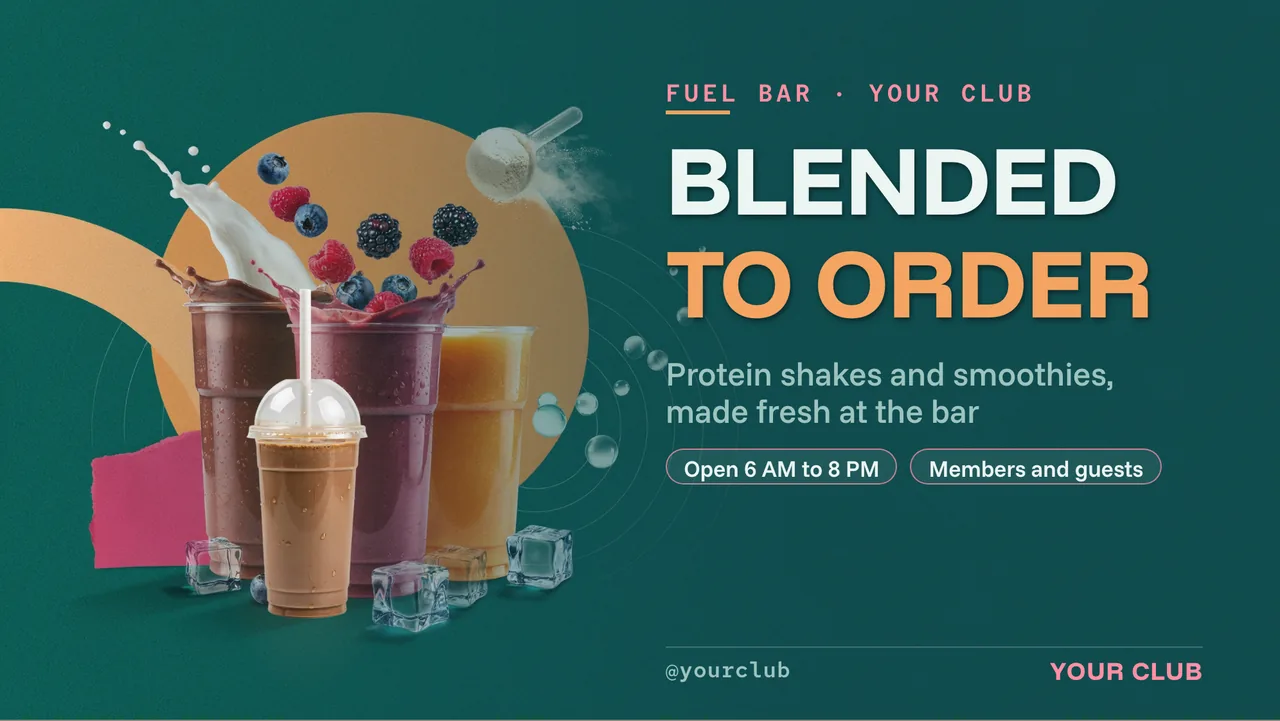
If you would rather start from a finished layout than a blank sentence, the templates gallery has boards you can remix, and gyms with a juice bar or protein-shake counter can build that board in the free menu board maker.
Why it matters: the board that never gets updated is almost always the one that would take an hour to design. Cut that to a sentence and the excuse disappears.
The live clock, and other widgets that keep a gym screen honest
A gym screen sits in a room where people check the time constantly — between sets, before a class, on the treadmill. A picture of a clock is worse than no clock. ChannelOS widgets are live: they render current data rather than being baked into the design. The ones that earn their place in a gym:
- Clock — real time, big, on the timetable board. It answers the question members are actually asking, which is not “what classes exist” but “have I missed it”.
- Ticker — a running line over whatever else is showing: “Studio 2 closed for maintenance until Thursday”, “Bank holiday hours this Monday”.
- QR — a live code, not a pasted image, so changing the destination URL regenerates it everywhere. Point it at your booking page or the referral form.
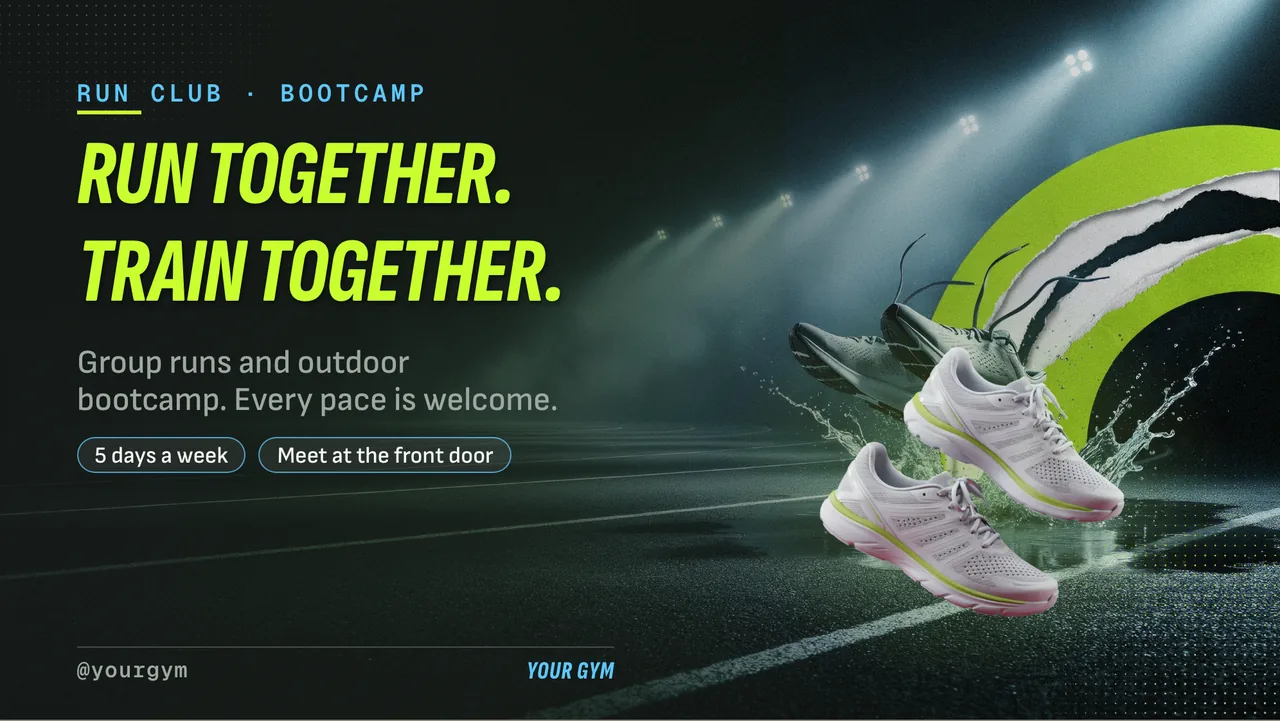
- Weather — more useful than it sounds if you run outdoor bootcamps — and menu, for the shake bar, if you have one.
Why it matters: a static board starts looking like wallpaper within a week. Something on screen that visibly moves with the real world keeps people reading it.
Do I need a media player behind each gym TV?
No. ChannelOS runs as a web page in the TV’s own browser, so any screen that loads a modern web page can be a gym board: Android TV, Google TV, webOS, Fire TV, a Chromebox, or a laptop in kiosk mode. You open play.channelos.tv on the TV, scan the on-screen code from your phone, and that screen is live in about two minutes — no box to mount behind a wall-hung screen, no per-device licence to renew. The full argument is in no media player required.
The honest trade: a browser-based screen wants a working internet connection. A player with local storage rides out a dropout better than a web page does. If the Wi-Fi in your studio is genuinely unreliable, that single difference matters more than anything else on this page.
Why it matters: the usual signage bill is mostly hardware and licensing. Remove those and adding a screen to the studio corridor costs roughly the price of an HDMI stick.
Running every screen in the gym from one board
Once there is more than one TV, the question changes from “how do I make a board” to “what is on screen right now, everywhere”. The live board answers it: every paired screen as a real rendered preview, status pulsing live, with one-tap controls beside it — play, pause, blank, mute, next, hold. You glance once and know the studio screen nobody has walked past since 07:00 is still alive.
Takeover covers the things a schedule cannot predict. The 18:30 spin class is cancelled, the sauna is out of order, the car park is closed for resurfacing — you fire a takeover and it cuts in on every screen on that channel immediately, then drop it and the normal timetable resumes. Those broadcast controls are the difference between a screen system and a slideshow.
A second site is a copy, not a rebuild. Channels and shows export as portable files (.show.channelos.tv and .channel.channelos.tv) that import into another workspace, so your second branch starts from the first branch’s finished boards and changes only the class times that differ.
Where a dedicated gym platform still wins
Worth saying plainly: if your timetable lives in gym-management software — Mindbody, Glofox, Zen Planner and similar — those platforms hold the live roster, the bookings and the spaces remaining, and some offer screen add-ons that display exactly that data because it is already theirs.
ChannelOS does not integrate with your gym-management system today. If what you want on the wall is a live “4 spaces left in the 18:30” pulled from your booking system, a dedicated platform serves that better. For the far more common job — getting good-looking, always-current timetables, spotlights and offers onto the TVs already hanging in your gym, without a hardware project or a designer — ChannelOS is the faster path, and the weekly schedule does the repetitive part for you.
How much does digital signage for a gym cost?
Your first screen is free forever, and after that ChannelOS is priced per screen per month — no player licence, no setup fee, no seat charges. Current rates are on the pricing page. Because the TV is the player, the hardware side is a display you probably already own plus, at most, an inexpensive browser stick.
| The old way | ChannelOS | |
|---|---|---|
| Player hardware | A media-player box per TV | None — the TV’s browser is the player |
| Building the timetable board | Rebuild each board by hand | Describe it, or hand over your timetable PDF |
| Weekend timetable | Someone swaps it manually | A channel swaps it by weekday |
| Cancelling a class | Reprint, or scribble on a whiteboard | Live takeover on every screen at once |
| Licensing | Per-device licence per screen | Per screen per month, first screen free |
Get your first gym screen live
Pair a screen in about two minutes, describe your timetable board or upload the PDF you already have, then set the morning, evening and weekend windows on a channel and leave it alone. Move a class once and every screen is right. Cancel one and it’s off the wall in seconds.
No player box, no per-device licence — and your first screen is free.
Frequently asked questions
- What is digital signage for gyms?
- Digital signage for gyms means running your class timetable, trainer profiles, membership offers and studio notices on TV screens instead of printed sheets and whiteboards. With ChannelOS the TV itself is the player, and the screens follow a weekly schedule, so Monday's timetable appears on Monday and Saturday's on Saturday without anyone changing anything.
- Do I need a media player box for gym TV screens?
- No. ChannelOS runs in the TV's own web browser — Android TV, Google TV, webOS, Fire TV, a Chromebox or a laptop in kiosk mode. There is no player device to mount behind a wall-hung screen and no per-device licence. You pair a screen by opening one URL on the TV and scanning the code from your phone.
- How do I show a different class timetable for each day of the week?
- Put each day's board on a channel. A channel is a named feed with a real daily timeline, and it understands both the hour and the weekday, so a Monday-to-Friday timetable, a Saturday class list and a Sunday opening-hours board can all live on one schedule. You set it once and each screen tunes into the right board on its own clock.
- Can I cancel a class on the screens without editing the timetable?
- Yes. Fire a live takeover and it cuts in on every screen on that channel immediately — a full-screen notice that the 18:30 spin class is cancelled — then drop it and the normal timetable resumes. Nothing permanent gets edited to say a temporary thing.
- Can I put a live clock on a gym screen?
- Yes. The clock is a live widget you drop onto any slide, so it keeps real time rather than being a picture of a time. Weather, QR codes, tickers and countdown-style notices work the same way, which is what stops a timetable board from looking frozen on the wall.
- How much does digital signage for a gym cost?
- The first screen is free forever, and additional screens are priced per screen per month — current rates are on the pricing page. Free screens show a ChannelOS banner along the bottom of the screen, and any paid plan removes it. Because the TV's own browser is the player, there is no player device to buy and no per-device licence, so the hardware side is a screen you likely already own plus, at most, an inexpensive browser stick.
Your screen is two minutes away.
Open the player on a TV, scan the code, publish a show. Your first screen is free.
Free screens show a ChannelOS banner along the bottom of the screen, and any paid plan removes it.