Outdoor Digital Menu Boards: An Honest Guide to What Survives Outside
What outdoor digital menu boards actually need — brightness in nits, glare and anti-reflective glass, IP ratings, heat and cold, enclosures — and where the software layer starts.

Outdoor digital menu boards fail for boring physical reasons, not software ones. The screen is too dim to read at midday, the front glass mirrors the sky, condensation forms inside the enclosure in October, or the panel goes dark at 2pm in July because nothing is moving the heat out of the box. This guide is about those reasons — brightness, glare, ingress protection, heat and enclosures — because they are the decisions that actually determine whether the board works.
We should be straight about our own position up front: ChannelOS is the software layer, not the hardware. We don’t sell panels, enclosures, mounts or installation, and we won’t pretend a browser-based show fixes a physics problem. Choosing the panel is your decision. What follows is what we’ve learned helping people choose it well.
What outdoor digital menu boards need to survive
Four specifications carry almost all the weight. Everything else is a preference.
Brightness, measured in nits
A nit is one candela per square metre — the honest way to compare screens. An ordinary living-room TV runs roughly 250–450 nits, which is plenty in a room and invisible outside at noon.
- Under a deep canopy or in permanent shade: roughly 1,500–2,500 nits.
- Direct sun, typical drive-thru lane: roughly 3,000–5,000 nits.
Two questions to ask any vendor. First, is that figure peak or sustained? Some panels quote a burst number they cannot hold. Second, does it hold at high ambient temperature — brightness derates as the panel heats, and the hour you need it most is the hour it’s hottest.
You also want the brightness to come down. A 4,000-nit board at 11pm is painful and wastes power, so an ambient light sensor that dims the panel after dark is close to essential.
Glare, which is not the same problem as brightness
Brightness fights sunlight behind the viewer. Glare is sunlight in front of it — the sky, a white building, a car bonnet reflected off the front glass. Adding nits does not remove a reflection.
What does: an anti-reflective or anti-glare front glass, and ideally optical bonding, where the glass is laminated directly to the panel with no air gap. Bonding kills the internal reflection between glass and panel, improves contrast in daylight, and — the underrated benefit — removes the air gap where condensation forms and fogs the board on a cold morning.
Two more field details worth knowing before you sign anything. Most LCDs emit polarised light, so a customer wearing polarised sunglasses can see a portrait-oriented board go black at certain head angles; ask the vendor about the polariser orientation if the board will be portrait. And walk the site at the times the board will be busiest — the sun’s path across a forecourt decides more about legibility than the spec sheet does. A board facing west is a different purchase from a board facing north.
Temperature, at both ends
Purpose-built outdoor displays are typically rated somewhere around -30°C to +50°C ambient, and they hit those numbers with active thermal management: fans, filtered air paths, heaters, sometimes a sealed air-conditioned enclosure in hot climates.
The heat failure is the one people don’t anticipate. Sunlight lands on the glass and the enclosure absorbs it — solar loading — so the temperature inside the box runs well above the air temperature outside. Pushed far enough past its rating, an LCD’s liquid crystal layer can lose its orientation and the screen goes black until it cools. A passively cooled enclosure in direct sun in a hot climate is not enough on its own.
The cold failure is quieter: below rating, LCD response slows and motion smears, and heaters need warm-up time before the board is usable — which matters if you open at 6am in winter.
Ingress protection
IP65 is the practical floor for a board exposed to weather: dust-tight, protected against water jets. IP54 can be fine under a deep, permanently dry canopy. In North America the equivalent is usually written as NEMA 4 or 4X (4X adds corrosion resistance, which matters near the coast).
The rating you actually need is set by the pressure washer somebody aims at the forecourt at 6am, not by rain. That, and cleaning chemicals, is what kills under-rated enclosures. If the board sits in a drive-thru lane, also ask about laminated safety glass and its thickness — wing mirrors hit menu boards more often than you’d think.
Sealed outdoor display, or commercial panel in an enclosure?
There are two legitimate routes and one bad one.
A purpose-built outdoor display arrives as a single sealed unit: high-brightness panel, bonded glass, thermal management and IP rating engineered together, warranted for outdoor use as one product. It costs more and it’s the route that stops arguments about whose fault a failure is.
A commercial panel inside a third-party enclosure is more flexible and often cheaper, and specialist enclosure makers do this genuinely well — good ones publish thermal test data and will tell you which panels they’ve qualified. The risk is that you now own the integration: if the panel cooks, the display vendor points at the enclosure and the enclosure vendor points at the panel.
A consumer TV in a weatherproof box is the bad route. Too dim, glossy glass, no thermal headroom, and most manufacturers void the warranty on outdoor installation. Under a deep canopy in a mild climate you may get away with it. In direct sun you won’t.
Where the player lives — and where ChannelOS starts
Once the panel and its enclosure are settled, something has to draw the board. This is the part we do.
ChannelOS runs in the browser built into the screen — Android TV, Google TV, webOS, Fire TV. Many commercial outdoor displays ship with exactly that kind of built-in browser, in which case there is nothing else to add: you open one URL on the display, scan the code from your phone, and it’s paired. If the panel has no usable browser, a small Chromebox or PC inside the enclosure does the job. Either way there is no dedicated media player to licence per screen, and nothing to provision before the first slide. The reasoning is in no media player required, and the awkward-hardware cases are covered in signage without an Android player.
The honest concession, and outdoors is exactly where it bites: a browser-based screen wants a working connection. Forecourts, car parks and lanes are where Wi-Fi is worst. Run wired Ethernet into the enclosure if you can — while the trenching or conduit is open is the cheapest it will ever be — and if you genuinely cannot get a reliable link to that spot, a player with local storage rides out an outage better than a web page does. That difference outweighs everything else on this page.
Designing a board that reads from a car
Outdoor legibility is mostly a content problem wearing a hardware costume.
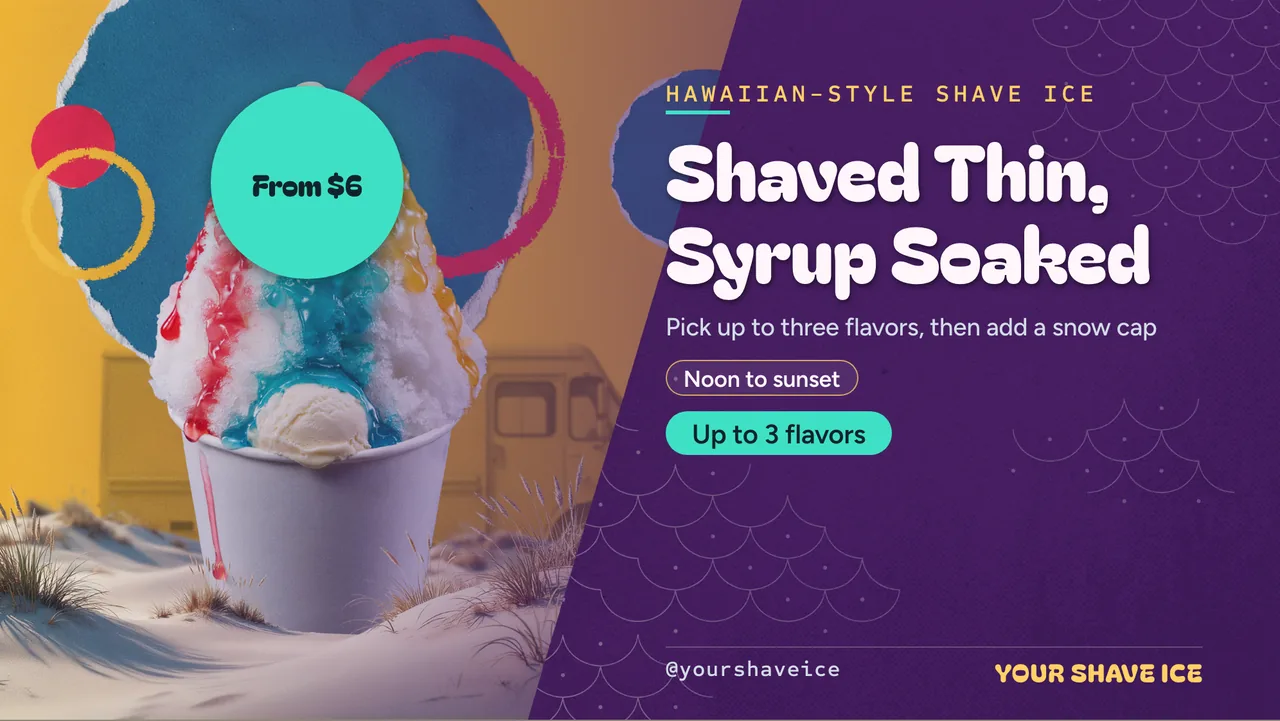
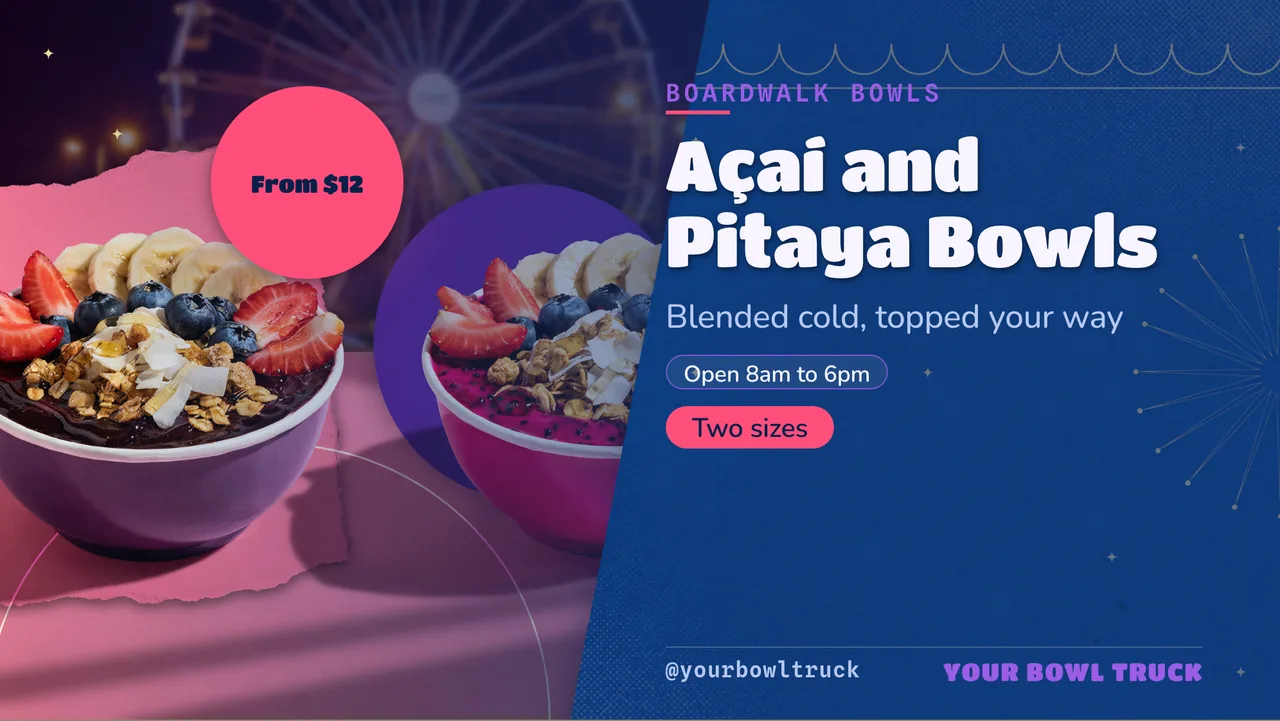
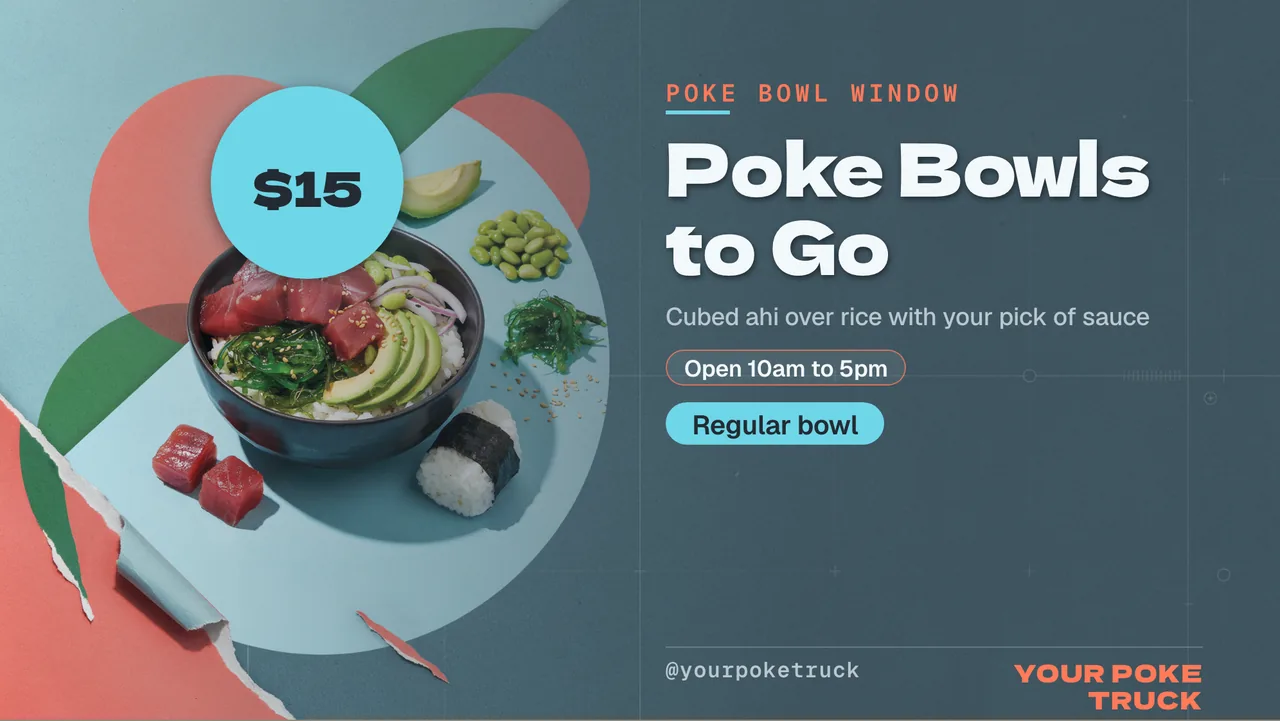
Cut the item count per slide — a board read in four seconds at five metres holds far less than a wall menu somebody stands in front of. Set type much larger than feels right on your laptop, and avoid thin or light weights, which smear at distance and vanish in glare. Favour heavy contrast: solid backgrounds beat busy photographs, and a plated-dish cutout on a flat colour reads better outdoors than the same dish on its original background (one-tap background removal is in the editor). Prices belong in a table so columns line up at a glance, not in a text box.
Dayparting earns its keep here twice. The obvious use is menu timing — breakfast until 11, lunch through the afternoon, late-night after nine, swapping on the clock rather than by hand. The less obvious one is designing a darker night version of the same board — lighter type on a deep background — and scheduling it for the evening, so the panel isn’t blasting a white slide into a dark car park. That’s the same channel schedule doing both jobs.
One thing not to bother with: a QR code on a drive-thru board. People are driving. Save QR widgets for the walk-up window or the waiting area, where somebody can actually hold a phone up.
If you want a running start, the free menu board maker covers 14 cuisines, the templates gallery has boards you can remix, and the digital menu board deep-dive goes further into layout. For the indoor screens in the same building, digital signage for restaurants is the companion piece.
A checklist before you spend
- Sustained brightness in nits, at temperature — not just peak.
- Anti-reflective or optically bonded front glass; ask about polariser orientation for portrait boards.
- IP65 or NEMA 4/4X, and confirm it survives pressure washing.
- Rated operating range that covers your real local extremes, with active cooling if the board faces the sun.
- Ambient light sensor for automatic night dimming.
- Laminated safety glass in a drive-thru lane.
- A wired network run into the enclosure while the ground is open.
- Warranty that explicitly names outdoor installation, and one vendor accountable for panel plus enclosure together.
- Serviceability: can somebody open it, in the rain, without dismounting it?
Where the money goes
Expect the hardware to dominate. High-brightness outdoor displays, enclosures, mounting, power and network runs are the large numbers, and they vary so widely by size, brightness, climate and site that any figure printed on a page like this would be misleading — get two or three dated local quotes before you budget.
The software is the small line. ChannelOS gives you the first screen free forever, then charges per screen per month, with no per-device player licence and no seat charges; current rates are on the pricing page. And because your first screen is free, the sensible order is to prove the content indoors first: build the board, run it on an ordinary screen inside for a week, get the type sizes and the dayparting right — then buy the outdoor panel knowing exactly what it has to display.
Frequently asked questions
- How many nits do outdoor digital menu boards need?
- It depends on how much sun hits the face of the screen. A board under a deep canopy or in permanent shade is usually specified around 1,500–2,500 nits. A board in direct sun — a typical drive-thru lane — is usually specified at 3,000–5,000 nits. For comparison, an ordinary living-room TV is roughly 250–450 nits, which is why one looks black outside at midday. Ask the vendor whether the figure is peak or sustained brightness, and whether it holds at high ambient temperature.
- Can I put a normal TV outside in a weatherproof box?
- People do it, and it is the cheapest route, but it is the route that fails. A consumer TV is too dim for daylight, its glossy front glass mirrors the sky, most manufacturers void the warranty on outdoor installation, and it has no thermal headroom — sunlight loading inside a sealed box pushes an LCD past its rated temperature and it can go dark until it cools. Under a deep canopy in a mild climate it can work. In direct sun it will disappoint you within one summer.
- What IP rating does an outdoor menu board need?
- IP65 is the practical floor for anything exposed to weather: dust-tight and protected against water jets. IP54 can be acceptable under a deep, permanently dry canopy. The rating that matters is not the rain you expect but the pressure washer somebody points at the forecourt at 6am — that is the classic killer of under-rated enclosures. In North America the equivalent specification is usually written as NEMA 4 or 4X.
- Does ChannelOS sell outdoor displays or enclosures?
- No. ChannelOS is the software that runs the board — it does not sell panels, enclosures, mounts or installation. You choose and buy the hardware, or your AV installer does. Once the display can open a web page, ChannelOS pairs it in that browser with no per-device licence, and you build and schedule the board from your phone or laptop.
- How do outdoor digital menu boards work in a drive-thru?
- A drive-thru board is read from a car at roughly three to six metres, often at an angle and often in seconds. That drives the design more than the technology: fewer items per slide, much larger type, heavy contrast, and no thin display fonts. Menus are usually split across two or three panels — the presell board before the order point, the main board at the speaker — and dayparted so breakfast, lunch and late-night items swap on the clock rather than by hand.
- How much do outdoor digital menu boards cost?
- The hardware dominates the cost and varies too widely to quote honestly: it depends on screen size, brightness, whether you buy a sealed purpose-built outdoor display or a commercial panel plus an enclosure, and what the mounting, power and network runs cost on your site. Get two or three dated local quotes before budgeting. The software side is separate and much smaller — with ChannelOS the first screen is free forever and additional screens are priced per screen per month; see the pricing page for current rates. Free screens show a ChannelOS banner along the bottom of the screen, and any paid plan removes it.
Your screen is two minutes away.
Open the player on a TV, scan the code, publish a show. Your first screen is free.
Free screens show a ChannelOS banner along the bottom of the screen, and any paid plan removes it.