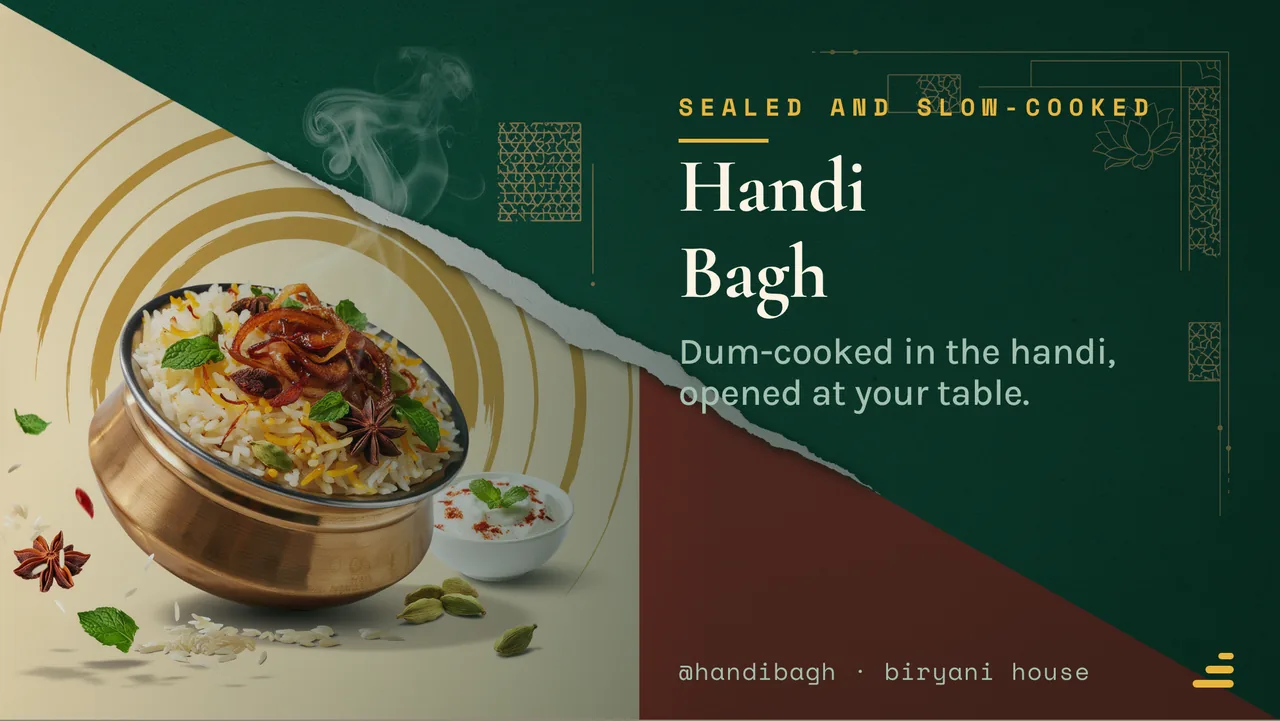
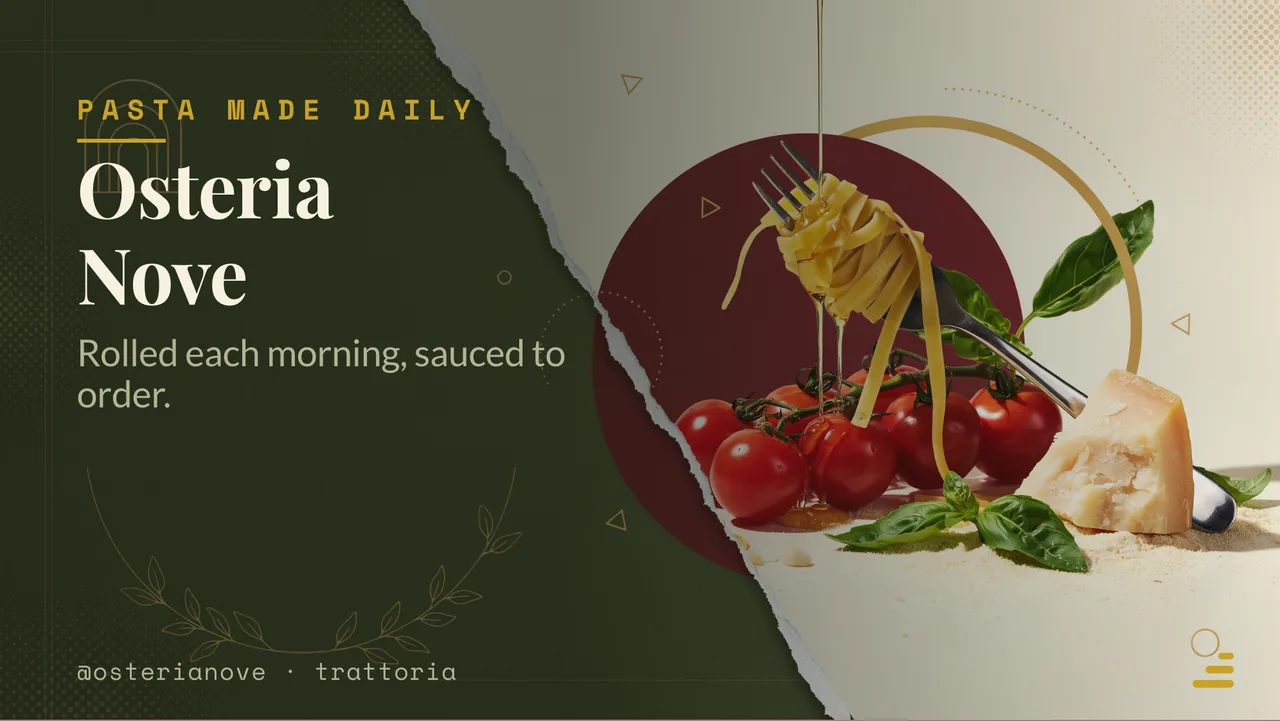
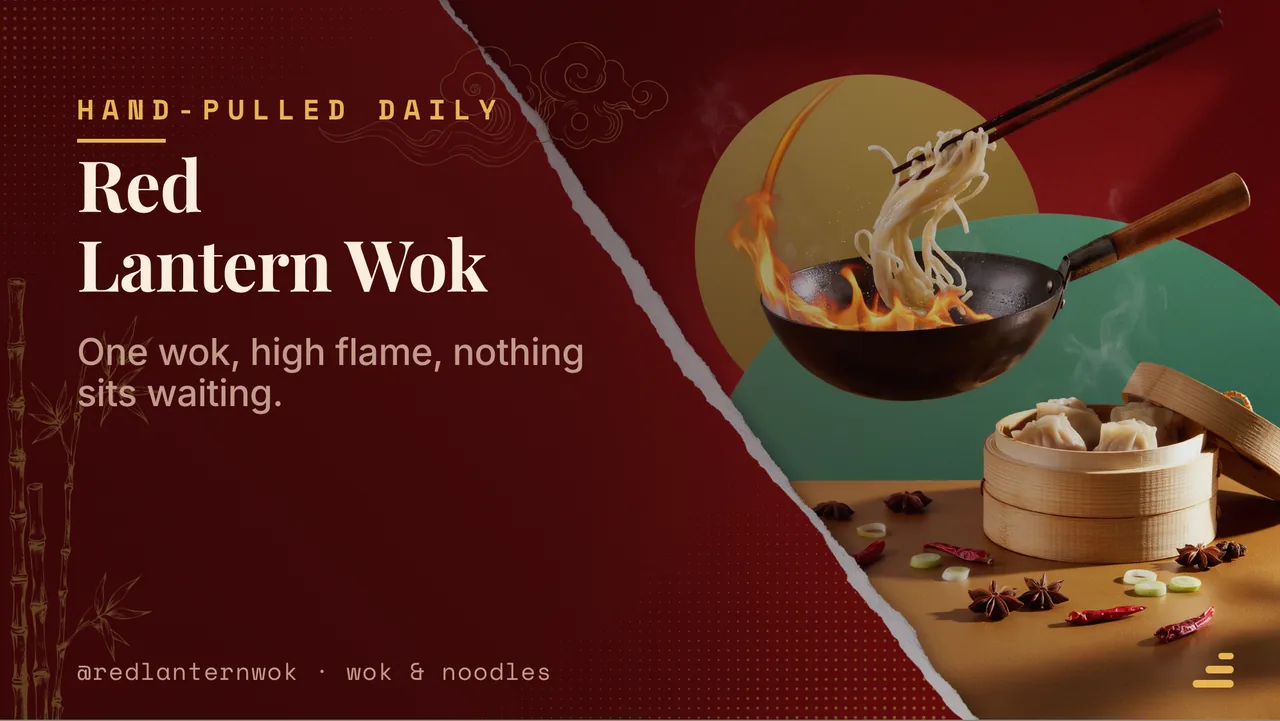
Digital menu board for restaurant TVs: the simple way
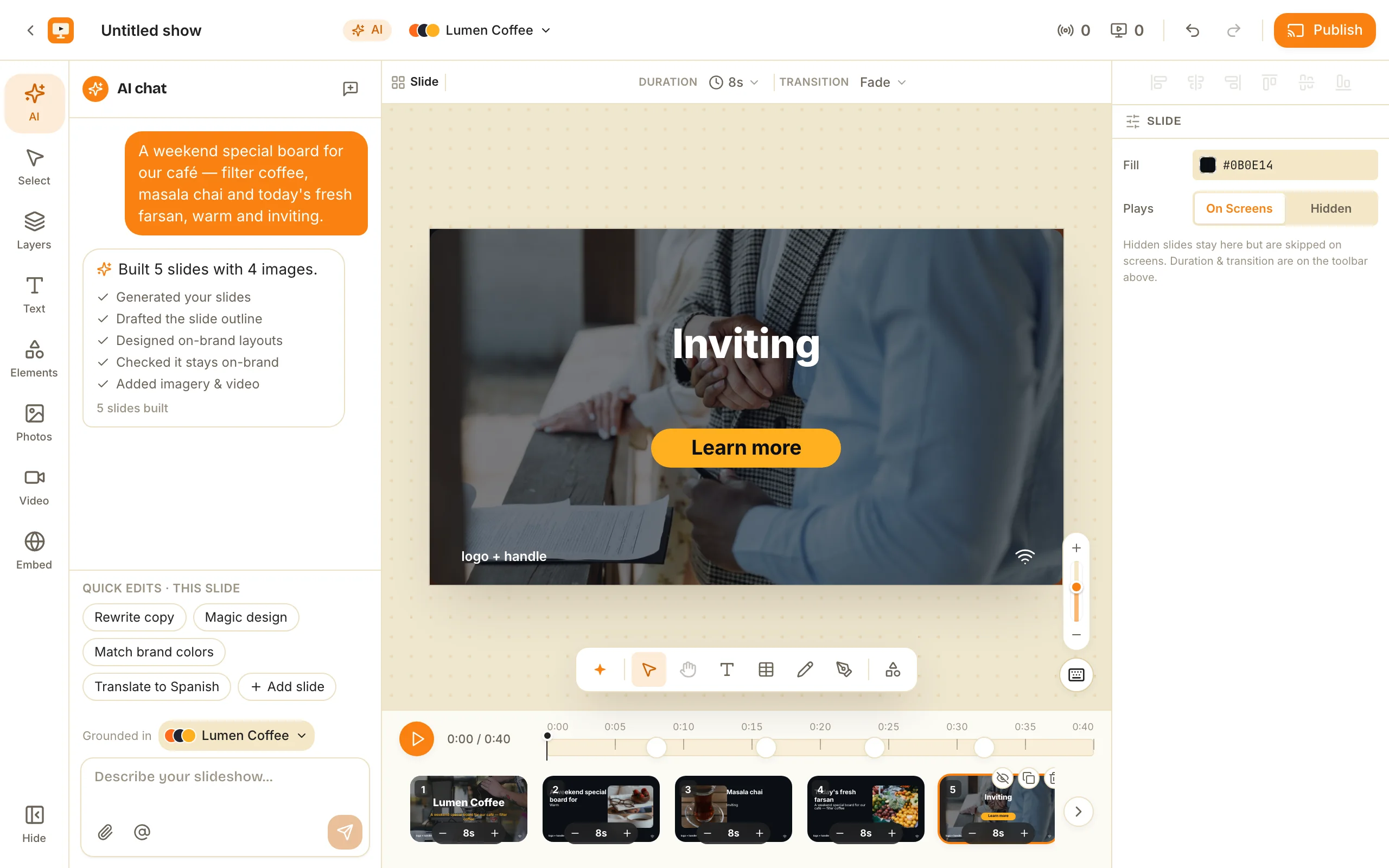
How to put a digital menu board for restaurant screens on a TV you already own — pair it from your phone, draft the menu with AI or the free menu-board maker, and change a price live on every screen.
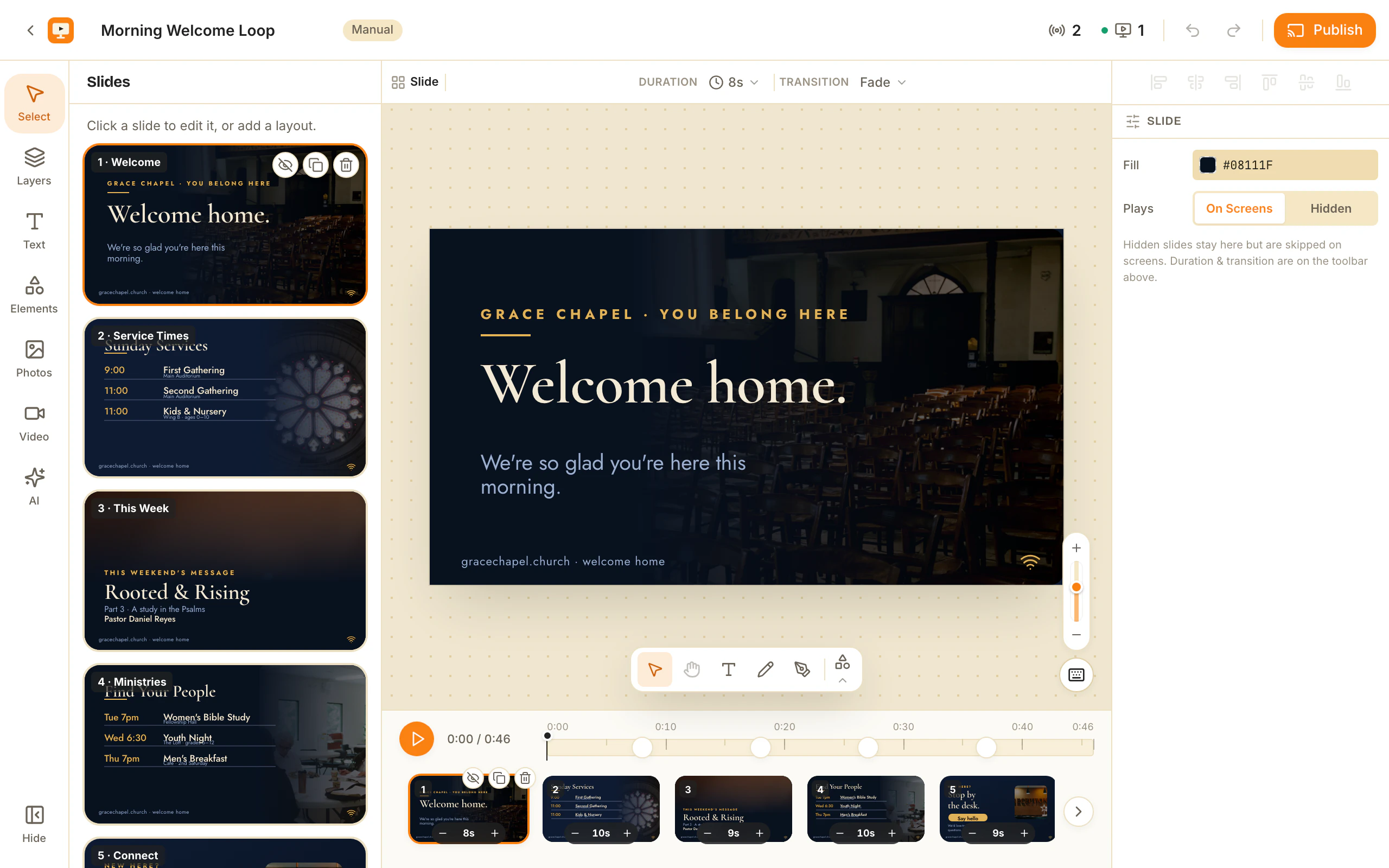
A digital menu board for restaurant TVs is just your menu running as a looping slideshow on the screen behind the counter, instead of on a printed board that goes stale the day your prices move. This guide covers the simple way to set one up: pair the TV, build the menu, and run every screen from one place — no media player, no design background, no weekend lost to it.
What a digital menu board actually is
A digital menu board is a TV or monitor running your menu on screen. Underneath it is a slideshow — items, prices, photos, a daily special — that loops on the display and that you edit from software rather than reprinting.
The printed version goes stale the moment a price changes or a dish sells out. The digital one you edit in seconds, from your phone or laptop, and the screen catches up on its own.
What you need (less than you think)
You need a TV that can open a web browser — most smart TVs can — and a ChannelOS account. That’s it.
There’s no dedicated media player, USB stick, or set-top box to buy. On the TV, you open the player link and it shows a pairing code; you enter that code from your phone to claim the screen. From then on the TV plays whatever menu you point it at. If you want the deeper version of this, we wrote it up in no media player required.
Three steps: pair, build, publish
The whole model is three verbs.
- Pair — open the player on the TV, enter the code from your phone, and the screen is yours.
- Build — make the menu. Describe your restaurant and let AI draft the slides, or lay them out yourself in the editor. Or skip the blank page entirely and remix a menu template someone already made (more on that below).
- Publish — point the paired screen at the menu. It starts airing.
Change your mind at any step and the screen follows — you’re never locked into a first draft.
How to build a digital menu board for restaurant screens in one sitting
There are three routes to a finished board, and none of them start with an empty canvas.
The free menu-board maker. The menu-board maker is faceted by cuisine — pizzeria, sushi, burgers, bbq, chinese, thai, italian, mexican, cafe, bakery, bar-pub, indian, food-truck and dessert. Pick the one that matches your kitchen and you start from a layout built for that menu’s shape: a pizzeria board carries sizes and toppings, a bakery board carries a case list and a daily bake, a bar board carries a draught list that changes weekly.
Describe it and let AI draft it. One sentence — “dinner menu for a small Italian place, five starters, eight mains, house wines” — and AI drafts a complete, on-brand, multi-slide show. It also reads context you already have: upload your existing PDF menu, photos of the printed board, or paste the URL of your menu page, and it pulls the sections, items and prices out of them rather than making you retype the lot. The restaurant digital signage post goes deeper on that PDF-to-slides flow.
Finish it in the editor. Whichever route you took, the result is a real editable show, not a flat export — every heading, item and price is its own selectable element in a Canva-style editor. Free Pexels photos and video are built in. One-tap background removal lifts a clean plated-dish cutout off its background, which is the difference between a photo of a burger and a burger floating over your brand colour. Tables give you the price column menus actually need, without hand-aligning text boxes. Live widgets keep themselves current once placed: a clock, the weather, a QR code pointing at your ordering page, a ticker for the daily special.
Group a section so it moves as one unit, and use the keyboard shortcuts — duplicate, undo, deselect — the way you would in any design tool. Ten minutes of that and the board looks like someone was paid to make it.
Start from a template instead of a blank page
You don’t have to design a menu board from scratch. ChannelOS has a template gallery with two sections: Official templates made by ChannelOS, and a Community section made by other users — including restaurant menus.
Here’s the part most signage tools don’t do. On every other digital-signage platform, the gallery is a fixed set you can only pick from and lightly restyle. ChannelOS is the only digital-signage platform where the templates are made by people like you: open any template’s public share link and remix it in one click. It copies into your workspace as a fresh, independent show — new IDs, its own media — a frozen snapshot, not a live link back to the original. From there you edit it freely: swap in your dishes, your prices, your photos.
Templates also show a like count and a remix count, and there’s a preview theater (a filmstrip you can zoom) so you can see the whole deck before you remix. Sort by popular or newest to find one worth starting from. If you want to go the other way and share your own menu, publishing a show as a template is one action — covered in make your own digital signage template.
Prefer to browse first? The free digital signage templates post walks through the gallery, and you can open the template gallery directly.
Update prices once, everywhere
Restaurants change constantly — a price nudges up, the salmon sells out, the weekend special starts Friday. The reason a digital menu board is worth it is that you handle all of that from one board.
ChannelOS is edit-once, airs-everywhere. Edit the menu a single time and every paired screen showing it updates live. You don’t walk the floor with a remote. Change a price, hide a sold-out item, or swap a photo, and the TVs by the counter, the drive-through, and the second location all catch up on their own.
One kitchen, one menu, five screens — edited in one place.
Digital menu boards for restaurants with more than one screen
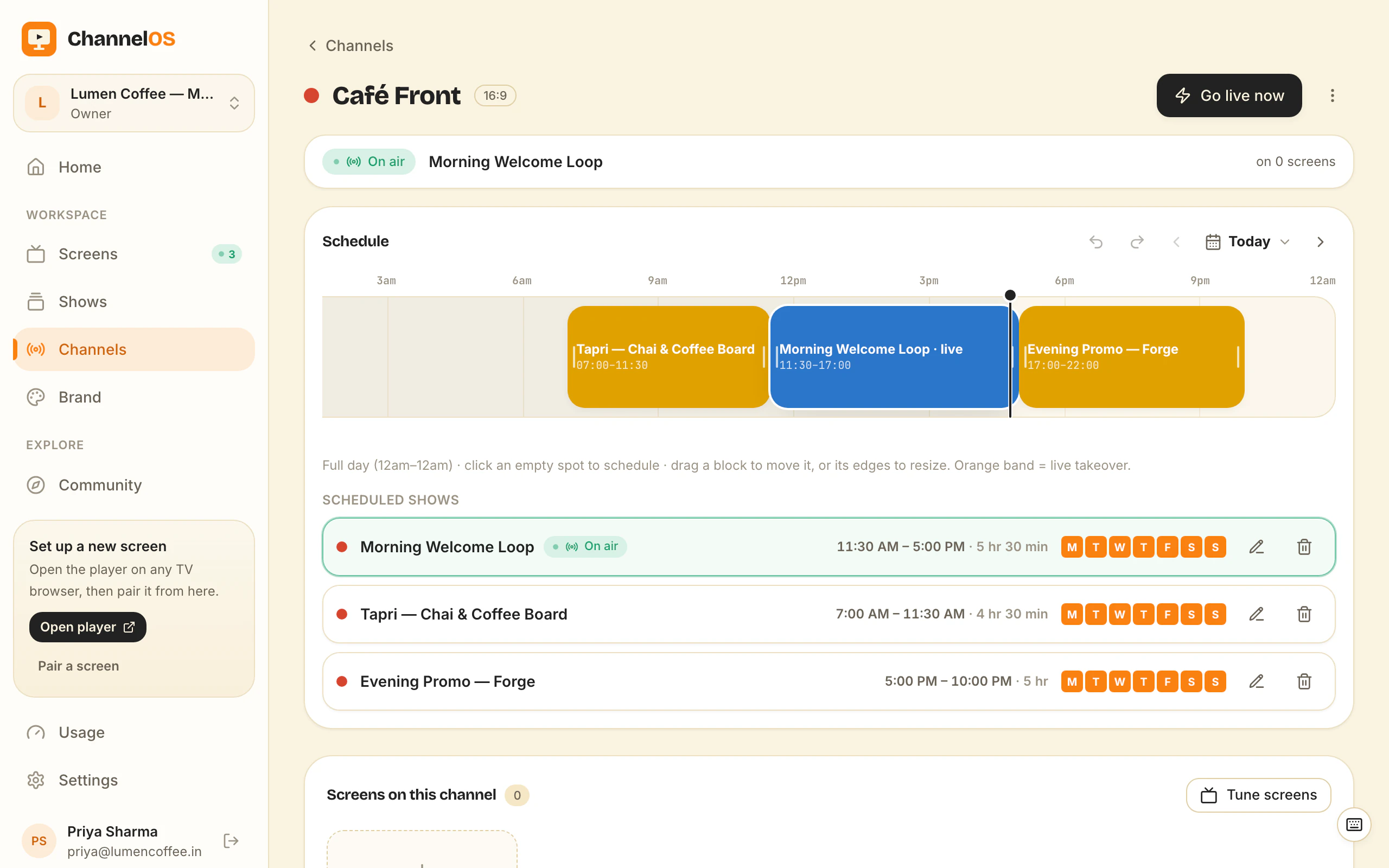
One board is a slideshow. Digital menu boards for restaurants start earning their keep at the second screen, and the thing that holds several of them together is a channel — a named feed with a real daily timeline that screens tune into, rather than a file you push to each TV.
Put the lunch menu, the dinner menu and the drinks board on one channel with time windows and the switching stops being someone’s job. Dayparting works by hour and by weekday, so the breakfast board runs until 11, lunch specials carry the afternoon, dinner comes up at night, and weekend brunch replaces the weekday breakfast board automatically. You set it once. The clock does the rest, including on the Saturday when everyone’s too busy to remember.
Two live controls matter on a real floor. A takeover cuts something over whatever is airing right now — an 86’d dish pulled off every board, a two-hour happy hour, a delivery-partner promo — and the normal schedule resumes underneath when it’s done. Go-live-now puts a show on air this second without touching the schedule at all, for the days that don’t go to plan.
Because what a screen shows is derived from the schedule in real time, there’s no publish-and-wait step anywhere in this: edit the dinner board at four o’clock and the screens that will air it at six already have the change.
Opening a second site? Export the whole channel as a .channel.channelos.tv file and import it into another workspace, so location two starts from location one’s setup instead of being rebuilt from nothing. A two-screen café and a ten-screen group run the same way, from the same board: your first screen is free forever, and after that it’s per screen per month, with current numbers on pricing. A single screen that has to move with the kitchen is a different problem, and it has its own write-up in digital menu boards for food trucks.
The honest tradeoffs
A digital menu board needs a TV that stays on and a network connection — if the Wi-Fi drops, the screen keeps showing the last menu it loaded but won’t pick up edits until it’s back online. And a screen is a screen: it’s brighter and easier to change than a chalkboard, not a replacement for good photos and clear prices. The tool makes updating trivial; the menu itself is still yours to get right.
Two honest concessions on the software, too. If you need menu prices to sync automatically from your POS — Toast, Square, Clover — dedicated hospitality platforms still lead there, and ChannelOS doesn’t talk to your register today. And traditional signage platforms like Yodeck do things we deliberately don’t: certified player hardware, fleet-wide device monitoring, and the granular AV controls that come with managing real devices. If you have an AV team and want that control, they’ve earned it — we compared the two properly in ChannelOS vs Yodeck. For the far more common job — good-looking, always-current menu boards on the TVs you already own — none of that is in the way.
Get your first board up
The fastest path: start from the menu-board maker or remix a menu template you like, swap in your items and prices, then pair a TV and publish. You can have a real menu board on a real screen before your coffee’s cold — and every price change after that is a few seconds from your phone.
Frequently asked questions
- What is a digital menu board?
- A digital menu board is a TV or monitor that shows your menu on screen instead of on a printed board. It plays a looping slideshow of items, prices and images. You update it from software, so changing a price or hiding a sold-out dish takes seconds instead of a reprint.
- How do I make a digital menu board for restaurant TVs?
- Three routes, all of which skip the blank page. Open the free menu-board maker and pick your cuisine — pizzeria, sushi, burgers, bbq, chinese, thai, italian, mexican, cafe, bakery, bar-pub, indian, food-truck or dessert. Or describe the menu in one sentence and let AI draft a complete multi-slide board, feeding it your existing PDF menu, photos or menu-page URL for context. Or remix a community menu template. Then open the player link on the TV, enter the pairing code from your phone, and the board is airing.
- What do I need to put a menu board on a restaurant TV?
- Just a TV that opens a web browser (most smart TVs do) and a ChannelOS account. Open the player link on the TV, pair it from your phone by entering the code, and pick the show to air. No dedicated media player, USB stick or extra hardware is required.
- How much does a digital menu board for restaurant screens cost?
- Your first screen is free forever. Free screens show a ChannelOS banner along the bottom of the screen, and any paid plan removes it. After that ChannelOS is priced per screen per month, with no seat charges and no per-device player license, because the TV's own browser is the player. The hardware is a display you probably already own, plus at most a cheap HDMI stick. Current per-screen prices are on the pricing page.
- Can I start from a template instead of designing from scratch?
- Yes. The template gallery has an Official section and a Community section made by other users. Open a template's share link and remix it in one click — it copies into your workspace as a fresh, independent show with new media. Then edit the items, prices and photos to match your restaurant.
- How do I change prices on all my screens at once?
- Edit the menu once in ChannelOS. Because it is edit-once, airs-everywhere, every paired screen showing that menu updates live — you do not visit each TV. Change a price, swap a photo or hide a sold-out item from one board and the floor follows.
Your screen is two minutes away.
Open the player on a TV, scan the code, publish a show. Your first screen is free.
Free screens show a ChannelOS banner along the bottom of the screen, and any paid plan removes it.