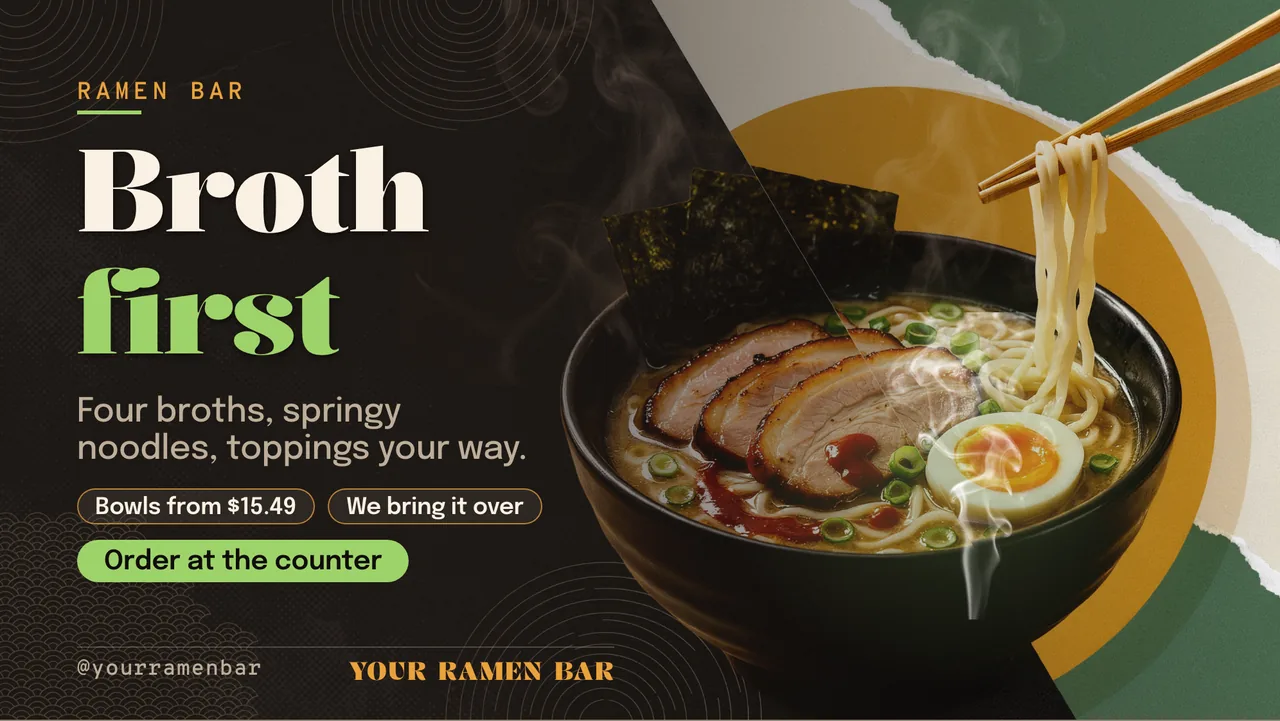
Ramen shop menu board · Landscape for a ramen shop: slide 1 of 4, the headline and what the business offers
Official Restaurant & menu 16:9

Ramen shop menu board · Landscape Free restaurant & menu digital signage template

A ramen bar runs this over the counter: broth first, four bowls with prices, add-ons for any bowl, lunch and late hours.

Ramen digital menu board for any TV, free to remix. Four ramen bowls with prices, add-ons for any bowl and lunch and late hours. Every word is editable.

By
ChannelOS
Slides
4
Likes
0
  • ramen
  • ramen shop
  • noodle bar
  • tonkotsu
  • broth
  • toppings
  • add ons
  • menu board
  • restaurant tv menu
  • japanese restaurant
Use this template, free
  1. 1 Create a free account and this template opens in your own workspace.
  2. 2 Change every word, price and photo in the editor, on a phone or a computer.
  3. 3 On the TV, open play.channelos.tv, pair it from your phone with the code it shows, then publish the board to it.

Every slide in this template

4 slides, rendered exactly as they air on a TV.

Every word on these slides is text you can change
  1. Slide 1

    • RAMEN BAR
    • Broth
    • first
    • Four broths, springy noodles, toppings your way.
    • Bowls from $15.49
    • We bring it over
    • Order at the counter
    • @yourramenbar
    • YOUR RAMEN BAR
  2. Slide 2

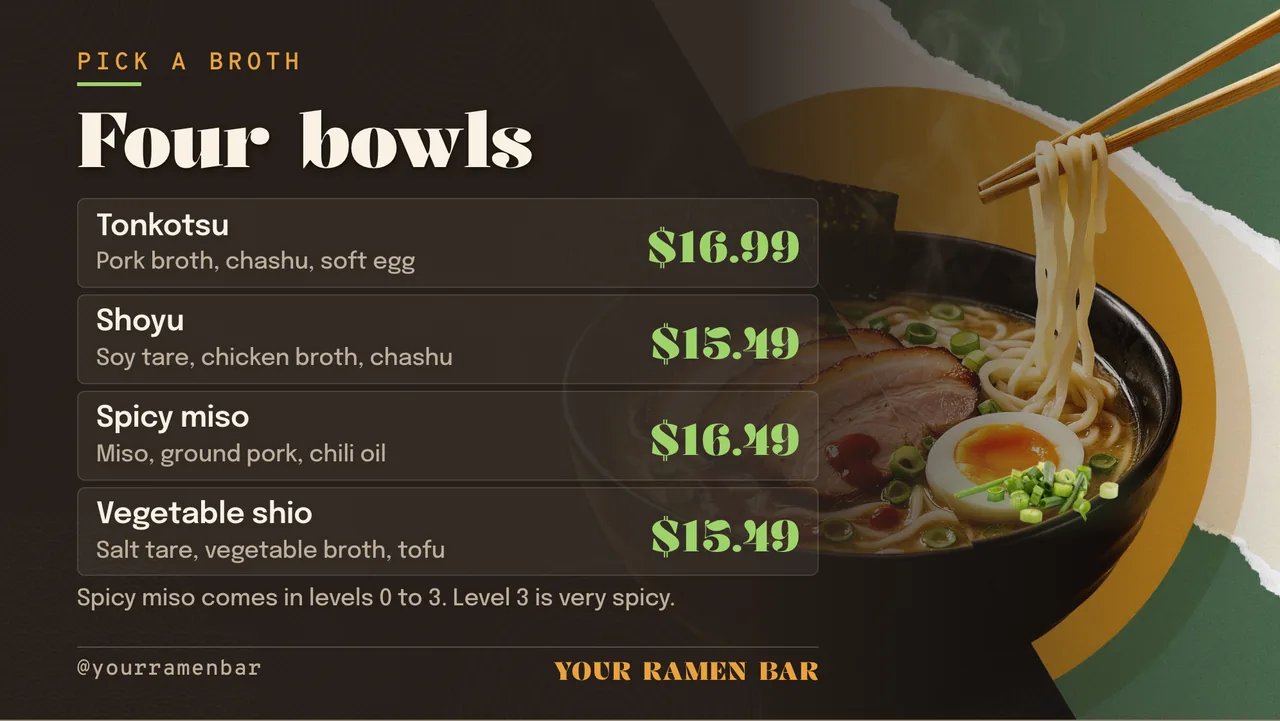
    • PICK A BROTH
    • Four bowls
    • Tonkotsu
    • Pork broth, chashu, soft egg
    • $16.99
    • Shoyu
    • Soy tare, chicken broth, chashu
    • $15.49
    • Spicy miso
    • Miso, ground pork, chili oil
    • $16.49
    • Vegetable shio
    • Salt tare, vegetable broth, tofu
    • $15.49
    • Spicy miso comes in levels 0 to 3. Level 3 is very spicy.
    • @yourramenbar
    • YOUR RAMEN BAR
  3. Slide 3

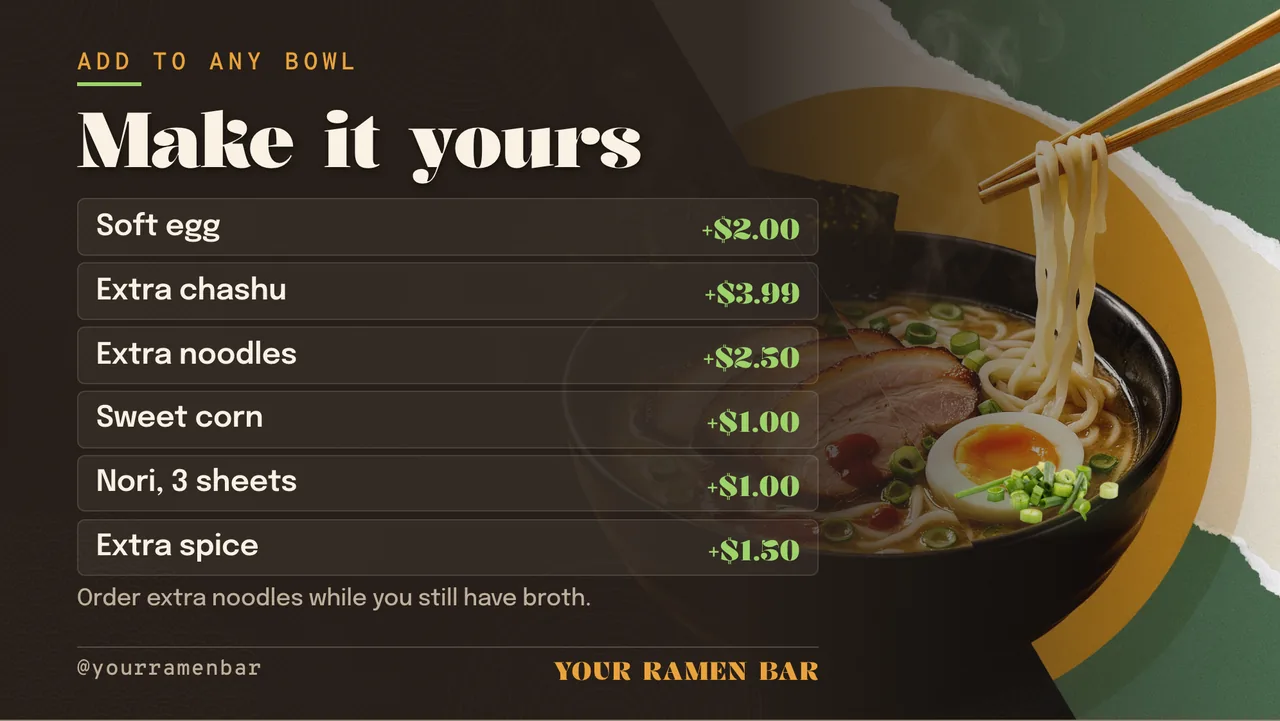
    • ADD TO ANY BOWL
    • Make it yours
    • Soft egg
    • +$2.00
    • Extra chashu
    • +$3.99
    • Extra noodles
    • +$2.50
    • Sweet corn
    • +$1.00
    • Nori, 3 sheets
    • +$1.00
    • Extra spice
    • +$1.50
    • Order extra noodles while you still have broth.
    • @yourramenbar
    • YOUR RAMEN BAR
  4. Slide 4

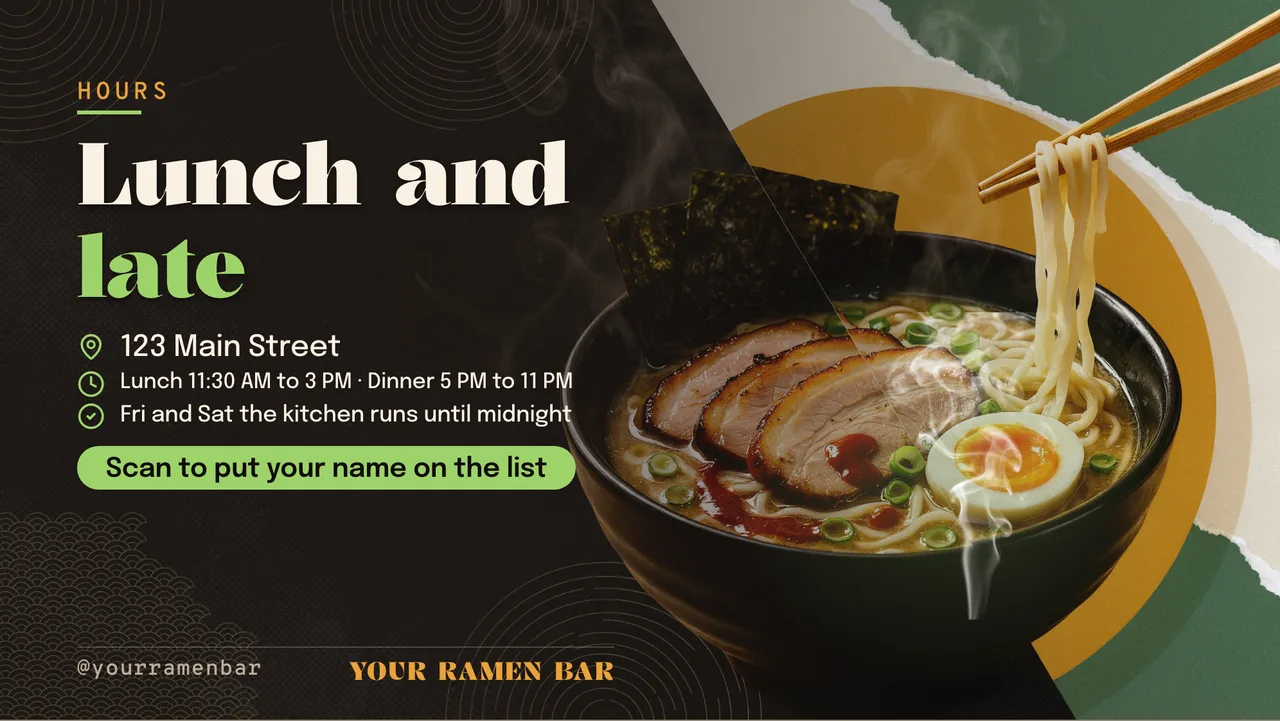
    • HOURS
    • Lunch and
    • late
    • 123 Main Street
    • Lunch 11:30 AM to 3 PM · Dinner 5 PM to 11 PM
    • Fri and Sat the kitchen runs until midnight
    • Scan to put your name on the list
    • @yourramenbar
    • YOUR RAMEN BAR

What is a ramen digital menu board?

A ramen digital menu board is the screen at a ramen counter listing broths and bowls, toppings, add-ons and prices. This board runs four slides: broth first with bowls from $15.49, four bowls from tonkotsu to vegetable shio, add-ons such as a soft egg and extra noodles, and lunch and late-night hours.

This board runs on

Any screen with a modern browser. There is no media player box to buy and nothing to install: you open a link on the TV, pair it once, and change what it shows from your phone.

It is authored at 16:9, so stand the TV the usual way and the board fills it.

Questions people actually ask

How should a ramen menu describe the broths?
By base and main toppings in a few words each, as this board does: tonkotsu with pork broth, chashu and a soft egg; shoyu with soy tare and chicken broth. Customers choose the broth first, so it leads each line.
Can a ramen menu call a bowl vegan?
Only if every part is, including the tare, the noodles and the oil, and nothing shared in the kitchen changes that. This board says vegetable broth as an ingredient rather than vegan, which stays true until you confirm the whole bowl.
How should spice levels be shown?
As a plain scale with the top level explained, as this board does: spicy miso comes in levels 0 to 3, and level 3 is very spicy. A number with no description invites a bowl sent back.
Can the menu switch for late-night service?
Yes. Keep a late-night board with a shorter menu and publish it when the kitchen changes over. On a paid plan a channel can switch it by hour on Fridays and Saturdays by itself. Paid plans start at $5 per screen per month billed annually.

More restaurant & menu templates

Make this one yours.

Remix it into your workspace, change what you like, and put it on a TV. Your first screen is free. Free screens show a small "Made with ChannelOS" badge in one corner. Any paid plan removes it.

Sell it instead of buying it. The ChannelOS partner program pays 20% of what each business you refer pays us for their first 12 months, then 10% for as long as they stay. Free to join, nothing to stock.

See the partner program →