Cyber glitch flash sale screen · Portrait for a cell phone or computer store: slide 1 of 3, the sale headline and top discount
Official Retail & promo 9:16

Cyber glitch flash sale screen · Portrait Free retail & promo digital signage template

A computer store stands a TV on its end by the door: the sale, three tiers for laptops or accessories, and the end time.

Computer store digital signage for any TV, free to remix. A portrait sale board for a computer store: up to 60% off and three tiers.

By
ChannelOS
Slides
3
Likes
0
  • cell phone store
  • computer store
  • flash sale
  • sale poster
  • limited time offer
  • storewide sale
  • retail
  • digital signage
  • cyber
  • tech
Use this template, free
  1. 1 Create a free account and this template opens in your own workspace.
  2. 2 Change every word, price and photo in the editor, on a phone or a computer.
  3. 3 On the TV, open play.channelos.tv, pair it from your phone with the code it shows, then publish the board to it.

Every slide in this template

3 slides, rendered exactly as they air on a TV.

Every word on these slides is text you can change
  1. Slide 1

    • FLASH
    • SALE
    • System override. Up to 60% off
    • YOUR STORE
    • IN STORE AND ONLINE
    • Ends midnight
    • @yourstore · flash sale
  2. Slide 2

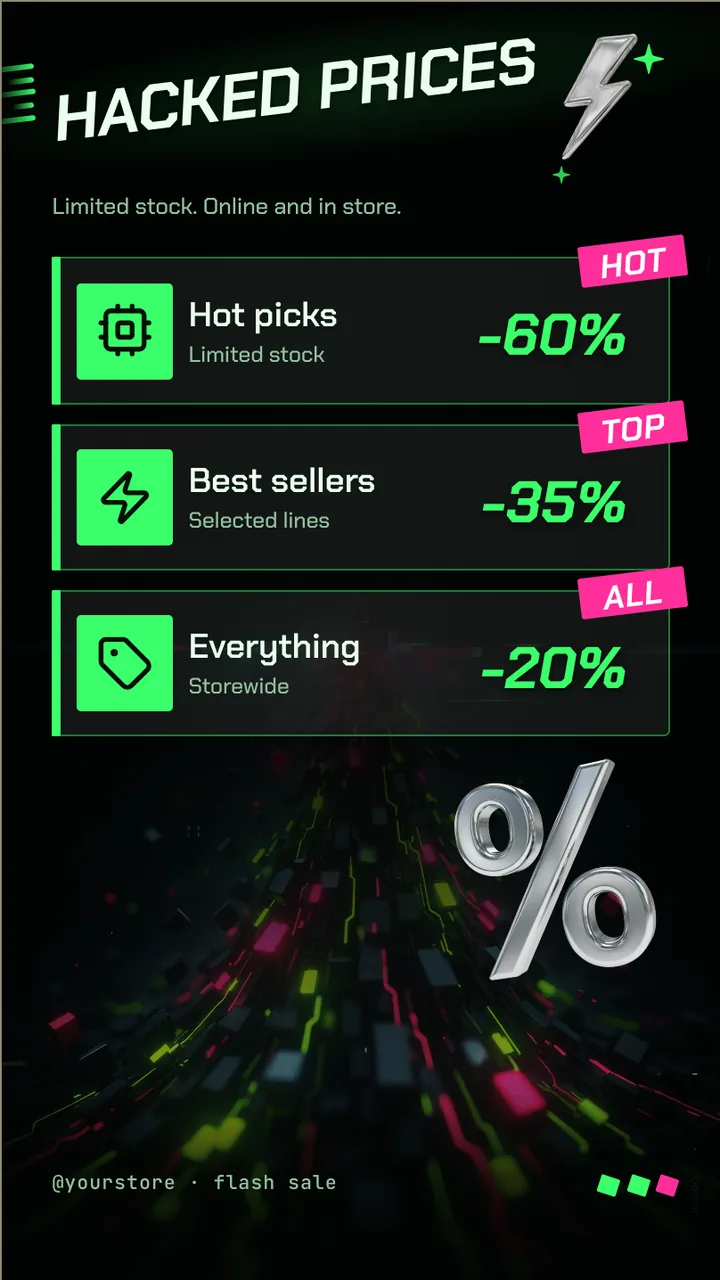
    • Hacked prices
    • Limited stock. Online and in store.
    • Hot picks
    • Limited stock
    • -60%
    • Hot
    • Best sellers
    • Selected lines
    • -35%
    • Top
    • Everything
    • Storewide
    • -20%
    • All
    • @yourstore · flash sale
  3. Slide 3

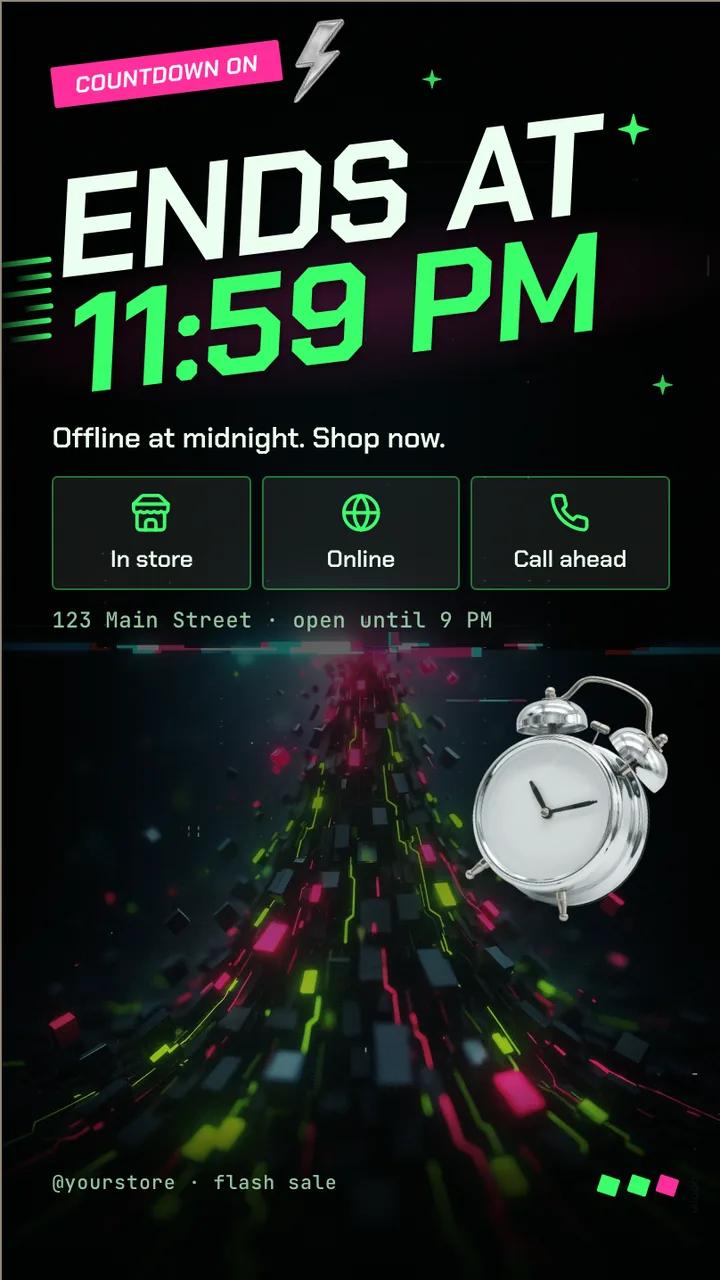
    • Countdown on
    • ENDS AT
    • 11:59 PM
    • Offline at midnight. Shop now.
    • In store
    • Online
    • Call ahead
    • 123 Main Street · open until 9 PM
    • @yourstore · flash sale

What is computer store digital signage?

Computer store digital signage is a screen in a computer or electronics store that shows deals, new stock and services such as repairs. This portrait board runs a sale in three slides: the discount, tiers you can name as laptops, accessories or repairs, and an ends at midnight slide.

This board runs on

Any screen with a modern browser. There is no media player box to buy and nothing to install: you open a link on the TV, pair it once, and change what it shows from your phone.

It is authored at 9:16, so stand the TV on its end and the board fills it.

Questions people actually ask

What should a computer store sale board show?
The discount, the product type and the end time. Rename the three tiers to what you sell, such as refurbished laptops, accessories and repairs. Specifications belong on the shelf label, not the screen, since nobody reads a spec sheet on a TV across the room.
Can I show a model name and a price on the screen?
Yes, as text on a slide. Keep it to the model, one line on what matters and the price. If you show a was price, it should be one you genuinely charged. Update the line when stock runs out so the screen never advertises something you cannot sell.
Where does a portrait TV work in a computer store?
By the entrance or at the repair counter, where people wait. A TV on its end takes a narrow strip of wall and reads at standing height. Keep it away from the demo screens so it does not look like another product on display.
Can I run the same board on two screens?
Yes. Pair each TV and publish the same board to both, or on a paid plan put them on one channel so a change reaches every screen at once. Two screens need a paid plan, priced per screen, from $5 a month billed annually.

More retail & promo templates

Make this one yours.

Remix it into your workspace, change what you like, and put it on a TV. Your first screen is free. Free screens show a small "Made with ChannelOS" badge in one corner. Any paid plan removes it.

Sell it instead of buying it. The ChannelOS partner program pays 20% of what each business you refer pays us for their first 12 months, then 10% for as long as they stay. Free to join, nothing to stock.

See the partner program →