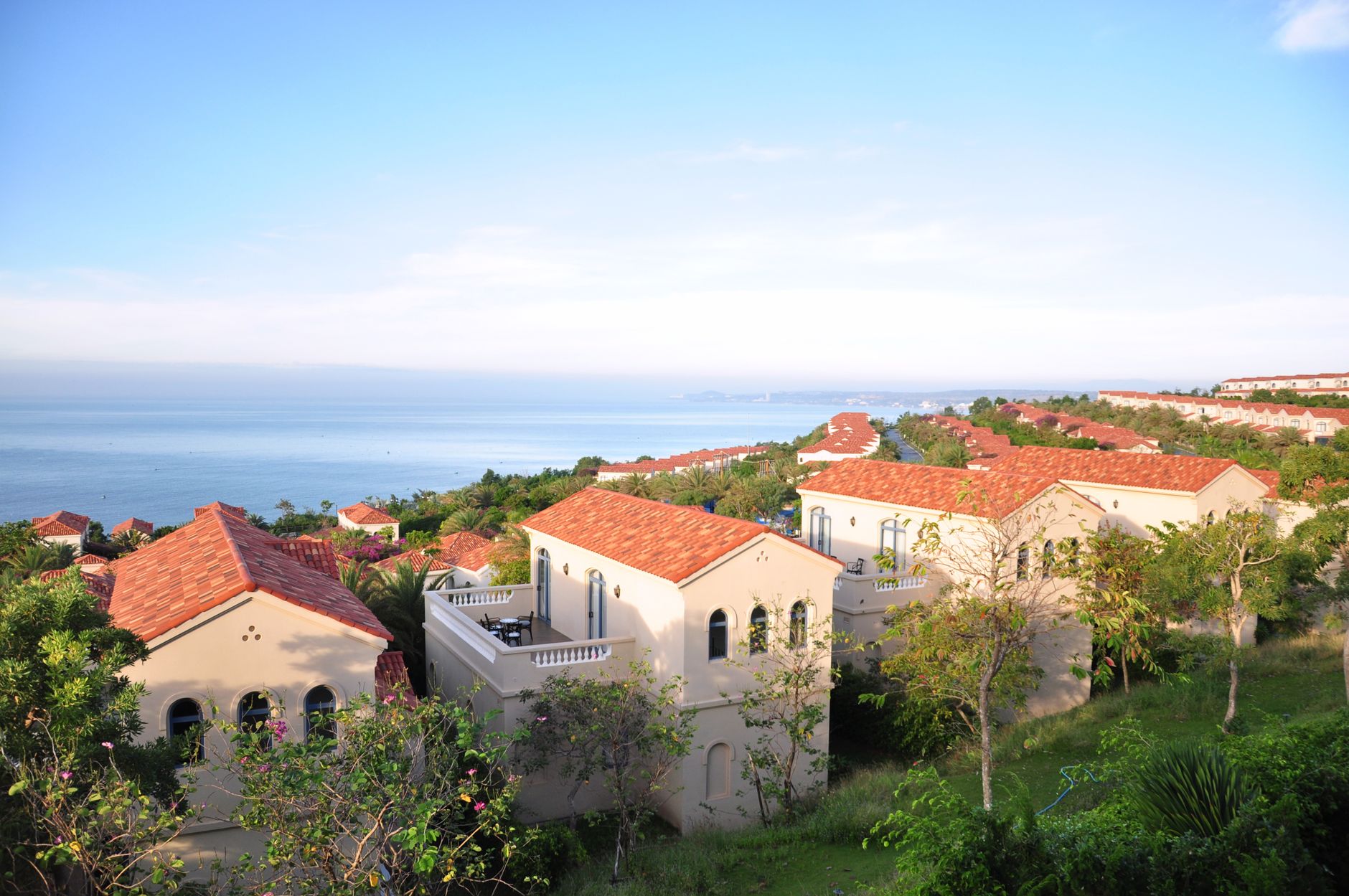
Barefoot luxury · on the bay
Azure Bay
Sea breeze, slow mornings, salt on your skin.
Azure Bay · beach resort · @azurebayresort
Community Hospitality 16:9

Azure Bay — Beach Resort Free hospitality digital signage template

Beach resort front desk staff run this lobby screen showing room types, spa and experiences, dining hours and booking.

A free, remixable resort lobby display board for any TV: waves hero, room types, spa and experiences, dining hours and a book-now call to action.

By
Community Showcase
Slides
5
Likes
0
  • resort
  • hotel
  • welcome
  • experiences
  • beach
Use this template, free
  1. 1 Create a free account and this template opens in your own workspace.
  2. 2 Change every word, price and photo in the editor, on a phone or a computer.
  3. 3 On the TV, open play.channelos.tv, pair it from your phone with the code it shows, then publish the board to it.

Every slide in this template

5 slides, rendered exactly as they air on a TV.

Every word on these slides is text you can change
  1. Slide 1

    • Barefoot luxury · on the bay
    • Azure Bay
    • Sea breeze, slow mornings, salt on your skin.
    • Azure Bay · beach resort · @azurebayresort
  2. Slide 2

    • Stay With Us
    • Bay-View Room
    • 220
    • from · private terrace, king bed
    • Beach Bungalow
    • 340
    • from · steps to the sand
    • Overwater Suite
    • 560
    • from · glass floor, sunset deck
    • Family Villa
    • 480
    • from · two bedrooms, plunge pool
    • Azure Bay · beach resort · @azurebayresort
  3. Slide 3

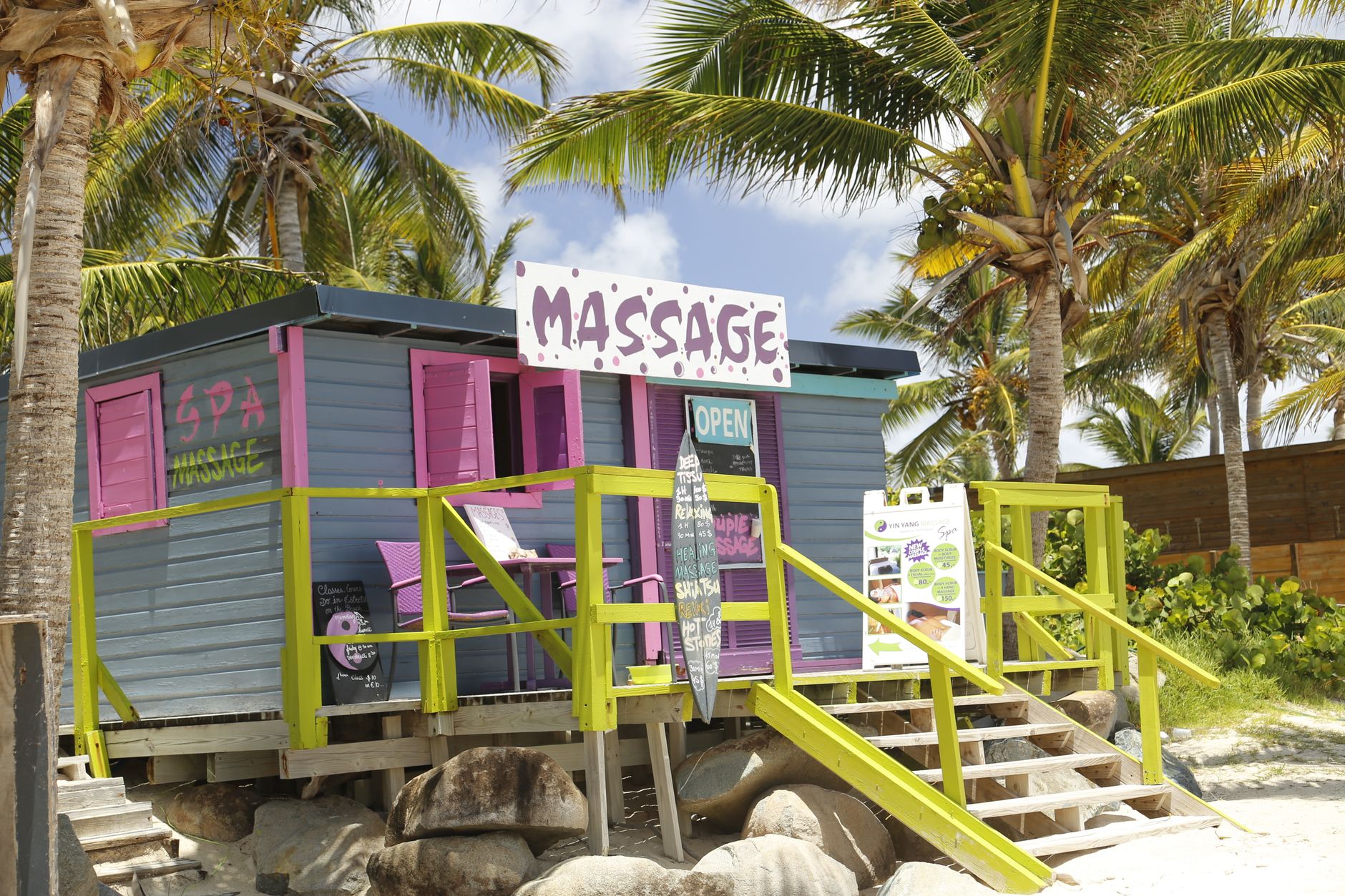
    • Experiences
    • Sunrise Kayak Tour
    • 6:30a
    • Ocean-Salt Spa Ritual
    • 90 min
    • Reef Snorkel Trip
    • daily
    • Beach Yoga
    • 7:30a
    • Azure Bay · beach resort · @azurebayresort
  4. Slide 4

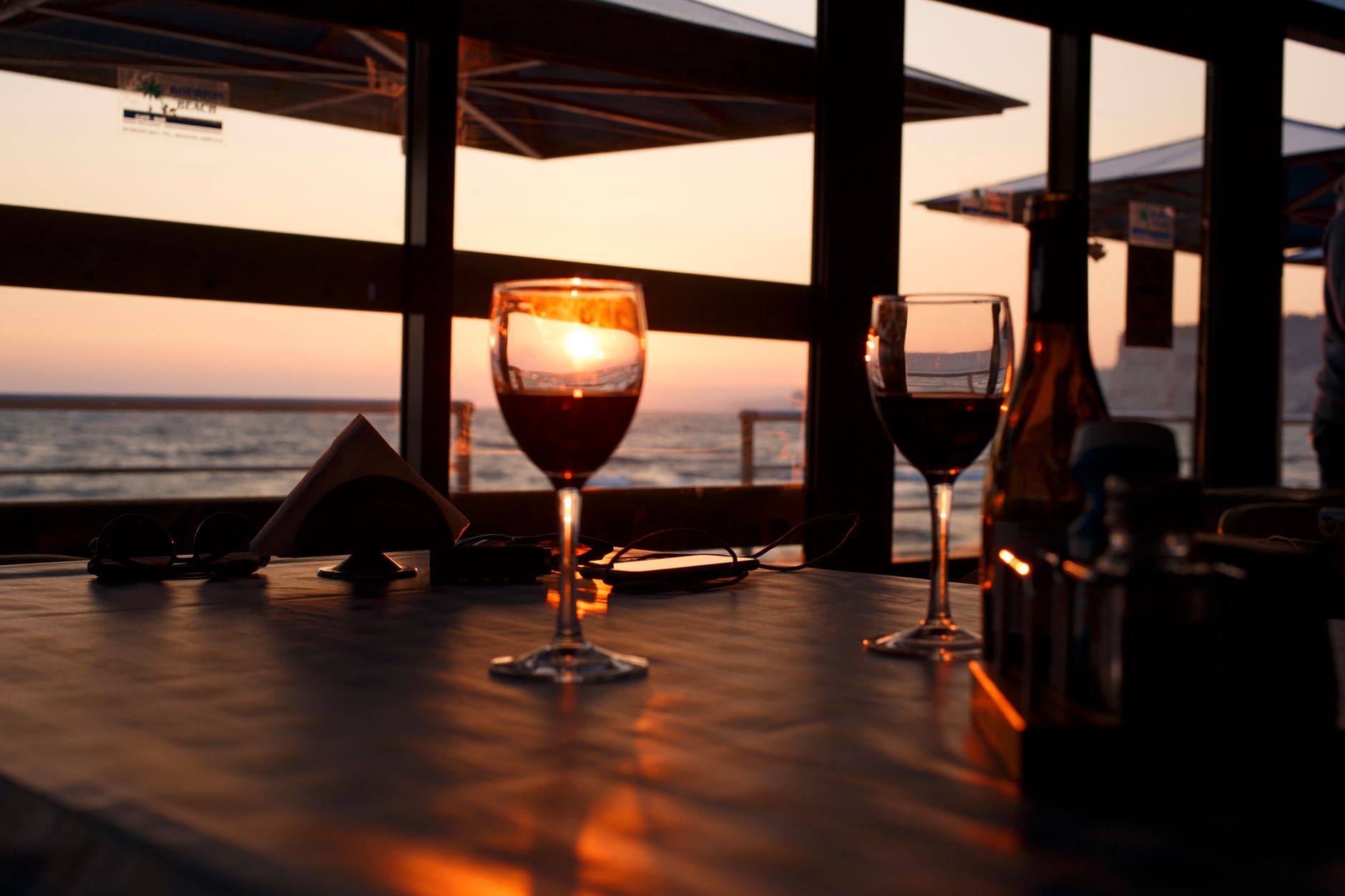
    • Tide & Table · beachfront
    • Dinner on the sand
    • Day's catch, wood-fire grill, chilled rosé · 6–10pm
    • table for two
    • book
    • Azure Bay · beach resort · @azurebayresort
  5. Slide 5

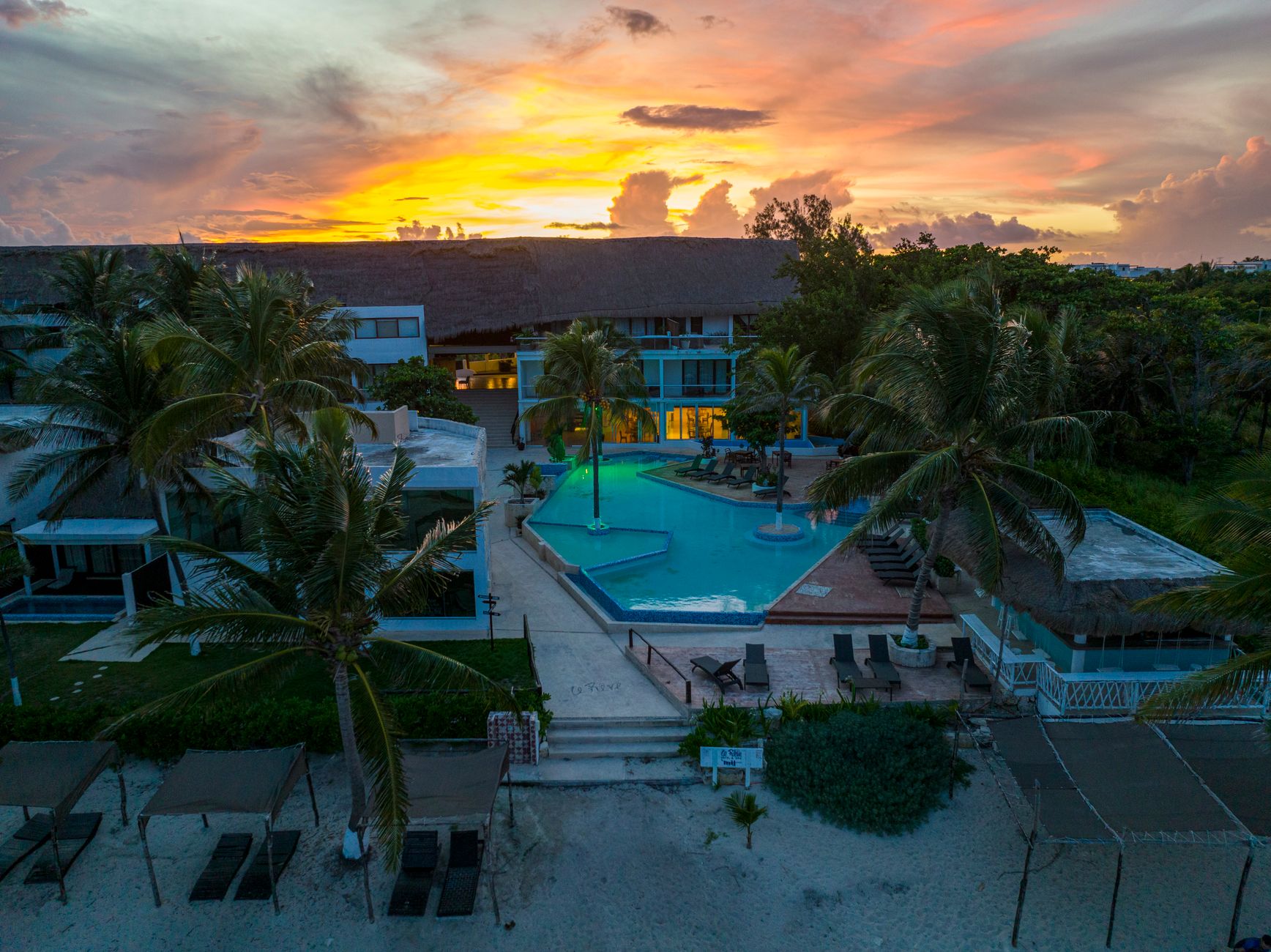
    • Rooms filling for the season
    • Book your stay
    • azurebay.com
    • Best rate direct · call +1 555 0192
    • Azure Bay · beach resort · @azurebayresort

What is a resort lobby display board?

A resort lobby display board is the screen or panel in a resort reception area that greets arriving guests and carries the information the front desk repeats all day: room types and rates, spa and activity times, restaurant hours, weather and check-out details. Run on a TV, it is updated in seconds rather than reprinted.

This board runs on

Any screen with a modern browser. There is no media player box to buy and nothing to install: you open a link on the TV, pair it once, and change what it shows from your phone.

It is authored at 16:9, so stand the TV the usual way and the board fills it.

Questions people actually ask

What should a resort lobby display board show?
Work backwards from the questions your front desk answers most. In a resort that is usually check-in and check-out times, breakfast and restaurant hours, spa and activity bookings, pool and beach timings, wifi access, and the day ahead weather. Give each of those its own slide rather than crowding one. Keep the loop short enough that a guest standing at the desk sees all of it: roughly six to eight slides at eight to ten seconds each repeats about once a minute. Leave the fire exit map, evacuation instructions and emergency numbers on printed signage, because a screen goes dark in a power cut and that is exactly when they are needed.
How much does a resort lobby display board cost?
Price it as three separate lines, not one. First the screen: a consumer TV is the cheapest way in and is fine for a lobby that runs office hours, while a commercial signage panel is sold with a duty rating (commonly 16 hours a day, or 24/7) and a longer commercial warranty, which is what the premium buys. Second the player: a streaming stick, an Android TV box or a mini PC, or nothing at all if the TV already has a browser. Third the software, normally a monthly fee per screen. Ask for the three quoted separately, because one installed-board price hides which part you are actually paying for.
What size screen and text does a resort lobby need?
Size the text first, then the screen. The sign trade rule of thumb is 25mm (about one inch) of capital letter height for every 3 metres (10 feet) of viewing distance. Measure from the display to where guests actually stand, usually the check-in queue and the seating area, take the further of the two, and that gives you the smallest letter height that still reads. Then pick a panel large enough to hold your longest line at that height. A lobby read from 6 to 8 metres needs headline type set very large and no more than about six lines on a slide. If a line only reads when you walk up to it, cut words instead of shrinking the type.
Can I make a resort lobby display board myself?
Yes, and for a single reception screen it is usually the faster route. You need three things: a screen on the wall, something to drive it (on most smart TVs the built-in browser is enough), and a board designed at the screen's own shape, which for a wall-mounted lobby TV is 16:9 landscape at 1920 by 1080. Build it in landscape and keep a separate portrait version if you also run a standing totem, because rotating a landscape layout re-wraps every line. Starting from a finished board beats a blank canvas: this Azure Bay template is free to open, remix with your own rooms, rates and photography, and put on a screen with ChannelOS.

More hospitality templates

Make this one yours.

Remix it into your workspace, change what you like, and put it on a TV. Your first screen is free. Free screens show a ChannelOS banner along the bottom of the screen. Any paid plan removes it.

Free screens show a ChannelOS banner along the bottom of the screen, and any paid plan removes it.

Sell it instead of buying it. The ChannelOS partner program pays 20% of what each business you refer pays us for their first 12 months, then 10% for as long as they stay. Free to join, nothing to stock.

See the partner program →