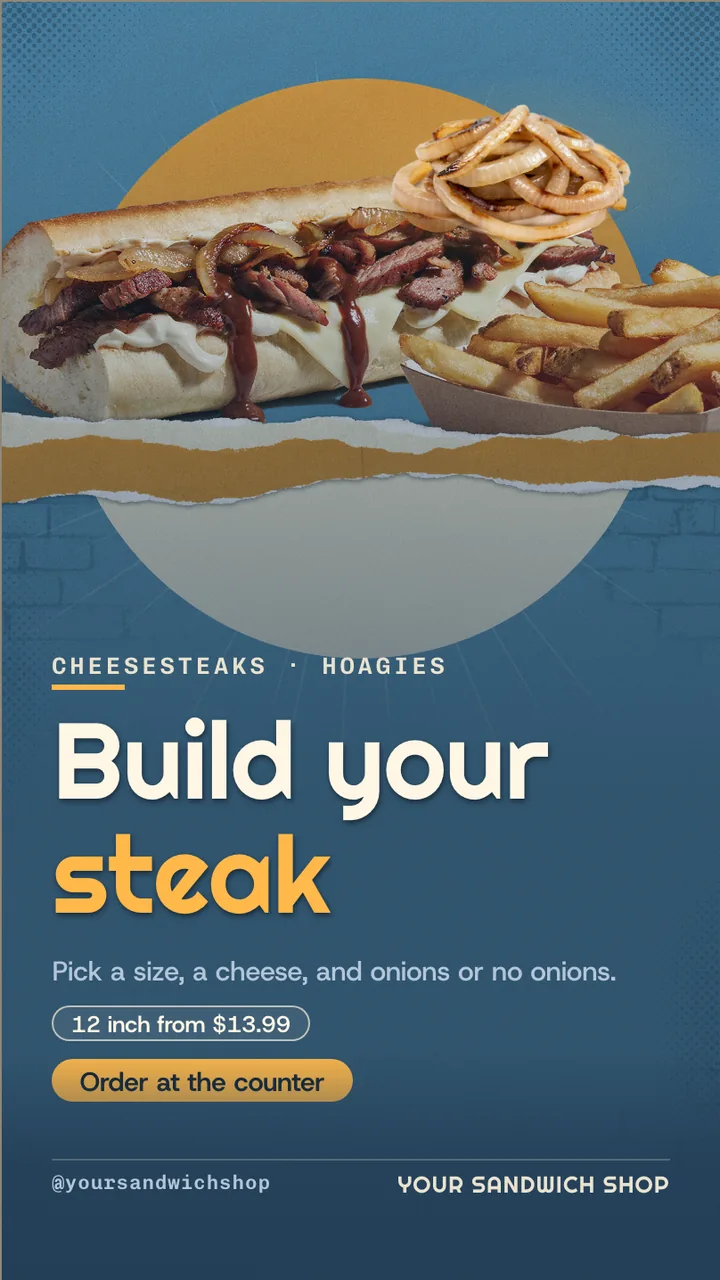
Cheesesteak shop menu board · Portrait for a cheesesteak shop: slide 1 of 4, the headline and what the business offers
Official Restaurant & menu 9:16

Cheesesteak shop menu board · Portrait Free restaurant & menu digital signage template

A sub shop stands a TV on its end by the counter: steaks and hoagies in two sizes, how to order and a meal deal.

Sub shop menu board for any TV, free to remix. A portrait sub shop menu board: subs in two sizes, how to order and a meal deal. Every word is editable.

By
ChannelOS
Slides
4
Likes
0
  • cheesesteak
  • sub shop
  • hoagies
  • sandwich shop
  • how to order
  • size and style
  • make it a meal
  • menu board
  • restaurant tv menu
  • hoagie shop
Use this template, free
  1. 1 Create a free account and this template opens in your own workspace.
  2. 2 Change every word, price and photo in the editor, on a phone or a computer.
  3. 3 On the TV, open play.channelos.tv, pair it from your phone with the code it shows, then publish the board to it.

Every slide in this template

4 slides, rendered exactly as they air on a TV.

Every word on these slides is text you can change
  1. Slide 1

    • CHEESESTEAKS · HOAGIES
    • Build your
    • steak
    • Pick a size, a cheese, and onions or no onions.
    • 12 inch from $13.99
    • Order at the counter
    • @yoursandwichshop
    • YOUR SANDWICH SHOP
  2. Slide 2

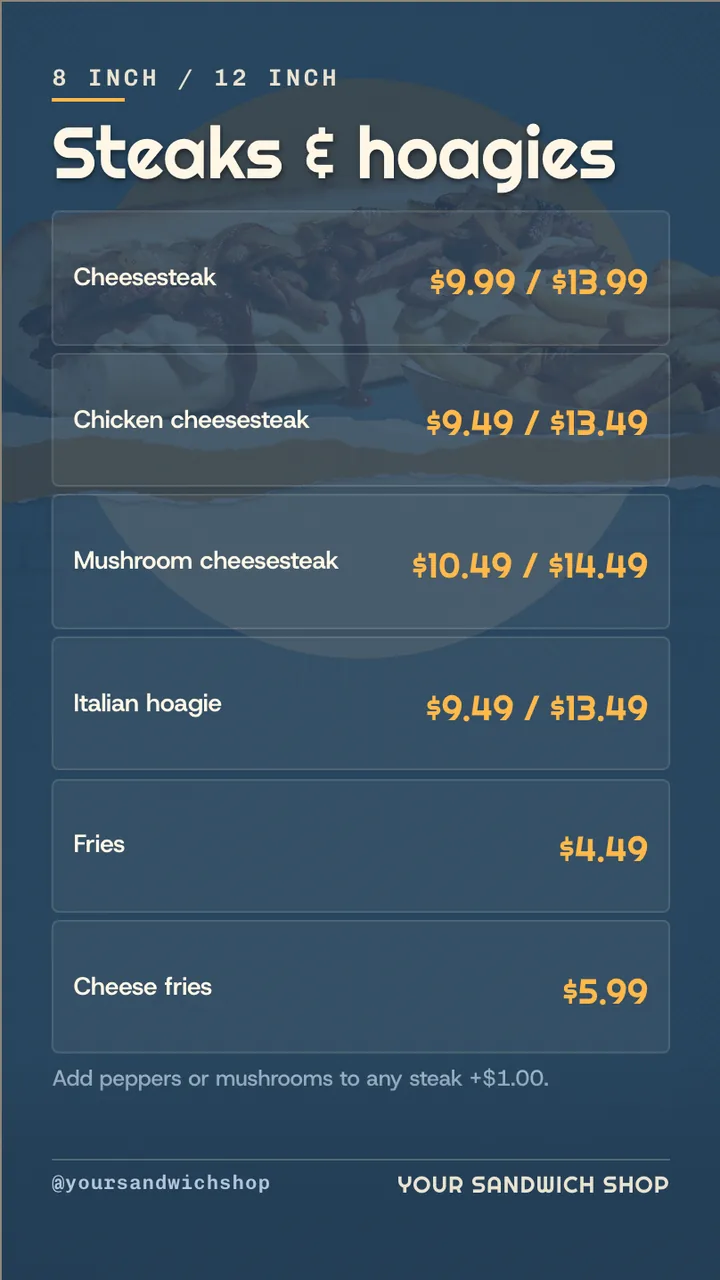
    • 8 INCH / 12 INCH
    • Steaks & hoagies
    • Cheesesteak
    • $9.99 / $13.99
    • Chicken cheesesteak
    • $9.49 / $13.49
    • Mushroom cheesesteak
    • $10.49 / $14.49
    • Italian hoagie
    • $9.49 / $13.49
    • Fries
    • $4.49
    • Cheese fries
    • $5.99
    • Add peppers or mushrooms to any steak +$1.00.
    • @yoursandwichshop
    • YOUR SANDWICH SHOP
  3. Slide 3

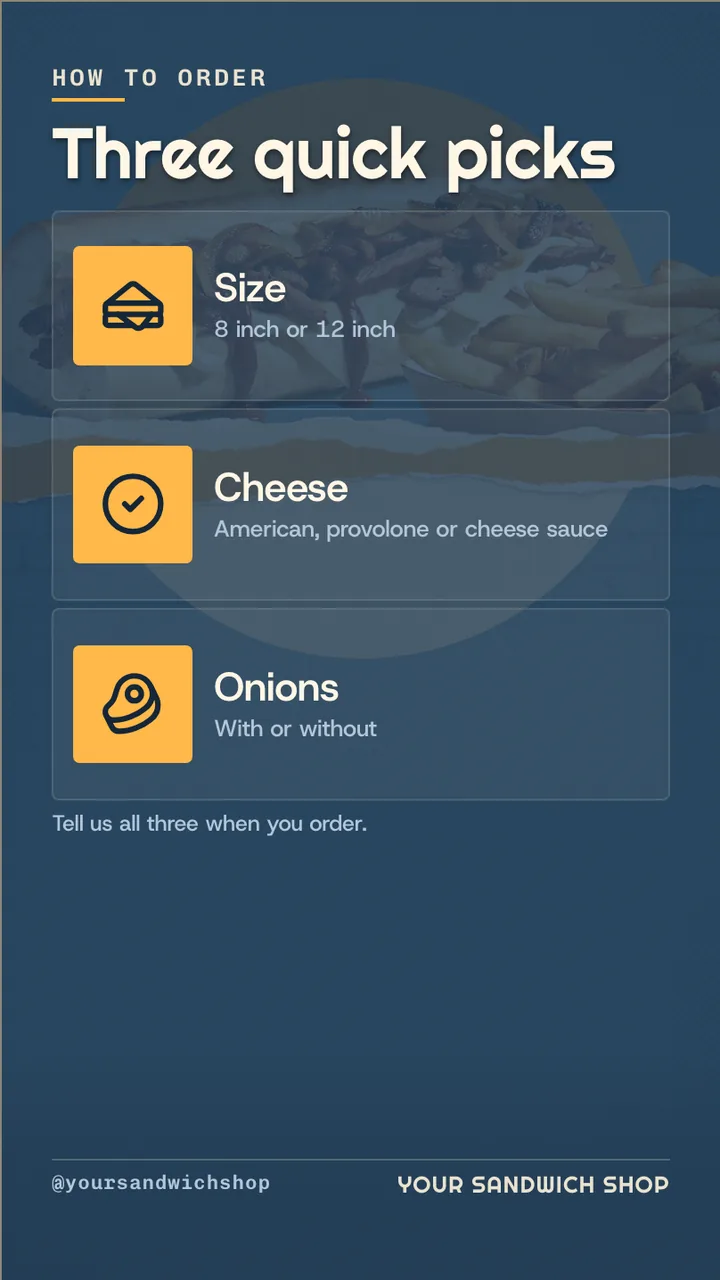
    • HOW TO ORDER
    • Three quick picks
    • Size
    • 8 inch or 12 inch
    • Cheese
    • American, provolone or cheese sauce
    • Onions
    • With or without
    • Tell us all three when you order.
    • @yoursandwichshop
    • YOUR SANDWICH SHOP
  4. Slide 4

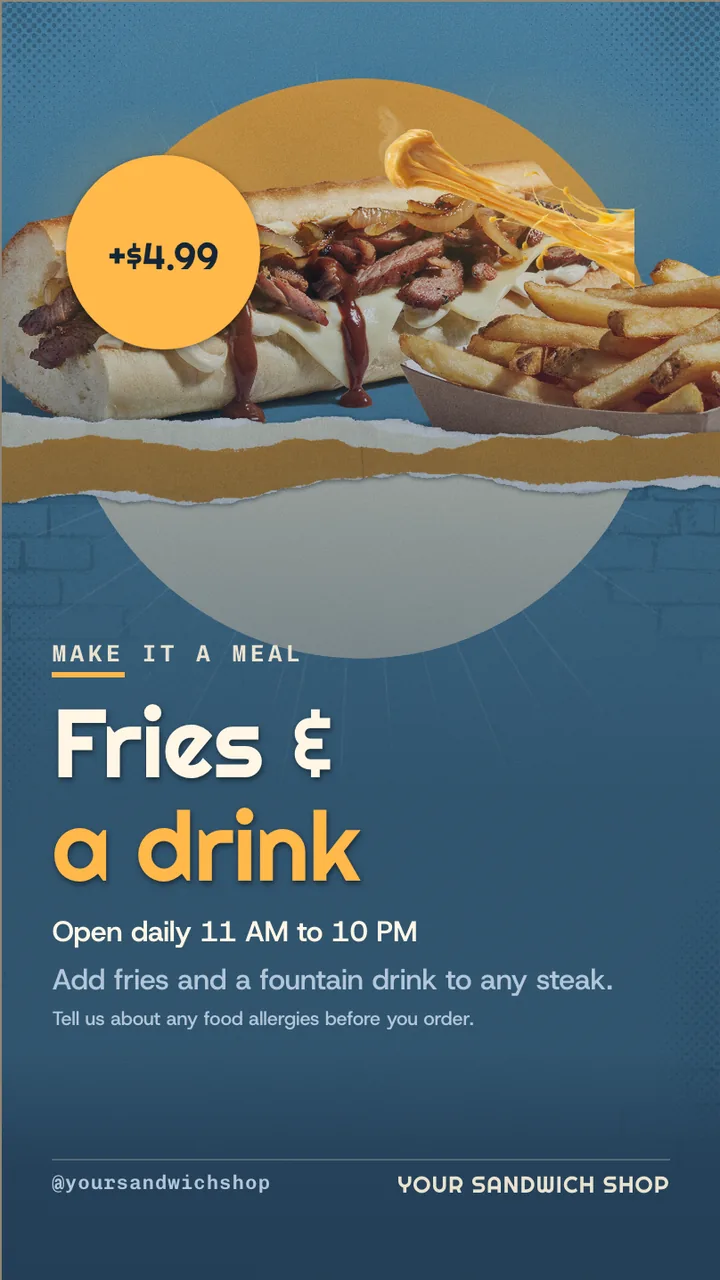
    • +$4.99
    • MAKE IT A MEAL
    • Fries &
    • a drink
    • Open daily 11 AM to 10 PM
    • Add fries and a fountain drink to any steak.
    • Tell us about any food allergies before you order.
    • @yoursandwichshop
    • YOUR SANDWICH SHOP

What is a sub shop menu board?

A sub shop menu board lists subs, hoagies or heroes by size with prices, plus options and combos. This portrait board runs four slides for a steak and hoagie counter: build your sub, 8 and 12 inch prices, three quick ordering picks, and a meal deal adding fries and a drink for $4.99.

This board runs on

Any screen with a modern browser. There is no media player box to buy and nothing to install: you open a link on the TV, pair it once, and change what it shows from your phone.

It is authored at 9:16, so stand the TV on its end and the board fills it.

Questions people actually ask

Sub, hoagie or hero: which name should the menu use?
The one your customers use. The same long sandwich is a sub in much of the US, a hoagie around Philadelphia and a hero in New York. This board says hoagie for the Italian sandwich, and the word is one edit if your town says sub.
How should a sub shop show combos?
As a separate slide with exactly what the combo adds and its price, as this board does: fries and a fountain drink for $4.99 more with any steak. A combo on its own slide is easier to spot than one tucked under the menu.
Where should a portrait menu screen go in a sub shop?
Above or beside the counter where people order, facing the line. A TV on its end fits the space beside a sandwich counter, and a pair of portrait screens can split subs and sides.
Can staff update the menu during the day?
Yes. Prices and items are text in the editor, which runs on a phone. Strike an item that has run out or change a price, publish, and the screen updates. Paid plans include more than one seat, so a shift manager can make changes too.

More restaurant & menu templates

Make this one yours.

Remix it into your workspace, change what you like, and put it on a TV. Your first screen is free. Free screens show a small "Made with ChannelOS" badge in one corner. Any paid plan removes it.

Sell it instead of buying it. The ChannelOS partner program pays 20% of what each business you refer pays us for their first 12 months, then 10% for as long as they stay. Free to join, nothing to stock.

See the partner program →