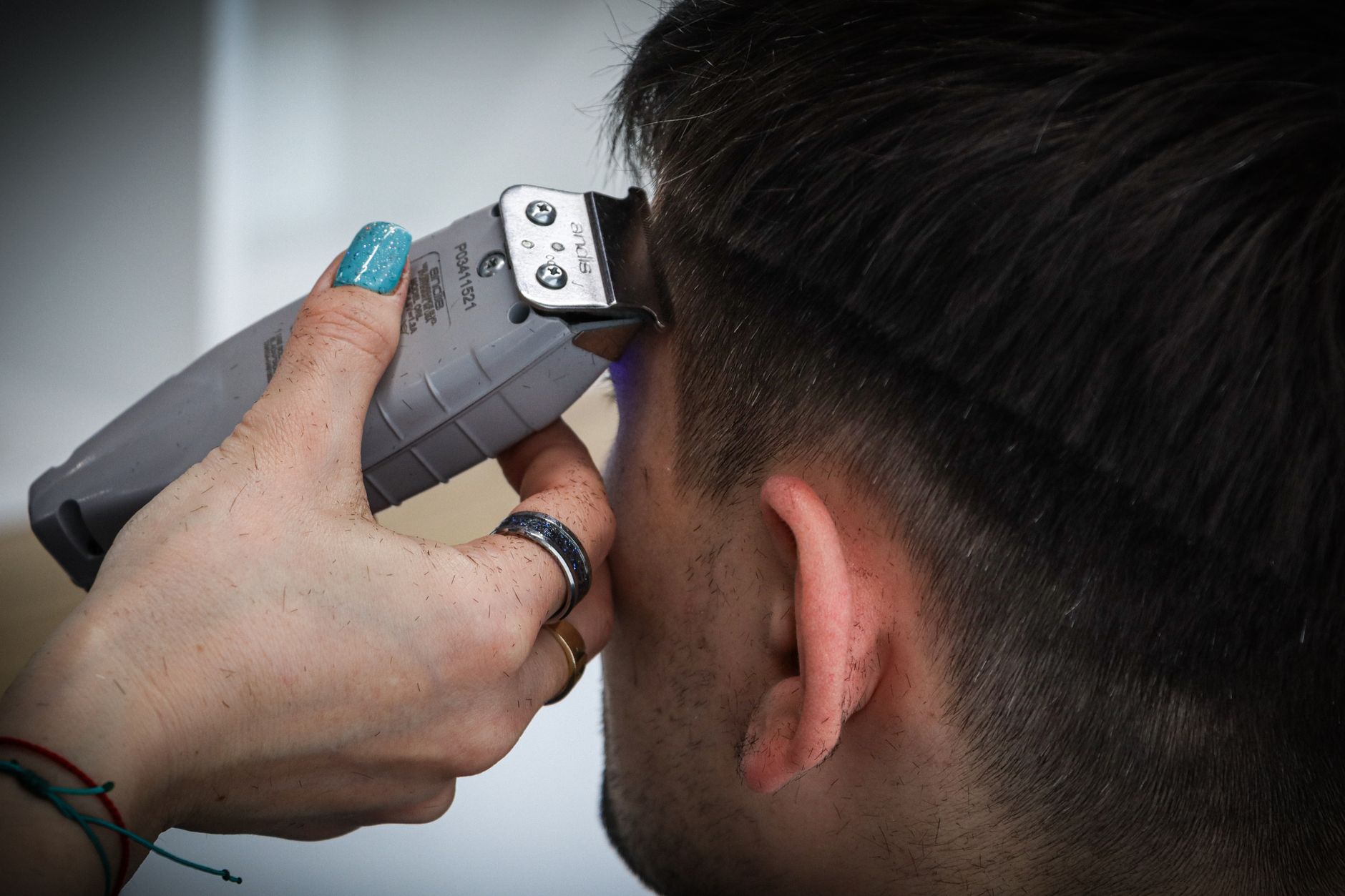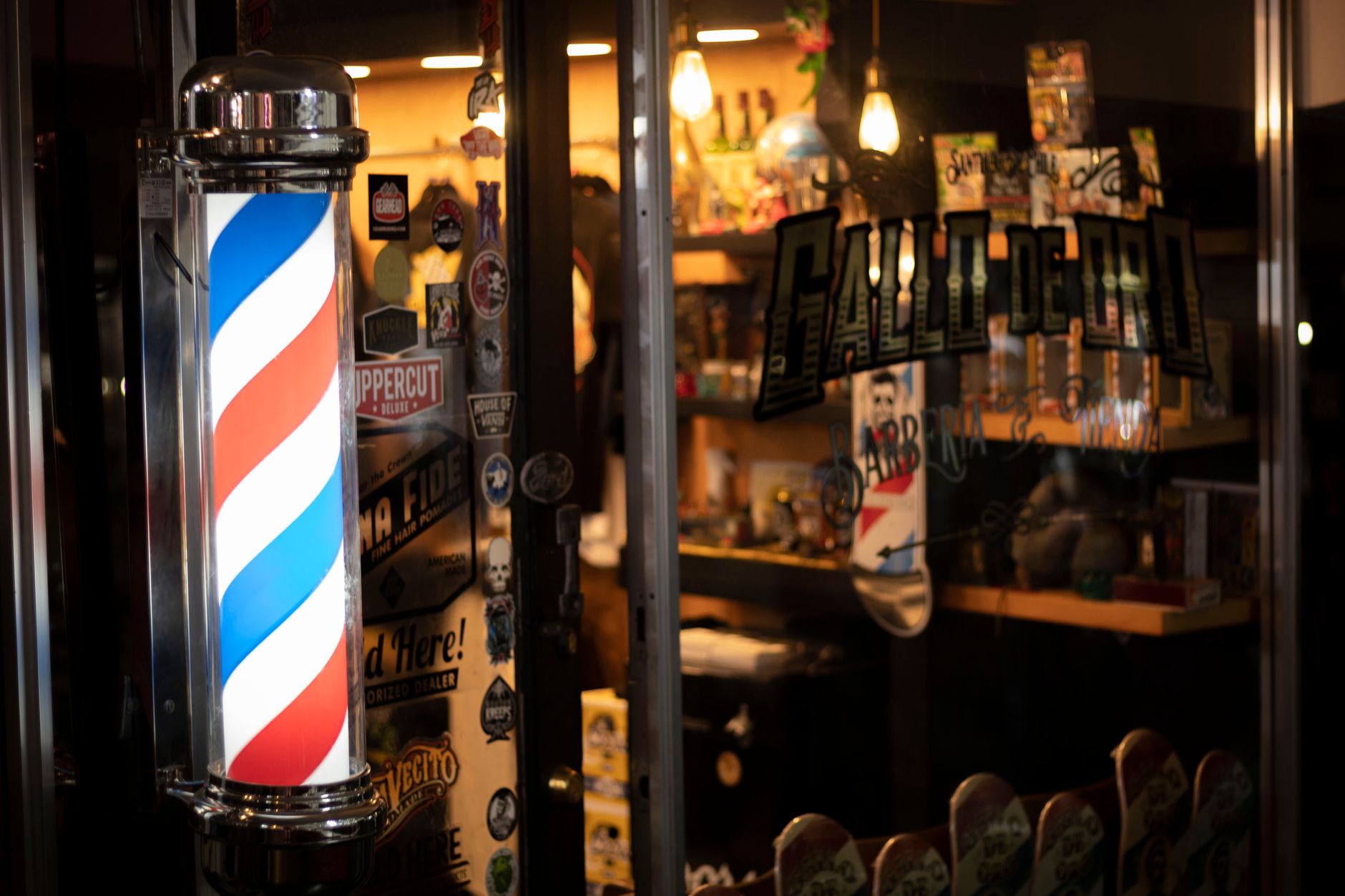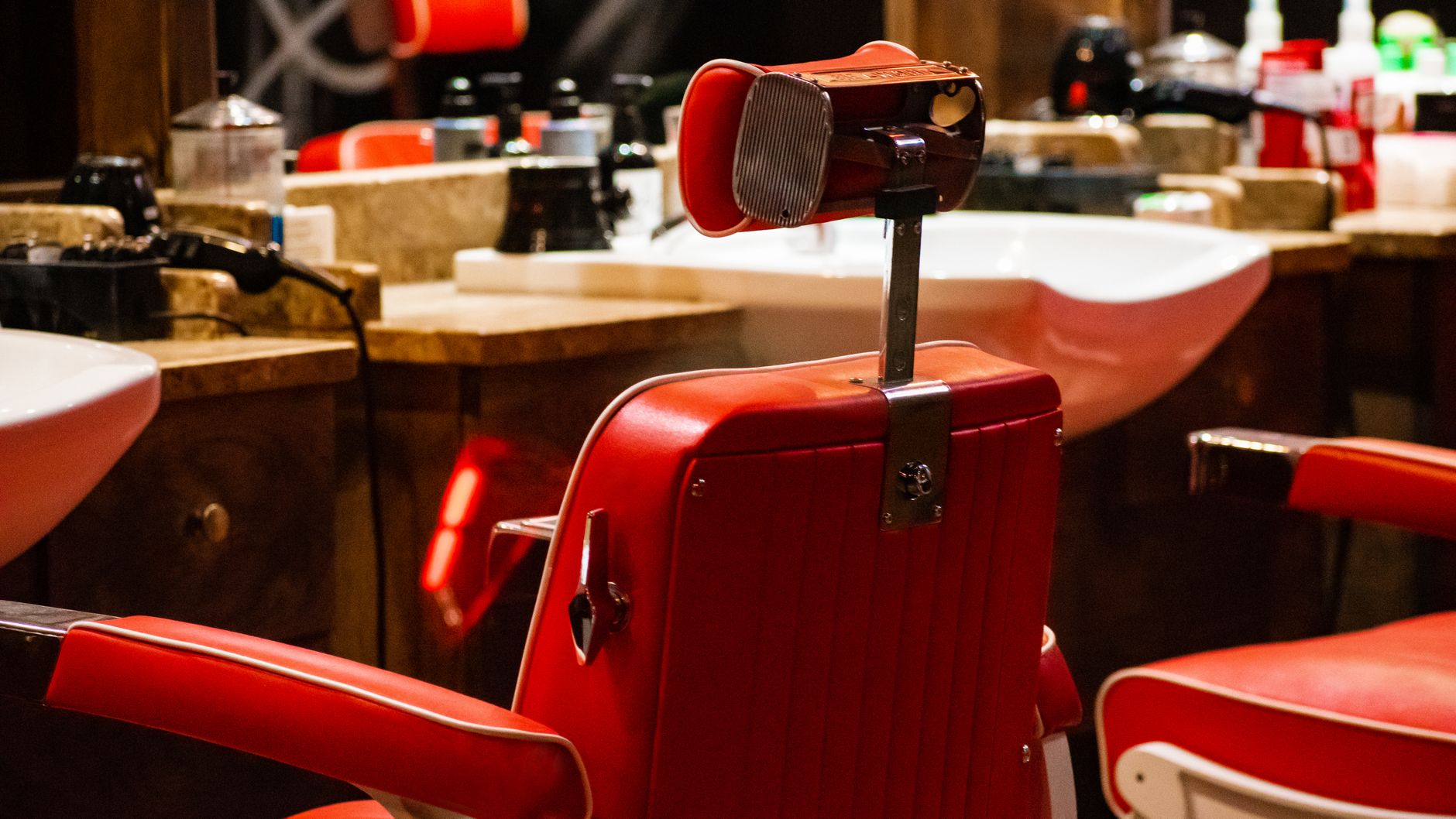
Fade & Co. — Barber Shop, a free other digital signage template
Cuts · shaves · grooming
FADE & CO.
A proper cut, no rush. Walk in or book ahead.
FADE & CO. · barbershop · est. 2012
Community Other 16:9

Fade & Co. — Barber Shop Free other digital signage template

A gents saloon or barber shop owner runs this on the shop TV: haircut and grooming rates, walk-in hours, booking QR.

How to display rate list on TV in saloon: use this free, remixable barber board showing cuts, shaves, grooming rates, walk-in hours and a booking QR code.

By
Community Showcase
Slides
5
Likes
0
  • barber
  • grooming
  • menu
  • prices
  • hours
  • book
Use this template, free
  1. 1 Create a free account and this template opens in your own workspace.
  2. 2 Change every word, price and photo in the editor, on a phone or a computer.
  3. 3 On the TV, open play.channelos.tv, pair it from your phone with the code it shows, then publish the board to it.

Every slide in this template

5 slides, rendered exactly as they air on a TV.

Every word on these slides is text you can change
  1. Slide 1

    • Cuts · shaves · grooming
    • FADE & CO.
    • A proper cut, no rush. Walk in or book ahead.
    • FADE & CO. · barbershop · est. 2012
  2. Slide 2

    • Cuts
    • Skin Fade
    • $28
    • Scissor Cut
    • $32
    • Cut & Beard
    • $40
    • clipper, scissor, line-up
    • Kids' Cut
    • $20
    • FADE & CO. · barbershop · est. 2012
  3. Slide 3

    • Grooming
    • Hot Towel Shave
    • $30
    • Beard Trim & Shape
    • $18
    • Grey Blending
    • $25
    • Head Shave
    • $26
    • FADE & CO. · barbershop · est. 2012
  4. Slide 4

    • Walk-ins welcome
    • OPEN SIX DAYS
    • TUE–SUN · 9–7
    • Closed Mondays. Last cut 30 min before close.
    • FADE & CO. · barbershop · est. 2012
  5. Slide 5

    • Skip the wait
    • BOOK YOUR CHAIR
    • fadeandco.app
    • Scan to pick your barber and time — or just walk in.
    • FADE & CO. · barbershop · est. 2012

What is a how to display rate list on TV in saloon?

To display a rate list on a TV in a saloon, open a browser-based signage tool such as ChannelOS, pick a barber rate board, type your cuts, shaves and prices into it, then pair the shop TV with the code it shows. The TV loops the list all day and edits go live within seconds.

This board runs on

Any screen with a modern browser. There is no media player box to buy and nothing to install: you open a link on the TV, pair it once, and change what it shows from your phone.

It is authored at 16:9, so stand the TV the usual way and the board fills it.

Questions people actually ask

How to make a price list for a salon?
Start from the chair, not the design. List every service you actually sell, then cut it to the ones that earn: a screen showing 30 lines reads as a wall of text, while 8 to 12 lines get read from the waiting bench. Group them the way customers ask for them: hair, beard, colour, then packages. Put the service on the left and the price hard right, so the column of numbers scans in one pass. Size the type by distance. The sign trade works to roughly 25mm of capital letter height for every 3 metres a customer stands away, so a TV read from 4 metres needs prices around 35mm tall on the glass. Keep every line at 4.5:1 contrast against its background.
How to make a rate list?
A rate list is two columns and a decision about what to leave out. Put the service name and the price on the main line and nothing else. Duration, stylist level or from-pricing go on a smaller second line, so the price column stays straight and scannable. Inside each group, order low to high, or lead with the service you want chosen. Say once, in a footer line, whether rates include GST and which payments you take, because that is the question asked at the chair. If weekday and weekend rates differ, show two labelled columns rather than a footnote, and change the board the day the price changes, not the week after.
What is a price list template?
A price list template is a pre-built layout with the headings, spacing and type sizes already set, so you only replace the service names and the numbers. Two kinds exist and they are not interchangeable. A graphic template from a design tool exports a fixed image you print or post, so changing one price means re-exporting and reprinting. A screen template is a live board built at the display size, normally 1920 by 1080 for a landscape TV, where a price edit shows on the screen the same day. Pick the screen version if the list moves, the graphic one if it is going into a frame on the wall.
How can I create a price list for free?
Free routes split by where the list ends up. For paper, a design tool free tier exports a PDF any local print shop can run off. For a TV you need something that plays in a browser, with no media player, no USB stick and no annual licence: open a barber rate board template, type your services and prices over the sample text, then open the same tool on the shop TV or a cheap streaming stick and enter the pairing code it shows. The board then updates from your phone, so a price change takes about a minute. ChannelOS publishes this barber board free and remixable.

More other templates

Make this one yours.

Remix it into your workspace, change what you like, and put it on a TV. Your first screen is free. Free screens show a ChannelOS banner along the bottom of the screen. Any paid plan removes it.

Free screens show a ChannelOS banner along the bottom of the screen, and any paid plan removes it.

Sell it instead of buying it. The ChannelOS partner program pays 20% of what each business you refer pays us for their first 12 months, then 10% for as long as they stay. Free to join, nothing to stock.

See the partner program →