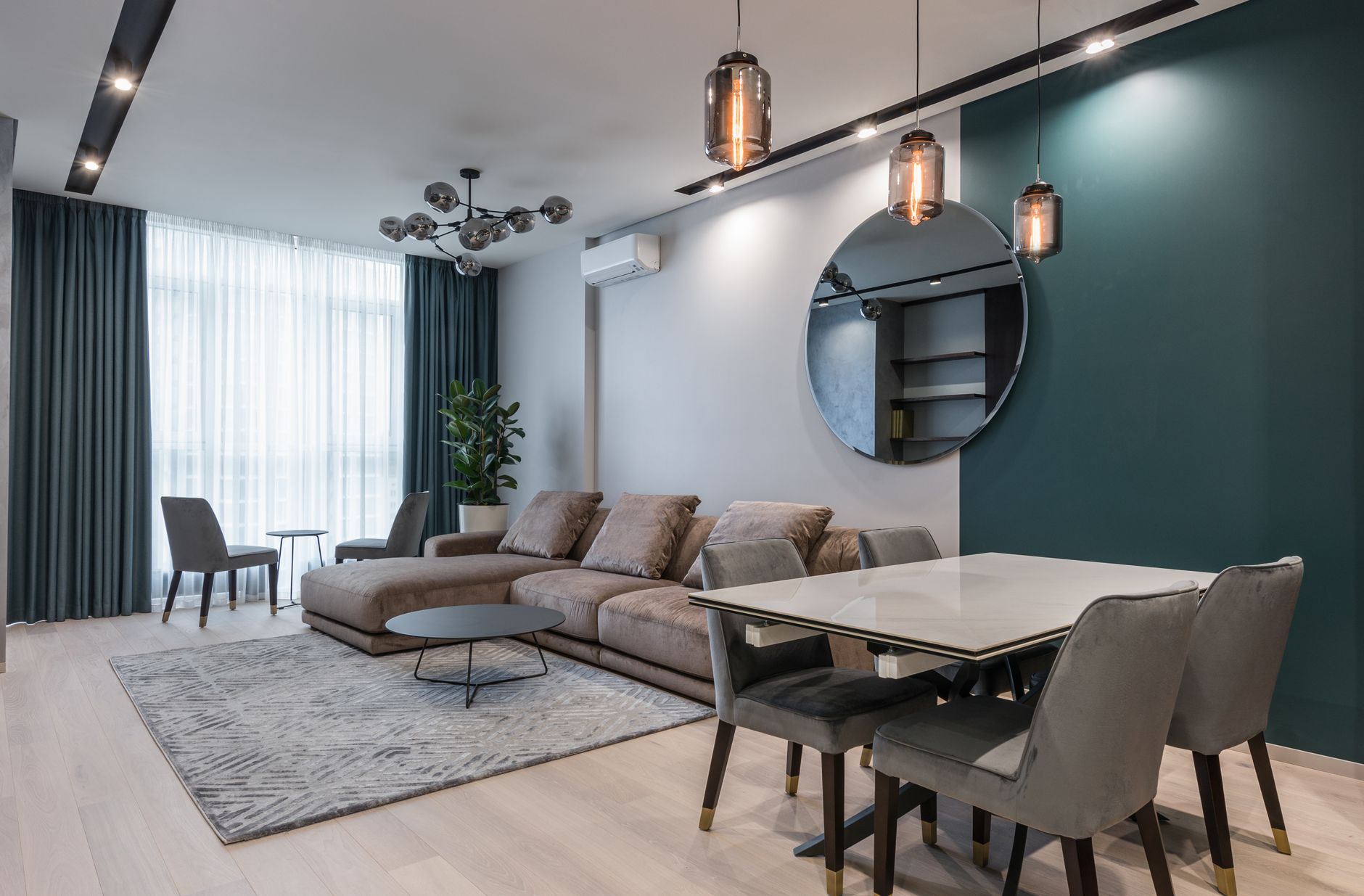
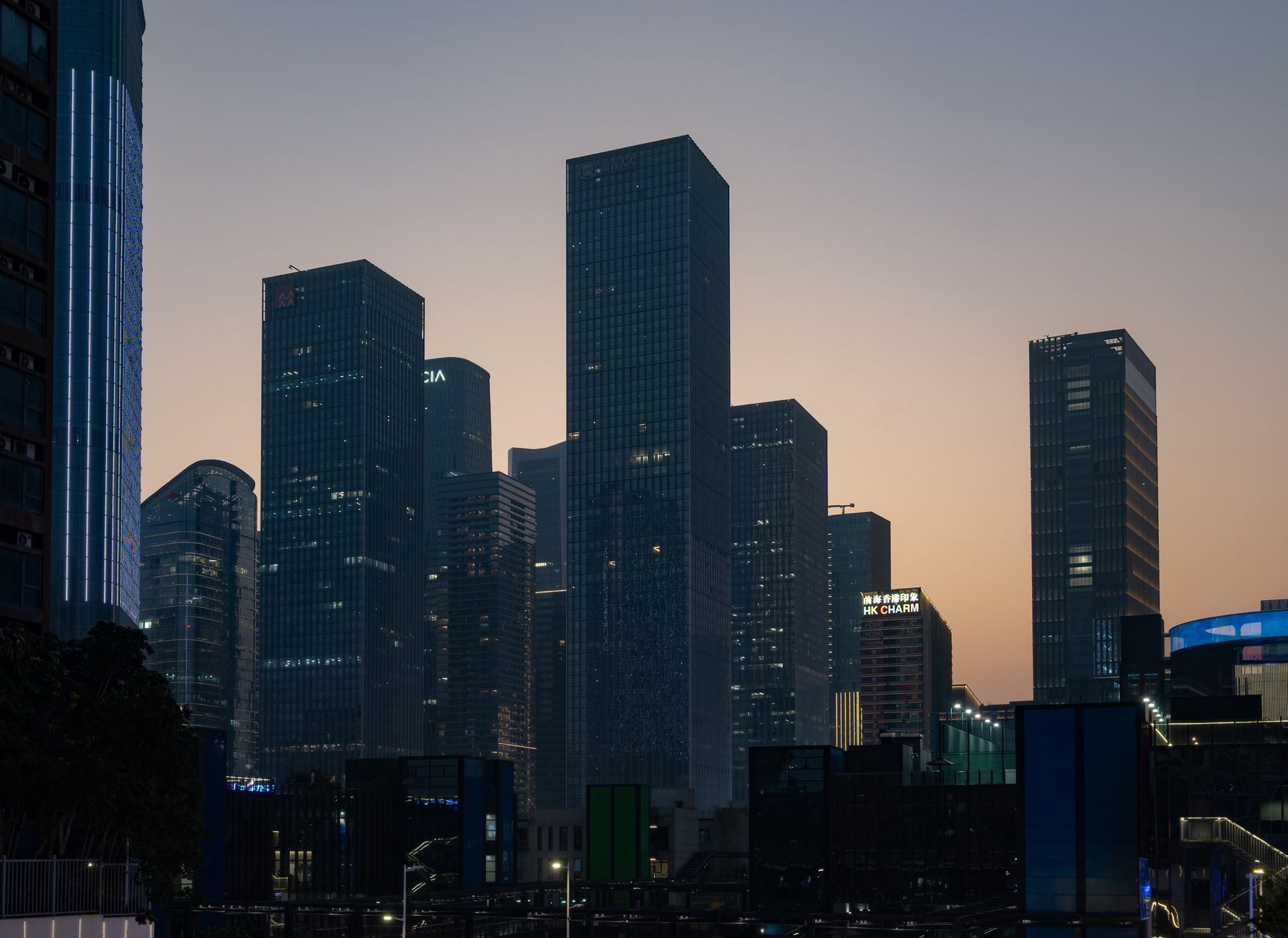
New Launch · Phase One
Skyline Residences
1, 2 & 3 BHK sky homes above the harbor.
skyline residences · register your interest
Community Real estate 16:9

Skyline — New Project Launch Free real estate digital signage template

A builder's on-site sales office runs this board: project video, highlights, price bands, launch date, register QR.

Free, remixable site office digital signage for a launch day: video hero, tower highlights, price bands, the launch date block and a register QR code.

By
Community Showcase
Slides
5
Likes
0
  • realestate
  • launch
  • new-project
  • apartments
  • register
  • qr
Use this template, free
  1. 1 Create a free account and this template opens in your own workspace.
  2. 2 Change every word, price and photo in the editor, on a phone or a computer.
  3. 3 On the TV, open play.channelos.tv, pair it from your phone with the code it shows, then publish the board to it.

Every slide in this template

5 slides, rendered exactly as they air on a TV.

Every word on these slides is text you can change
  1. Slide 1

    • New Launch · Phase One
    • Skyline Residences
    • 1, 2 & 3 BHK sky homes above the harbor.
    • skyline residences · register your interest

  2. Slide 2

    • Project Highlights
    • 40th-Floor Sky Lounge
    • Panoramic harbor views
    • Infinity Pool & Spa
    • Resident wellness deck
    • Smart Homes
    • App-controlled everything
    • Minutes to Metro
    • Walkable transit + retail
    • skyline residences · register your interest
  3. Slide 3

    • Homes & Pricing
    • 1 BHK · 720 sqft
    • $310K
    • 2 BHK · 1,050 sqft
    • $465K
    • 3 BHK · 1,480 sqft
    • $690K
    • Launch pricing · limited first-phase inventory
    • skyline residences · register your interest
  4. Slide 4

    • Grand Launch
    • MAR 15
    • 10 AM Onwards
    • Sales gallery preview · The Harbor Pavilion
    • skyline residences · register your interest
  5. Slide 5

    • Priority Access
    • Register for launch-day pricing.
    • skyline-residences.com · (022) 555-0199
    • Scan to Register
    • skyline residences · register your interest

What is site office digital signage?

Site office digital signage is a TV screen running looping content inside a builder's on-site sales office, in place of a printed flex board. A launch board cycles a project video, tower and unit highlights, price bands, launch and possession dates, and a QR code visitors scan to register interest.

This board runs on

Any screen with a modern browser. There is no media player box to buy and nothing to install: you open a link on the TV, pair it once, and change what it shows from your phone.

It is authored at 16:9, so stand the TV the usual way and the board fills it.

Questions people actually ask

What are the 7 key elements of digital signage?
Seven parts have to be in place before a screen earns its floor space: the display, a media player or a smart TV that plays on its own, the software that holds the content, a network connection, the content itself, a schedule deciding what plays when, and the mount and placement. Placement is the one site offices get wrong. The sign trade sizes type at roughly 25mm of capital letter height for every 3 metres of viewing distance, so a board read from four or five metres across a sales lounge needs headline letters around 40mm tall. Set price bands, possession dates and the project name at that size, and let anything a visitor only glances at run smaller.
What is the price of digital signage?
Cost splits three ways and only one part repeats. Hardware is the screen plus a player, and a consumer smart TV with a streaming stick costs a fraction of a commercial panel, which is worth paying for only when the screen runs all day every day or faces direct sunlight. Installation is the mount, a power point and a network drop, paid once. Software is the recurring part: nearly every vendor bills per screen per month, so multiply by the number of site offices and by how many months the project stays open before comparing two quotes. Test the idea on one screen first. ChannelOS templates are free and run on a TV you already own.
What are the top 10 digital signage software?
There is no settled top ten, and a ranking written for a hotel chain will not fit a site office. Shortlist on five checks instead. One, does it run on the hardware already in the room, or does it force a new player. Two, is billing per screen, and what does that come to across every site office for the length of the project. Three, can a sales executive change a price band or a launch date from a phone without calling anyone. Four, can content be scheduled to a date, so the launch board retires itself the morning after the launch. Five, what happens when the broadband drops, since some tools keep playing offline and some do not.
Is digital signage profitable?
For a builder the return is not advertising revenue, it is reprints avoided and registrations captured. Count how many times the printed board outside the site office was redone last quarter: a revised price list, a new payment plan, a possession date that moved, a bank tie up added. Multiply that by the printer's bill and the days the board stood wrong while the new one was being made. Compare it against a year of software for one screen. The other half is the QR code: track how many visitors scan and register from the screen, because that is the number that turns a display into a booking rather than decoration.

More real estate templates

Make this one yours.

Remix it into your workspace, change what you like, and put it on a TV. Your first screen is free. Free screens show a ChannelOS banner along the bottom of the screen. Any paid plan removes it.

Free screens show a ChannelOS banner along the bottom of the screen, and any paid plan removes it.

Sell it instead of buying it. The ChannelOS partner program pays 20% of what each business you refer pays us for their first 12 months, then 10% for as long as they stay. Free to join, nothing to stock.

See the partner program →