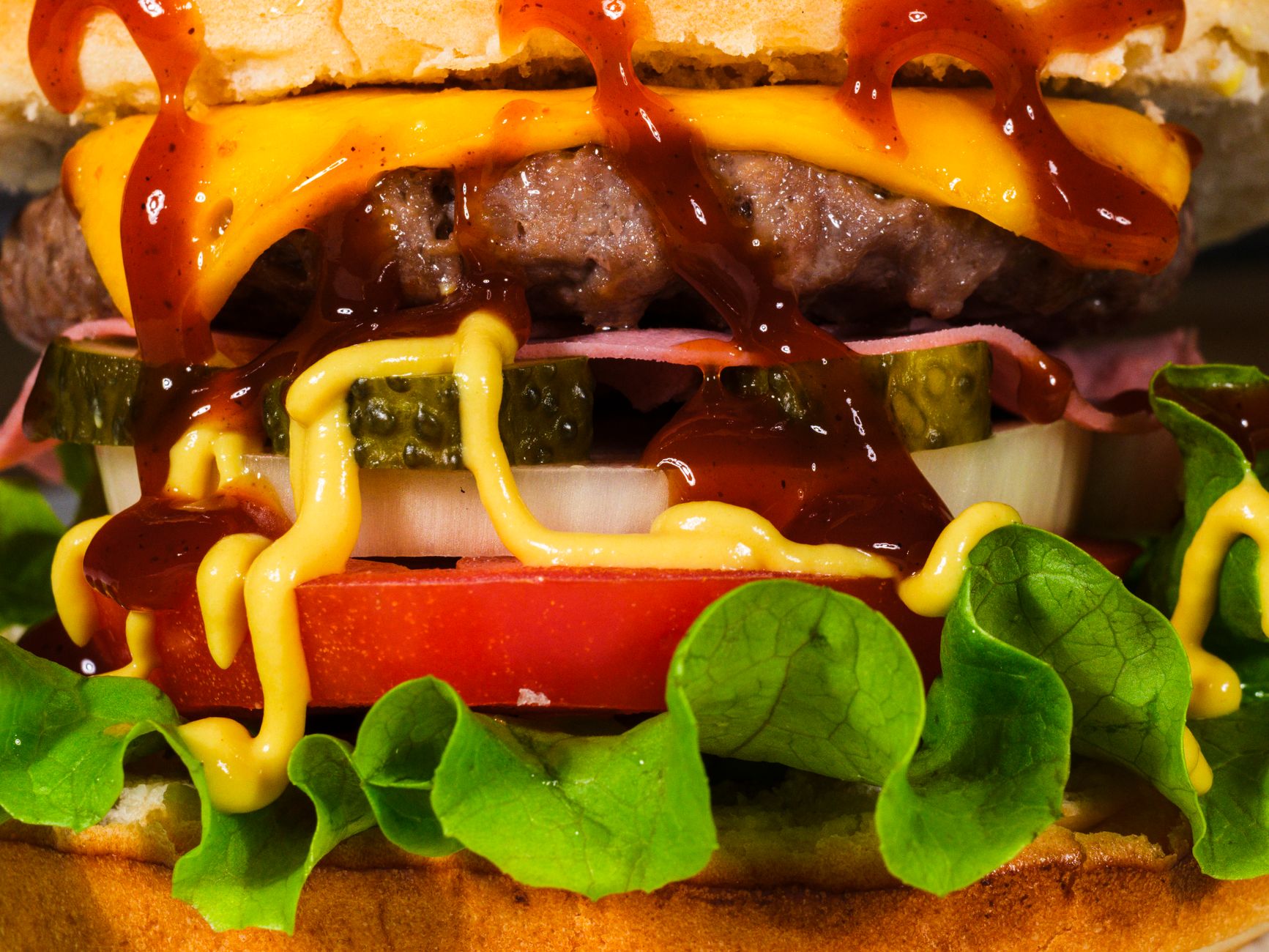
Since '78 · Flat-top griddle
CHUCK'S
Smash burgers · thick shakes · all day.
CHUCK'S · BURGERS & SHAKES
Community Restaurant & menu 16:9

Chuck's — Diner & Burgers Free restaurant & menu digital signage template

A burger shop or diner counter runs this board: burgers, shakes, a stamped combo deal and opening hours.

Free, remixable burger joint digital signage: a retro diner TV board with burgers, shakes, a stamped combo deal and opening hours. Edit it in minutes.

By
Community Showcase
Slides
5
Likes
0
  • diner
  • burgers
  • menu
  • combo
  • retro
Use this template, free
  1. 1 Create a free account and this template opens in your own workspace.
  2. 2 Change every word, price and photo in the editor, on a phone or a computer.
  3. 3 On the TV, open play.channelos.tv, pair it from your phone with the code it shows, then publish the board to it.

Every slide in this template

5 slides, rendered exactly as they air on a TV.

Every word on these slides is text you can change
  1. Slide 1

    • Since '78 · Flat-top griddle
    • CHUCK'S
    • Smash burgers · thick shakes · all day.
    • CHUCK'S · BURGERS & SHAKES
  2. Slide 2

    • THE BURGERS
    • The Classic
    • 9
    • single smash, american, house sauce
    • Double Stack
    • 13
    • two patties, double cheese
    • Bacon Cheddar
    • 12
    • The Veggie
    • 10
    • black-bean patty, slaw
    • CHUCK'S · BURGERS & SHAKES
  3. Slide 3

    • SHAKES & SIDES
    • Malted Vanilla Shake
    • 6
    • Chocolate Fudge Shake
    • 6
    • Crinkle-Cut Fries
    • 4
    • add cheese sauce +1
    • Onion Rings
    • 5
    • CHUCK'S · BURGERS & SHAKES
  4. Slide 4

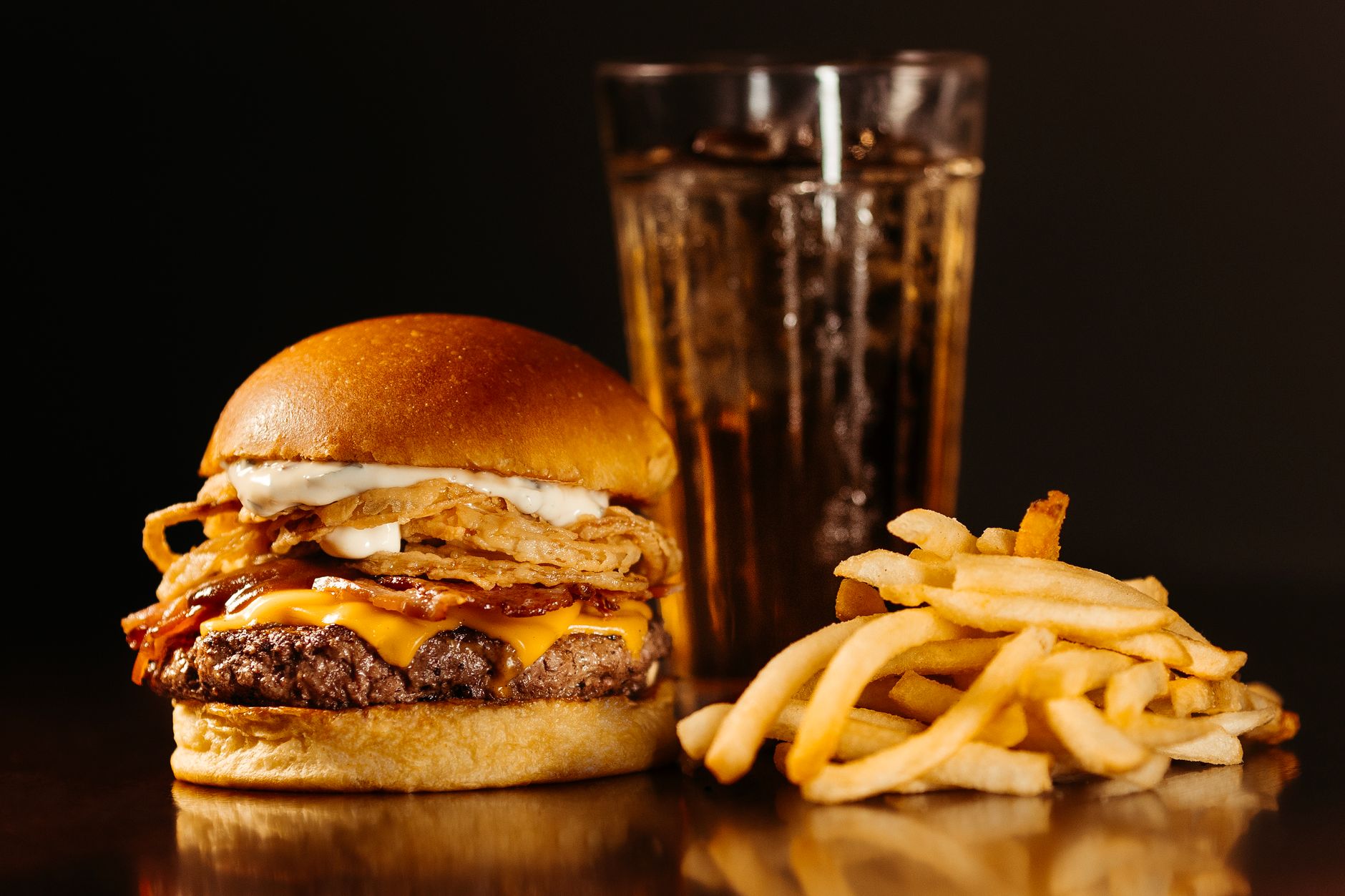
    • The Chuck Combo
    • BURGER + FRIES + SHAKE
    • $14
    • meal deal
    • Any classic burger, a side of fries and a thick shake.
    • CHUCK'S · BURGERS & SHAKES
  5. Slide 5

    • PULL UP A STOOL
    • Open 11–11 daily · breakfast weekends 8am
    • Wi-Fi · chucks-diner
    • CHUCK'S · BURGERS & SHAKES

What is burger joint digital signage?

Burger joint digital signage is a TV screen behind a burger counter that plays the menu, prices and combo offers instead of a printed board. One screen carries patties, sides, shakes, limited deals and opening hours, and the wording is edited from a phone or laptop, so a price change never needs a reprint.

This board runs on

Any screen with a modern browser. There is no media player box to buy and nothing to install: you open a link on the TV, pair it once, and change what it shows from your phone.

It is authored at 16:9, so stand the TV the usual way and the board fills it.

Questions people actually ask

What do I need to put a digital menu board in a burger shop?
Any TV with a modern browser will run one, and the cheapest route is a screen you already own plus a streaming stick. Mount it landscape at 16:9, because a board built for that shape and shown on a portrait screen letterboxes and wastes half the panel. Put the bottom of the screen above head height so a queue three deep can still read it, and run the picture over HDMI rather than a USB stick you have to walk over and swap. Match screen size to the queue: a counter people read from roughly 3 metres back is fine on a 43 inch panel, while a drive-through lane or a long queue wants 55 inches or more. This template opens in ChannelOS, so you edit the prices in a browser and the screen updates itself.
How big should the text be on a burger menu board?
Use the sign trade rule of thumb: about 25mm of capital letter height for every 3 metres of viewing distance. If the furthest person in your queue stands 6 metres away, your smallest readable capitals are about 50mm. On a 55 inch 16:9 TV the panel is roughly 685mm tall, so 50mm is about 7 percent of the screen height. Set item names at or above that and prices larger, since the price is what people scan for. Anything smaller, a calorie line or an allergen note, is read up close at the counter and can sit at half that height. Test it by standing where the last person in the queue stands and reading the board out loud.
How many items should a burger menu board show at once?
Cap it at what someone can read while they shuffle forward. A queue looks at a board in bursts of a few seconds, so a single panel holding twenty items gets skipped entirely. Six to eight items on screen at once is a workable ceiling for a burger counter: the core burgers, two or three sides, and drinks. Everything else goes on its own slide and rotates. Give combos a slide to themselves, because a deal competing with a full price list loses. Order the list by what you want to sell rather than alphabetically, and put the highest margin item in the top left, where the eye lands first on a landscape board.
Do I have to show calories on a burger menu board?
Only if you are part of a chain. The FDA menu labelling rule covers restaurants and similar retail food establishments that are part of a chain of 20 or more locations doing business under the same name and offering substantially the same menu items, and those businesses must post calories on the menu board next to the item name or price, plus a short statement putting the figures in the context of a 2,000 calorie daily diet. A single independent burger shop is not covered by that federal rule, though state and city rules can still apply, so check your local health department. If you post calories voluntarily, keep them accurate and update them whenever you change a recipe or a portion size.

More restaurant & menu templates

Make this one yours.

Remix it into your workspace, change what you like, and put it on a TV. Your first screen is free. Free screens show a ChannelOS banner along the bottom of the screen. Any paid plan removes it.

Free screens show a ChannelOS banner along the bottom of the screen, and any paid plan removes it.

Sell it instead of buying it. The ChannelOS partner program pays 20% of what each business you refer pays us for their first 12 months, then 10% for as long as they stay. Free to join, nothing to stock.

See the partner program →