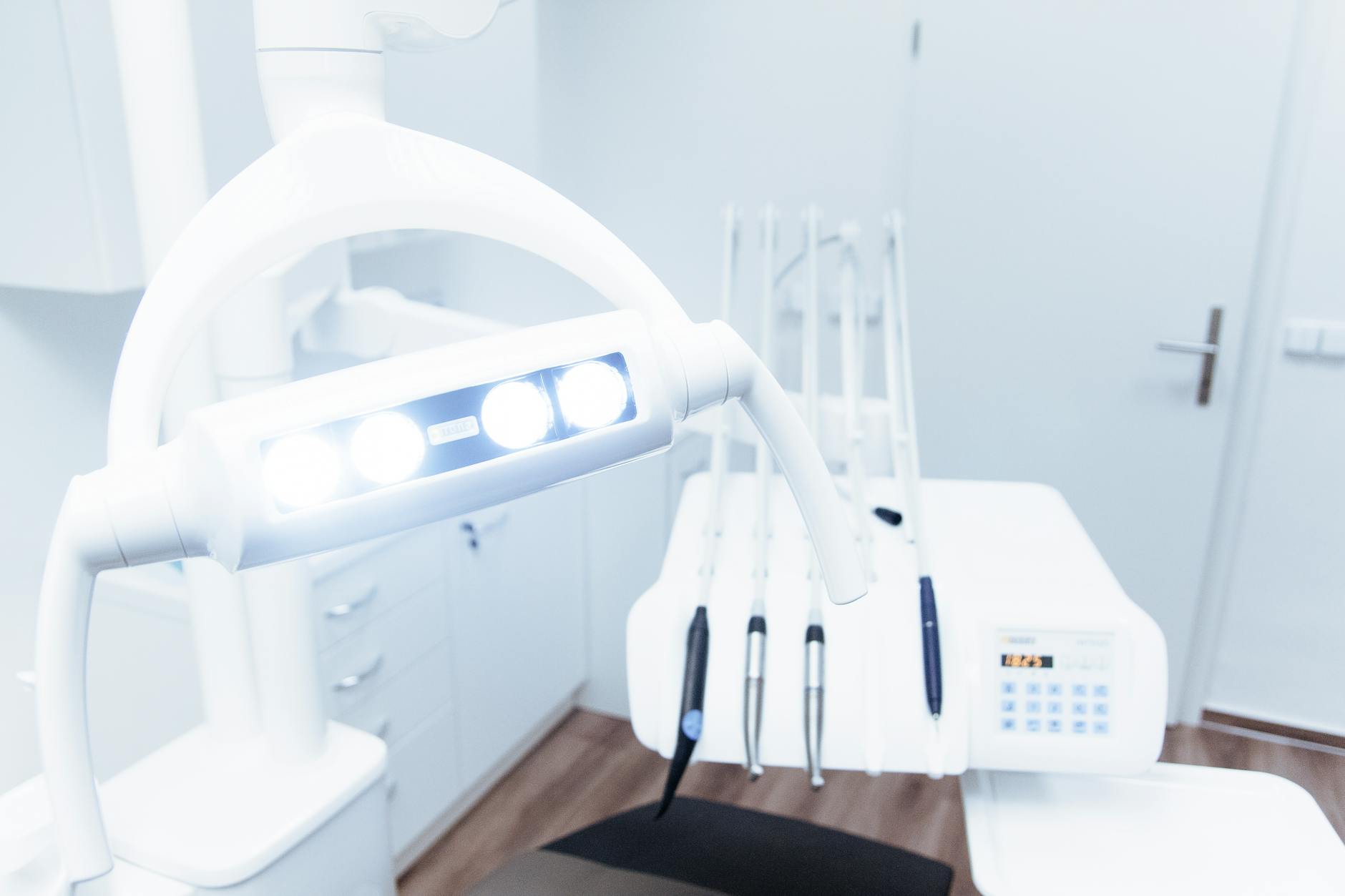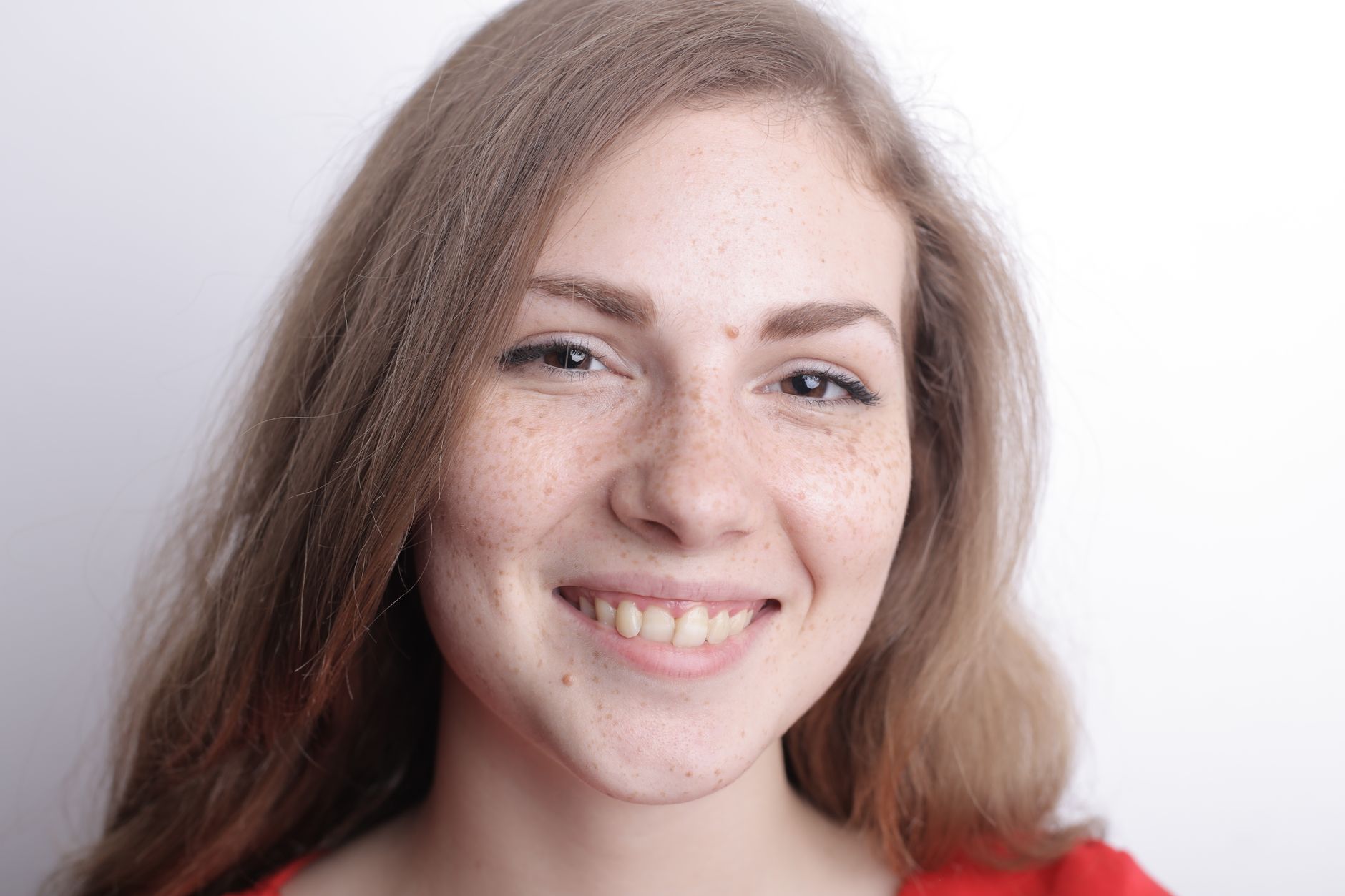
BrightSmile — Dental Clinic, a free healthcare digital signage template
Family & cosmetic dentistry
BrightSmile
Welcome. Please check in at the front desk.
brightsmile dental · smile with confidence

Community Healthcare 16:9

BrightSmile — Dental Clinic Free healthcare digital signage template

A dental practice manager runs this waiting room screen: services, prices, a whitening offer, hours and a booking QR.

Free, remixable dental clinic waiting room TV board. Shows a welcome line, treatments and prices, a whitening offer, opening hours and a booking QR.

By
Community Showcase
Slides
5
Likes
0
  • dental
  • clinic
  • welcome
  • services
  • promo
  • booking
Use this template, free
  1. 1 Create a free account and this template opens in your own workspace.
  2. 2 Change every word, price and photo in the editor, on a phone or a computer.
  3. 3 On the TV, open play.channelos.tv, pair it from your phone with the code it shows, then publish the board to it.

Every slide in this template

5 slides, rendered exactly as they air on a TV.

Every word on these slides is text you can change
  1. Slide 1

    • Family & cosmetic dentistry
    • BrightSmile
    • Welcome. Please check in at the front desk.
    • brightsmile dental · smile with confidence
  2. Slide 2

    • Our Services
    • Check-up & Clean
    • $79
    • Teeth Whitening
    • $249
    • Dental Implants
    • $1,200
    • Invisible Aligners
    • $2,400
    • brightsmile dental · smile with confidence
  3. Slide 3

    • This month only
    • Brighter Smile
    • SAVE 20%
    • Professional whitening — ask reception to book today.
    • brightsmile dental · smile with confidence
  4. Slide 4

    • Opening Hours
    • Mon – Thu
    • 8am – 6pm
    • Friday
    • 8am – 4pm
    • Saturday
    • 9am – 1pm
    • Sunday
    • Closed
    • brightsmile dental · smile with confidence
  5. Slide 5

    • New patients welcome
    • Book your visit
    • Scan to book
    • Call (02) 5555 0199 or scan to request a time.
    • brightsmile dental · smile with confidence

What is a dental clinic waiting room TV?

A dental clinic waiting room TV is a screen in the patient seating area that plays a looping board of practice information: a welcome line, treatments and prices, a current offer, opening hours and a booking QR code. Any smart TV or media stick can run it from a browser, and the content is edited online.

This board runs on

Any screen with a modern browser. There is no media player box to buy and nothing to install: you open a link on the TV, pair it once, and change what it shows from your phone.

It is authored at 16:9, so stand the TV the usual way and the board fills it.

Questions people actually ask

Can you watch TV at the dentist?
Yes, and most practices end up running two screens with two different jobs. The chairside screen above the chair serves the patient in treatment, usually a procedure explainer or entertainment, and it has sound. The waiting area screen is public, so run it silent with the words on the slides: the front desk is talking to patients a metre away and audio only competes with that conversation. Size the loop to the wait rather than to the content. Multiply your slide count by the seconds each slide holds, and keep the total under the shortest wait you actually see, so every patient gets the full sequence at least once. Eight seconds across seven slides is a loop just under a minute.
What is the waiting room called?
In a dental practice it is usually called the reception area, the waiting area or the patient lounge, and larger clinics separate the reception desk from the seating. Whatever you call it, the important thing for a screen is that the space is public. Nothing patient specific belongs on it: no names, no appointment lists, no treatment details attached to a person. Keep the board at practice level, covering services, prices, hours and offers. Placement follows the same logic. Mount it on the wall the chairs face rather than behind the reception desk, because people waiting look away from the desk, and put the centre of the picture near seated eye level so nobody has to tilt their head back.
What should a dental practice put on the waiting room TV?
Six to eight slides is enough, and one message per slide is the rule that keeps it readable. A working sequence is: a welcome line with the practice name, the two or three treatments you want more of, a price list or price ranges, one current offer with a real end date on it, opening hours with any late or weekend sessions called out, and a QR code that opens your booking page. Anything needing more than about a dozen words to read from a seat is a leaflet, not a slide. Put the offer second rather than last, because short waits mean many patients never reach the end of the loop. Boards like this one on ChannelOS are edited in a browser and pushed to the screen.
How large should the text on a dental waiting room screen be?
The sign trade works to roughly 25mm of capital letter height for every 3 metres of viewing distance. Waiting area seating is commonly 3 to 5 metres from a wall mounted screen, which puts headline capitals at about 25 to 42mm. On a 43 inch 16:9 display the picture is around 535mm tall, so that range is roughly 5 to 8 percent of screen height, and prices and body lines should not drop below it. The check that settles any argument: sit in the furthest chair and read the screen. If you lean forward or squint, the type is too small. Avoid thin or light weights and keep strong contrast between the text and its background.

More healthcare templates

Make this one yours.

Remix it into your workspace, change what you like, and put it on a TV. Your first screen is free. Free screens show a ChannelOS banner along the bottom of the screen. Any paid plan removes it.

Free screens show a ChannelOS banner along the bottom of the screen, and any paid plan removes it.

Sell it instead of buying it. The ChannelOS partner program pays 20% of what each business you refer pays us for their first 12 months, then 10% for as long as they stay. Free to join, nothing to stock.

See the partner program →