Meridian CRE — Office Leasing, a free real estate digital signage template
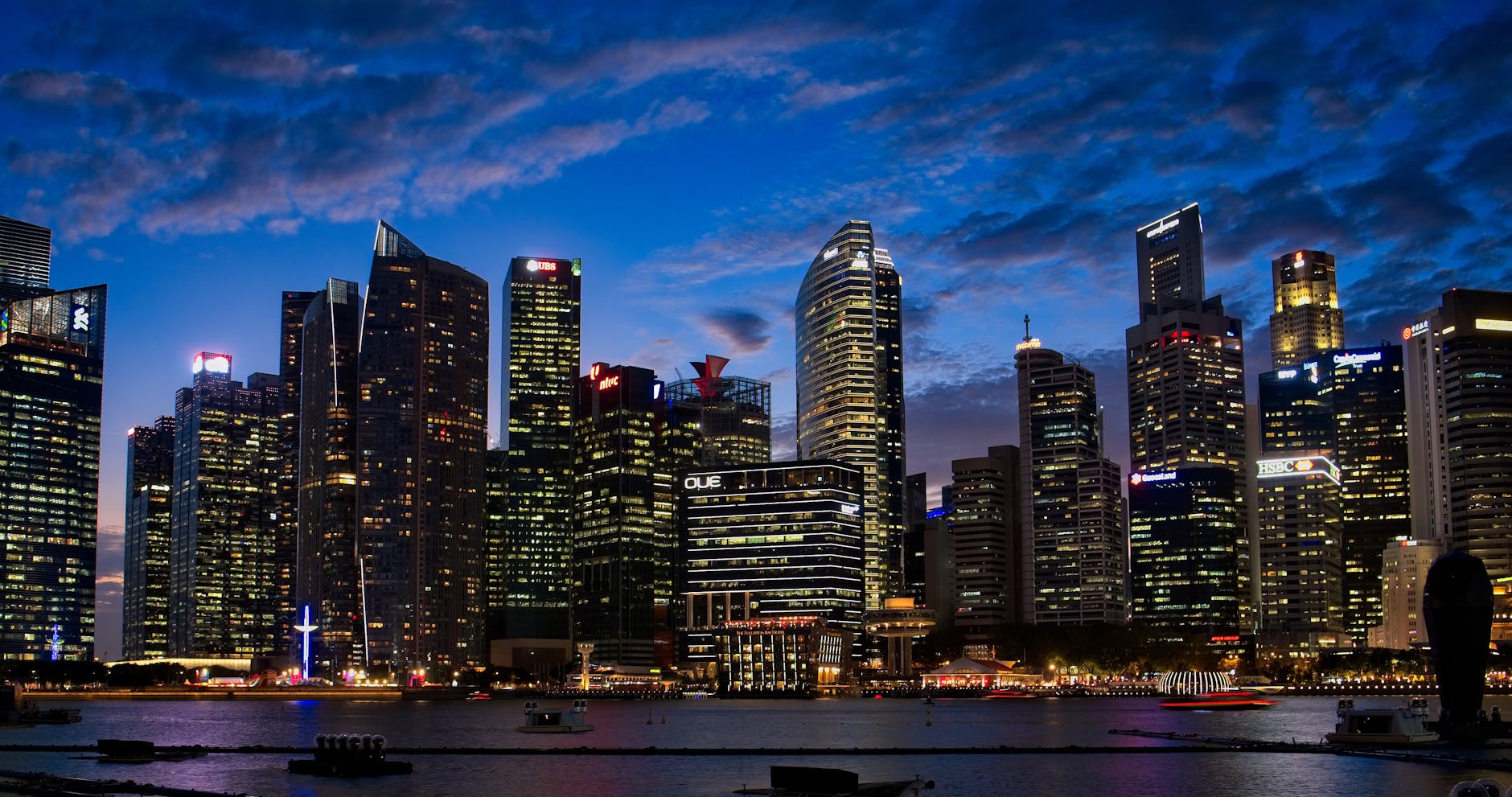
Now Leasing · Class A
88 Harbor Tower
Waterfront office suites in the financial core.
meridian cre · 88 harbor tower · leasing
Community Real estate 16:9

Meridian CRE — Office Leasing Free real estate digital signage template

Run by a commercial leasing team on the lobby TV: the tower, available floors, lease terms and an enquire QR.

Free, remixable real estate digital signage examples: an office leasing board with the tower, available floors, lease terms and an enquire QR code.

By
Community Showcase
Slides
5
Likes
0
  • realestate
  • commercial
  • leasing
  • office
  • specs
  • qr
Use this template, free
  1. 1 Create a free account and this template opens in your own workspace.
  2. 2 Change every word, price and photo in the editor, on a phone or a computer.
  3. 3 On the TV, open play.channelos.tv, pair it from your phone with the code it shows, then publish the board to it.

Every slide in this template

5 slides, rendered exactly as they air on a TV.

Every word on these slides is text you can change
  1. Slide 1

    • Now Leasing · Class A
    • 88 Harbor Tower
    • Waterfront office suites in the financial core.
    • meridian cre · 88 harbor tower · leasing
  2. Slide 2

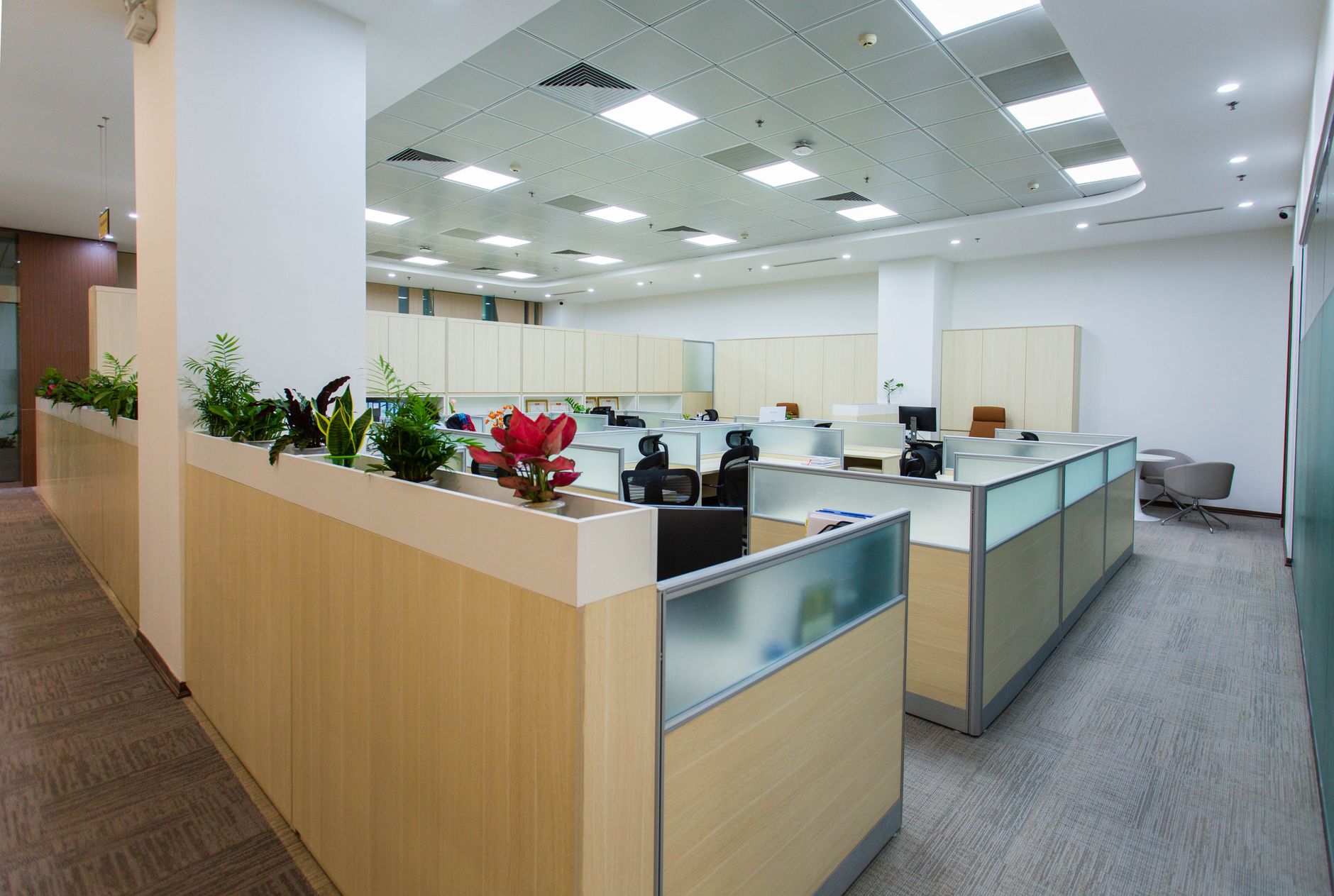
    • The Space
    • Column-free floors, harbor light.
    • Floor-to-ceiling glass · raised access · EV parking
    • meridian cre · 88 harbor tower · leasing

  3. Slide 3

    • Floor Stats
    • 42k
    • RSF Available
    • 12
    • Contiguous Floors
    • 8:1
    • Parking Ratio
    • 13ft
    • Slab-to-Slab
    • LEED
    • Gold Certified
    • 24/7
    • Building Access
    • meridian cre · 88 harbor tower · leasing
  4. Slide 4

    • Lease Terms
    • Base Rent
    • $52 / RSF
    • Term
    • 5–10 yr
    • TI Allowance
    • $65 / RSF
    • Occupancy
    • Q3 2026
    • meridian cre · 88 harbor tower · leasing
  5. Slide 5

    • Schedule a Tour
    • Book a space tour with our team.
    • [email protected] · (212) 555-0170
    • Scan for Deck
    • meridian cre · 88 harbor tower · leasing

What is a real estate digital signage examples?

Real estate digital signage examples are the screens agencies and building owners run in windows, lobbies and leasing offices: available listings with photos and prices, tower or floor plans, lease terms, agent contact details and a scan-to-enquire QR code, updated from a browser instead of reprinted as posters.

This board runs on

Any screen with a modern browser. There is no media player box to buy and nothing to install: you open a link on the TV, pair it once, and change what it shows from your phone.

It is authored at 16:9, so stand the TV the usual way and the board fills it.

Questions people actually ask

What are some examples of digital signs?
Most digital signs fall into four jobs. A window board faces the street and sells one thing at a time: a headline listing, a price, a QR code. A lobby or waiting-area board runs a loop for people who are already inside: available floors, a tenant directory, notices. A price or menu board holds a list that changes weekly. A wayfinding screen answers where do I go. Decide which job the screen has before you design anything, because they need different type sizes and different loop lengths: a passer-by gives you about three seconds, so one message per slide, while a seated viewer will sit through eight or ten.
What are the 7 key elements of digital signage?
There is no official standard behind that number, so treat any list of seven as one writer's grouping rather than a spec. The seven decisions that actually decide whether a board works are: the screen and how bright it has to be, because a pane in direct sun needs a commercial panel and a lobby TV does not; orientation, chosen before you design, since 16:9 and 9:16 layouts are not interchangeable; the player driving it; the content; the schedule that says what shows when; a network connection the screen keeps; and the one most often skipped, a named person who updates it. A board with no owner goes stale in a month, and people learn to stop reading it.
What are common digital signage mistakes?
Type that is too small is the mistake almost everyone makes. The sign trade works to roughly 25mm of capital letter height for every 3 metres of viewing distance, so a lobby board read from 9 metres wants headline caps near 75mm tall on the finished screen, measured there and not in your design file. After that: cramming a whole availability sheet onto one slide when the eye holds about five lines; holding a slide for 30 seconds when a walk-past viewer gives you three; putting a consumer TV in a sunlit window and wondering why it looks grey by noon; printing a phone number instead of a QR code, so the viewer has to type; and letting the list go out of date.
Do it yourself digital signage?
Yes. For one screen or a handful it is genuinely a do-it-yourself job. You need three things: a display, something to drive it, and content you can change without standing at the TV. If the screen already has a working browser, that is your player and no extra hardware is needed; if it does not, a cheap streaming stick or mini PC on the HDMI port does the same job. Decide orientation before you design a single slide, because a portrait board is not a landscape one turned sideways. Keep the loop to five or eight slides so the thing that changes weekly is quick to change. This board is edited in a browser and opened on the TV as a URL, free and remixable in ChannelOS.

More real estate templates

Make this one yours.

Remix it into your workspace, change what you like, and put it on a TV. Your first screen is free. Free screens show a ChannelOS banner along the bottom of the screen. Any paid plan removes it.

Free screens show a ChannelOS banner along the bottom of the screen, and any paid plan removes it.

Sell it instead of buying it. The ChannelOS partner program pays 20% of what each business you refer pays us for their first 12 months, then 10% for as long as they stay. Free to join, nothing to stock.

See the partner program →