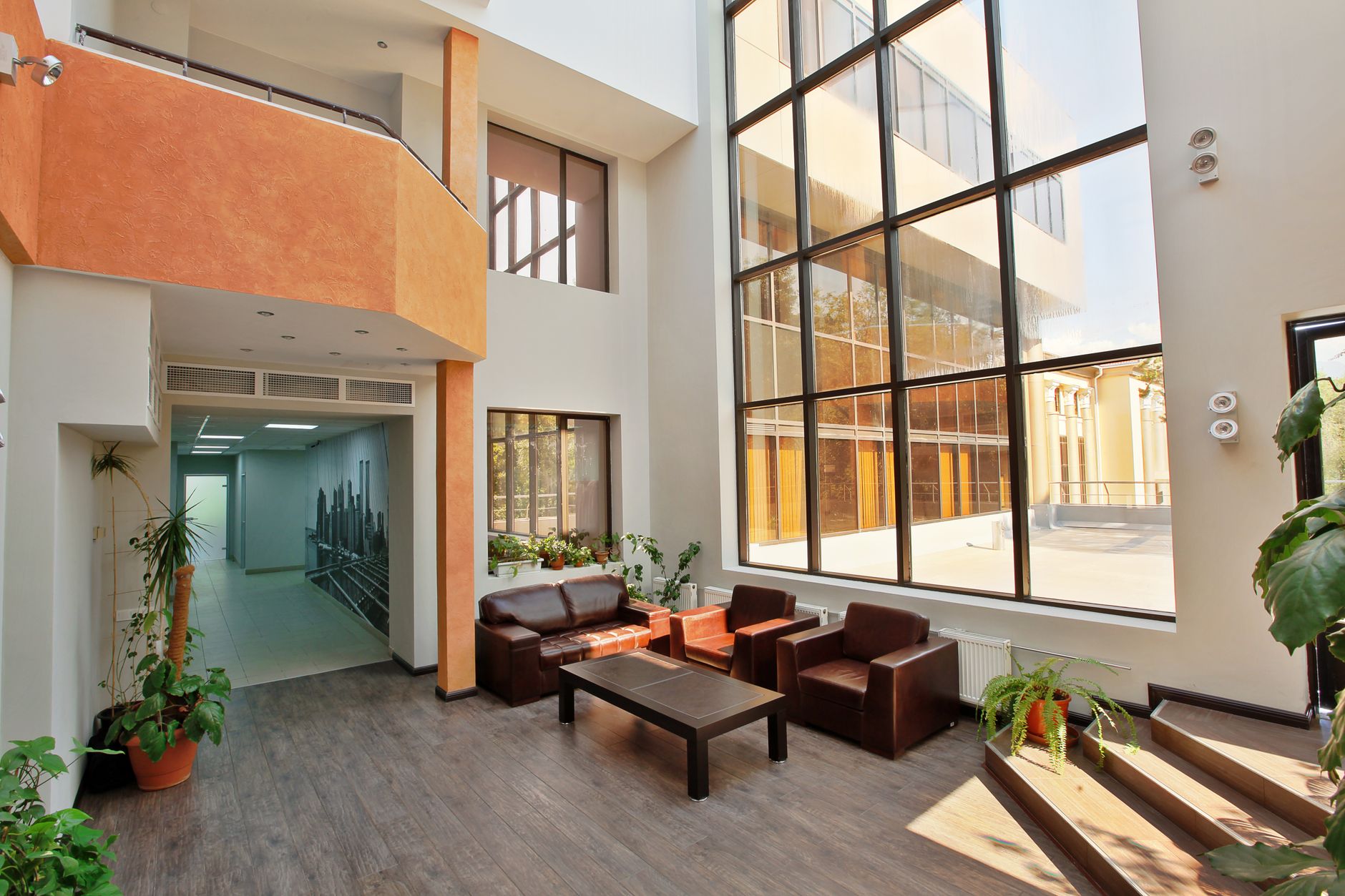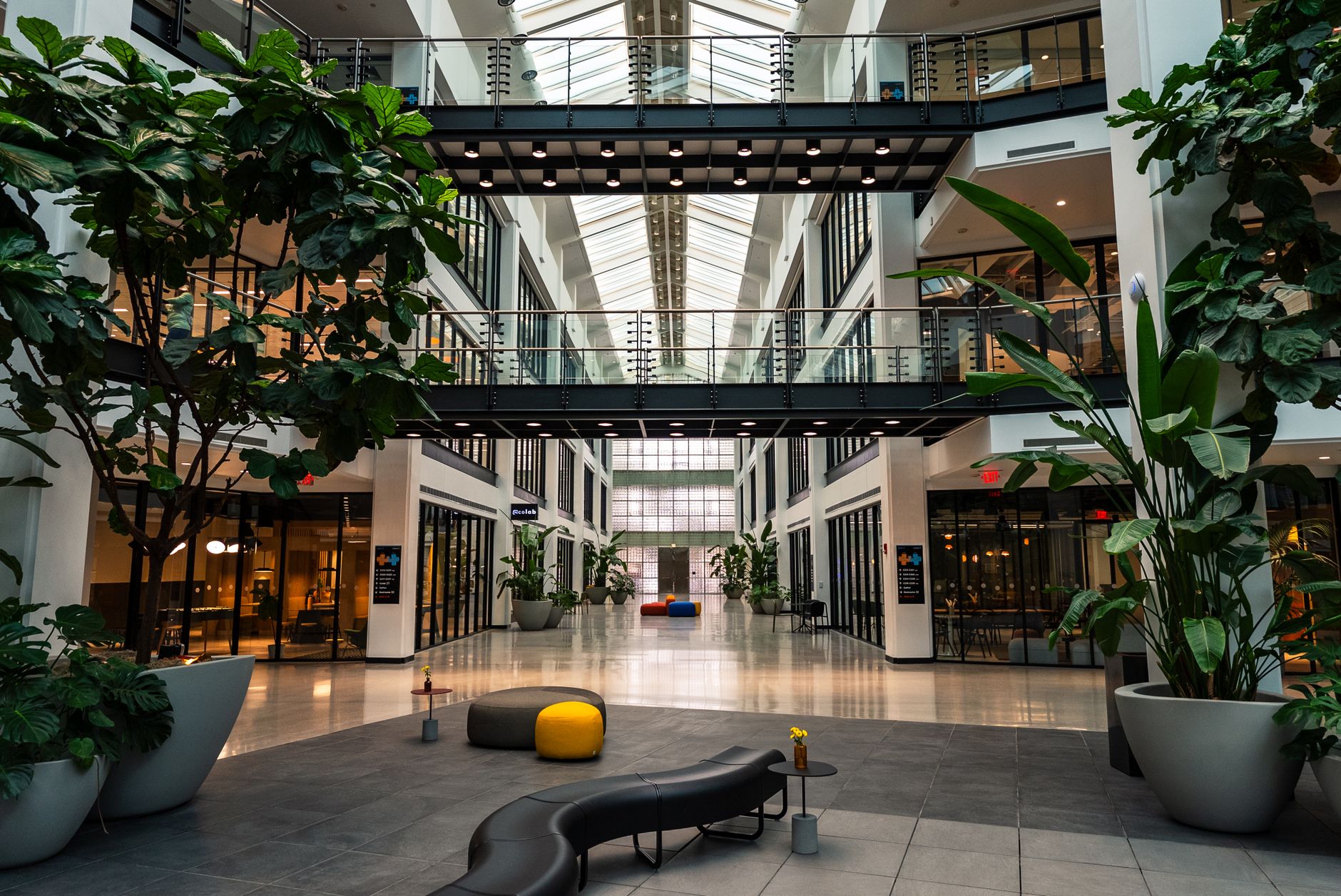
Atrium — Building Directory, a free office & lobby digital signage template
Atrium Tower · you are here
Welcome.
Find your floor below · lifts to your right.
ATRIUM TOWER · main lobby directory
Community Office & lobby 16:9

Atrium — Building Directory Free office & lobby digital signage template

Facilities and front desk staff run this on the lobby TV: floor directory, amenities, guest WiFi, emergency info.

Free, remixable office reception TV display board. Shows a welcome line, the floor and tenant directory, amenities, guest WiFi and emergency contacts.

By
Community Showcase
Slides
5
Likes
0
  • office
  • lobby
  • directory
  • wayfinding
  • wifi
  • welcome
Use this template, free
  1. 1 Create a free account and this template opens in your own workspace.
  2. 2 Change every word, price and photo in the editor, on a phone or a computer.
  3. 3 On the TV, open play.channelos.tv, pair it from your phone with the code it shows, then publish the board to it.

Every slide in this template

5 slides, rendered exactly as they air on a TV.

Every word on these slides is text you can change
  1. Slide 1

    • Atrium Tower · you are here
    • Welcome.
    • Find your floor below · lifts to your right.
    • ATRIUM TOWER · main lobby directory
  2. Slide 2

    • Building directory
    • Floor Directory
    • L1
    • Reception & Café
    • Ahead
    • L3
    • Northwind Group
    • Lift A
    • L5
    • Meridian Consulting
    • Lift A
    • L7
    • Rooftop & Events
    • Lift B
    • ATRIUM TOWER · main lobby directory
  3. Slide 3

    • Amenities
    • Café & grab-and-go
    • ground floor, open 7–6
    • Parking · levels B1–B3
    • Bike storage & showers
    • Accessible lift · Lift B
    • ATRIUM TOWER · main lobby directory
  4. Slide 4

    • Visitors · get online
    • Guest WiFi
    • NETWORK
    • Atrium-Guest
    • PASSWORD
    • atrium2024
    • ATRIUM TOWER · main lobby directory
  5. Slide 5

    • In an emergency
    • Stay calm. Use the stairs.
    • Assembly: Front Plaza
    • Do not use the lifts · wardens in hi-vis will guide you.
    • ATRIUM TOWER · main lobby directory

What is an office reception TV display?

An office reception TV display is an ordinary television in a building lobby running a looping set of slides instead of live channels. It typically shows a welcome line, the floor and tenant directory, visitor WiFi details, amenity hours and emergency contacts, updated from a browser so the front desk never reprints a board.

This board runs on

Any screen with a modern browser. There is no media player box to buy and nothing to install: you open a link on the TV, pair it once, and change what it shows from your phone.

It is authored at 16:9, so stand the TV the usual way and the board fills it.

Questions people actually ask

What should an office reception TV display actually show?
Rank the slides by the question the person at the door is asking. First a welcome line with the building name and the date, so a visitor knows they are in the right place. Second the tenant directory, listed alphabetically by company rather than by floor, because a visitor knows who they came to see and not which floor that company sits on. Third amenities and their opening hours. Fourth the guest WiFi network and password. Fifth the security desk number and the fire assembly point. Give each slide eight to twelve seconds so the whole loop runs in about a minute, which is roughly how long someone waits at a lobby desk.
How large should the text be on a lobby directory screen?
Use the sign trade legibility rule: 25mm of capital letter height for every 3 metres of viewing distance. Pace out the distance from the screen to the far edge of the waiting area, divide by 3, and multiply by 25mm. A lobby read from 6 metres therefore needs capitals about 50mm tall, which on a 55 inch 16:9 panel is roughly 7 percent of the screen height. Set the tenant names at that size and let company suffixes and suite numbers sit smaller. Then stand at the entrance doors and read the board yourself. If you lean in, the type is too small.
What TV should we use for a reception display?
Two things decide it: how many hours a day the screen is on, and how bright the lobby is. Panels sold for commercial use are rated for long daily duty and higher brightness, while a domestic television run twelve hours a day will dim faster, and many consumer warranties limit or exclude commercial installation, so read the warranty wording before you buy. Mount a directory landscape rather than portrait: a tenant list is a two column table and portrait halves the line length. Put the screen on the same timer as the lobby lighting so it powers down overnight, and run wired ethernet if the lobby wifi is the guest network.
How often does a building directory need updating, and who does it?
Tie it to the lease, not to a calendar reminder. Add one line to the move in and move out checklist that says update the lobby directory, with a named owner, usually the facilities or front desk lead. Keep one master tenant list that every board reads from, or the screen and the printed board drift apart within a quarter. Reconcile that list against the rent roll every quarter. Check the emergency numbers and the assembly point whenever a fire drill happens, and update the guest WiFi slide the same morning IT rotates the password. On a browser based board like ChannelOS the change is live while the tenant is still standing at the desk.

More office & lobby templates

Make this one yours.

Remix it into your workspace, change what you like, and put it on a TV. Your first screen is free. Free screens show a ChannelOS banner along the bottom of the screen. Any paid plan removes it.

Free screens show a ChannelOS banner along the bottom of the screen, and any paid plan removes it.

Sell it instead of buying it. The ChannelOS partner program pays 20% of what each business you refer pays us for their first 12 months, then 10% for as long as they stay. Free to join, nothing to stock.

See the partner program →