Floor Safety & Notice Board, a free office & lobby digital signage template
Ironyard Logistics · Floor Notice
47 Days Safe
Let's make it 48. Report hazards the moment you see them.
IRONYARD LOGISTICS · SAFETY
Official Office & lobby 16:9

Floor Safety & Notice Board Free office & lobby digital signage template

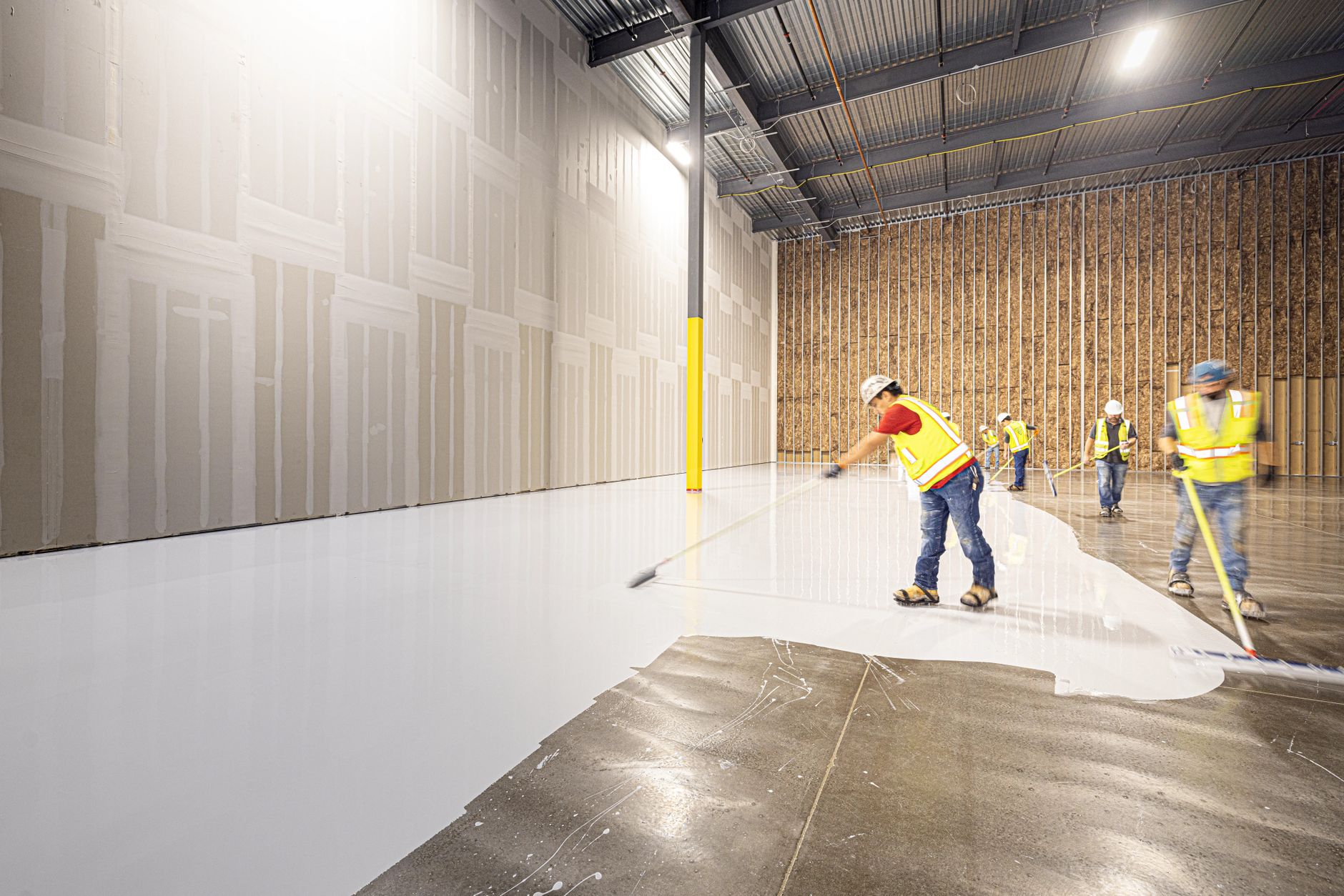
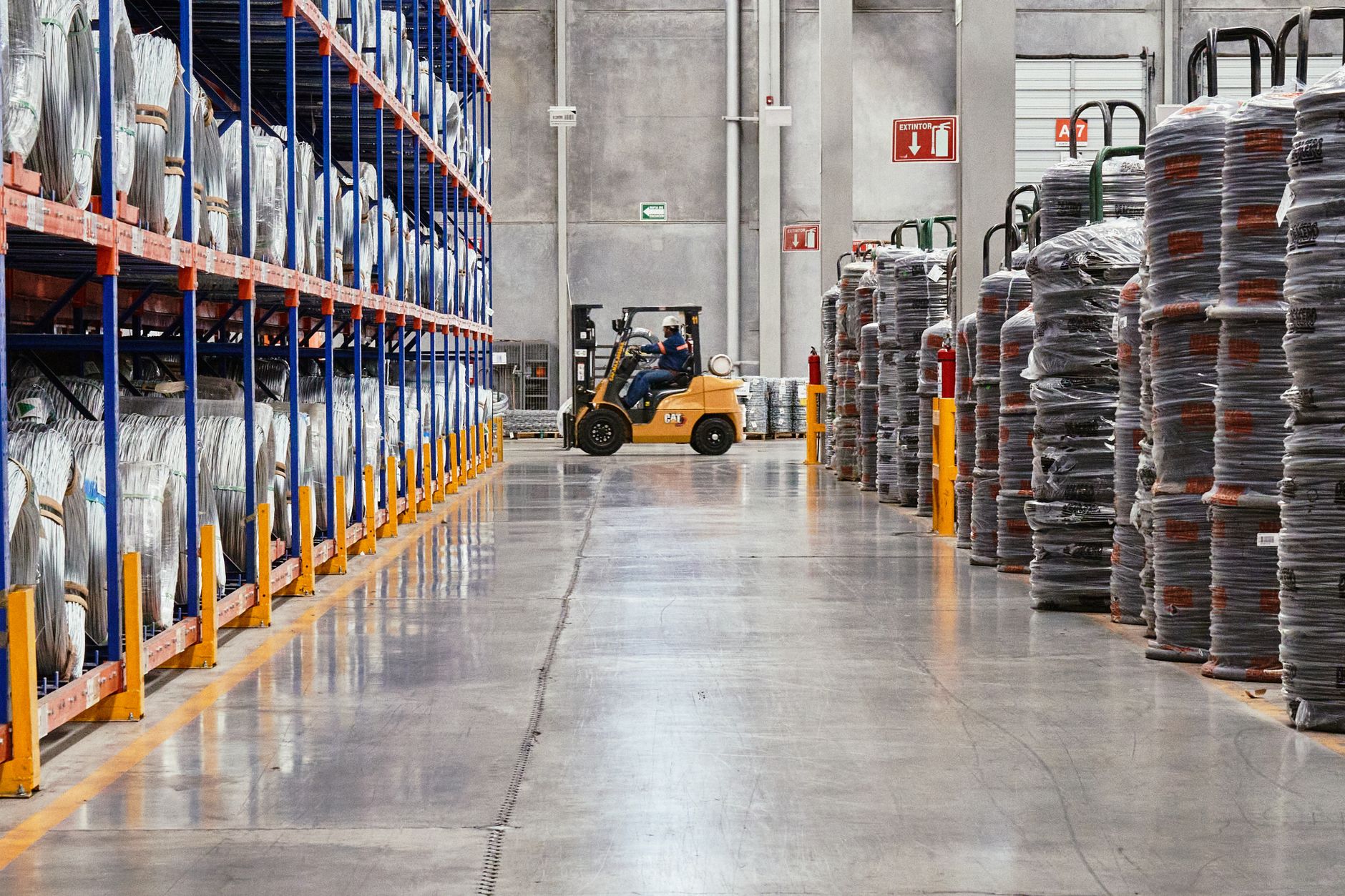
A warehouse or distribution center runs this on the break-room or dock-office TV: the incident-free count, PPE zones, the muster point, aisle rules and the month's safety numbers, paired alongside a shift board and a floor-performance board on the other screens in the facility.

A free warehouse safety notice board for any break-room or dock-office TV. Incident-free count, PPE zones, muster point, aisle rules and the month's numbers.

By
ChannelOS
Slides
7
Likes
0
  • warehouse
  • safety
  • notice-board
  • manufacturing
  • distribution-center
  • crew-communication
Use this template, free
  1. 1 Create a free account and this template opens in your own workspace.
  2. 2 Change every word, price and photo in the editor, on a phone or a computer.
  3. 3 On the TV, open play.channelos.tv, pair it from your phone with the code it shows, then publish the board to it.

Every slide in this template

7 slides, rendered exactly as they air on a TV.

Every word on these slides is text you can change
  1. Slide 1

    • Ironyard Logistics · Floor Notice
    • 47 Days Safe
    • Let's make it 48. Report hazards the moment you see them.
    • IRONYARD LOGISTICS · SAFETY
  2. Slide 2

    • Beyond this line
    • PPE Required
    • Zone
    • A & B
    • Hi-vis, hard hat, steel toe. No exceptions, visitors included.
    • IRONYARD LOGISTICS · SAFETY
  3. Slide 3

    • In case of alarm
    • Muster Point: Gate 2
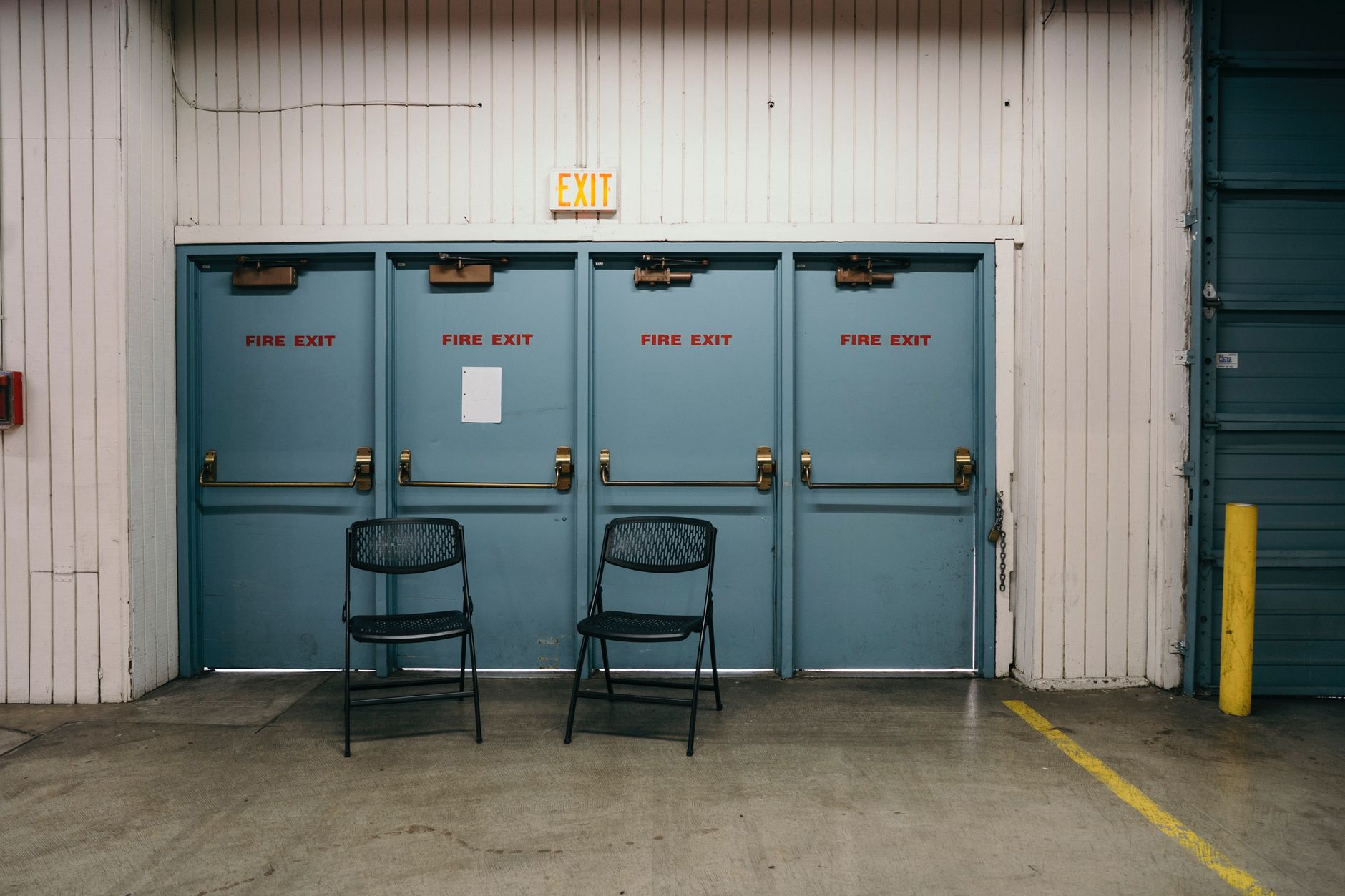
    • Walk, don't run. Leave belongings. Wait for the headcount.
    • IRONYARD LOGISTICS · SAFETY
  4. Slide 4

    • Forklift
    • Pedestrians
    • Always
    • Speed limit
    • 5 mph
    • Blind corners
    • Sound horn
    • Charging bay
    • Phones off
    • IRONYARD LOGISTICS · SAFETY
  5. Slide 5

    • See something, say something
    • Report a Hazard
    • Safety line
    • ext. 4411
    • Any shift, any hour. No form to fill in, and no blame.
    • IRONYARD LOGISTICS · SAFETY
  6. Slide 6

    • Toolbox talk · this week
    • Lockout/Tagout Today
    • Led by the shift safety lead. Ask questions before you sign off.
    • Every Monday · 6:45 AM · Break Room B
    • IRONYARD LOGISTICS · SAFETY
  7. Slide 7

    • This Month
    • Lost-time injuries
    • 0
    • Near-miss reports
    • 14
    • Audits passed
    • 6
    • Updated by the shift safety lead at close. Not a live feed.
    • IRONYARD LOGISTICS · SAFETY

What is a warehouse safety notice board?

A warehouse safety notice board is a break-room or dock-office TV that shows the incident-free day count, PPE zones, the muster point, aisle and forklift rules and a hazard line instead of a laminated sheet pinned to a corkboard. It is one of three screens a facility typically pairs: a safety board, a shift board and a floor-performance board, each on its own TV and each scheduled to the shift that's actually on.

This board runs on

Any screen with a modern browser. There is no media player box to buy and nothing to install: you open a link on the TV, pair it once, and change what it shows from your phone.

It is authored at 16:9, so stand the TV the usual way and the board fills it.

Questions people actually ask

Who should use a warehouse safety notice board?
Any warehouse, distribution center or manufacturing floor running more than one shift and more than one screen: a break room, a dock office and the floor itself. It fits a facility manager or safety lead who currently retypes or reprints the same incident-free count and PPE reminder for several boards, and wants one place to change it that reaches every screen at once.
How do I change what's on the board?
Open the show in the editor from a phone or a computer and edit the text, exactly like a document: tap the incident-free number, type the new one, done. There is no redesign, no reprint and no file to re-render. The template is a starting point; every word, number and photo on it is a selectable element you change to your own facility's numbers.
What problem does this actually solve?
Pairing more than one TV across a facility and keeping each one showing the right thing for the shift currently on. A single screen is easy; a break room, a dock office and a floor screen that all need to agree, and that need to change automatically when the night shift starts, is where a laminated sheet and a whiteboard fall apart, because nobody walks around updating three boards at shift change.
How does ChannelOS solve it?
Two mechanisms working together. Pairing: open play.channelos.tv on each TV and scan a code from your phone, so a break-room screen, a dock-office screen and a floor screen are all paired and controlled from one account in a couple of minutes each, no player box per screen. Scheduling: group those screens onto a channel, which is a named feed with a real daily timeline, and daypart it by hour, so the day-shift safety board swaps to the night-shift one on its own at shift change, with nobody touching a TV.
What does ChannelOS actually do?
ChannelOS is digital signage software that runs in the TV's own browser rather than through a media player box. You build a show (a set of slides) in a Canva-style editor, pair a screen by scanning a code, and group screens onto channels that follow a daily schedule, so the right content airs on the right screen at the right hour across as many TVs as the facility has, with a change reaching every one of them from a single edit. The first screen is free forever.

More office & lobby templates

Make this one yours.

Remix it into your workspace, change what you like, and put it on a TV. Your first screen is free. Free screens show a ChannelOS banner along the bottom of the screen. Any paid plan removes it.

Free screens show a ChannelOS banner along the bottom of the screen, and any paid plan removes it.

Sell it instead of buying it. The ChannelOS partner program pays 20% of what each business you refer pays us for their first 12 months, then 10% for as long as they stay. Free to join, nothing to stock.

See the partner program →